Secure Uploads, Smarter Filters & Import Upgrades
June 6, 2025
📁 1. Secure Document Upload for Non-App Users
Clients without the mobile app can now upload documents securely via a unique URL sent by email or SMS.
Highlights:
- 🔗 The link is hashed, upload-only, and does not expose case data.
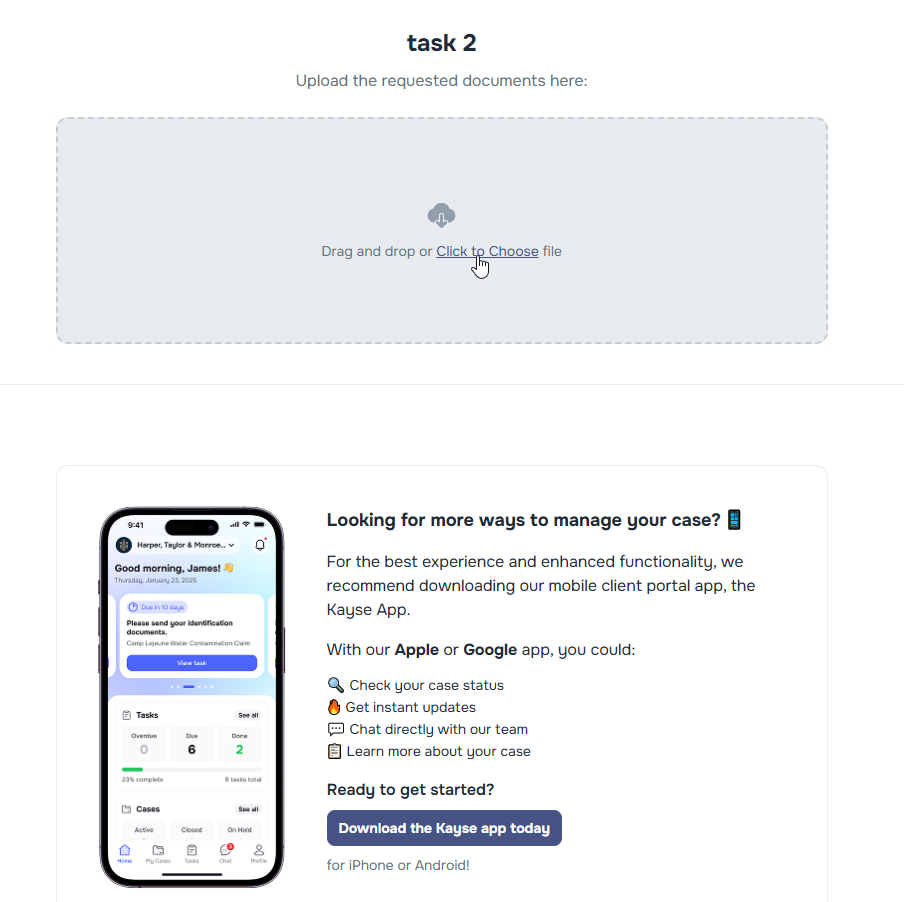
- ♻️ Reusable until expiration (30 days by default), enabling multiple uploads over time.
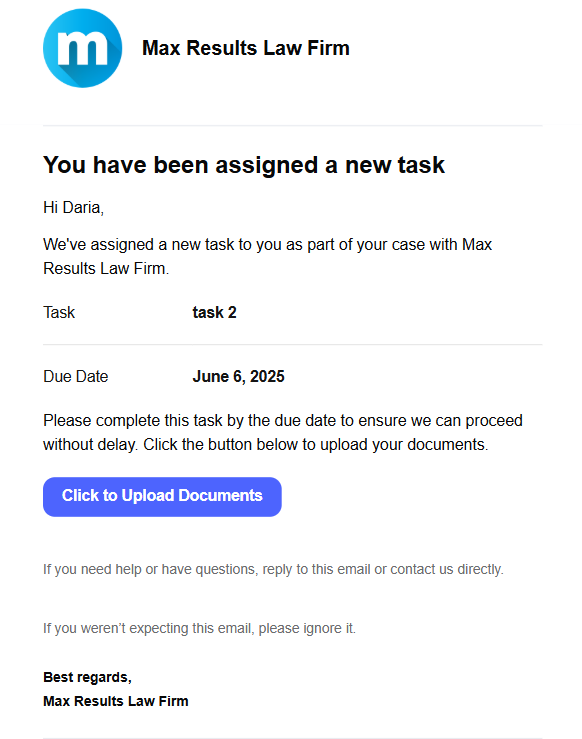
- ✉️ The link is added to each task notification email (sent automatically when task is created).
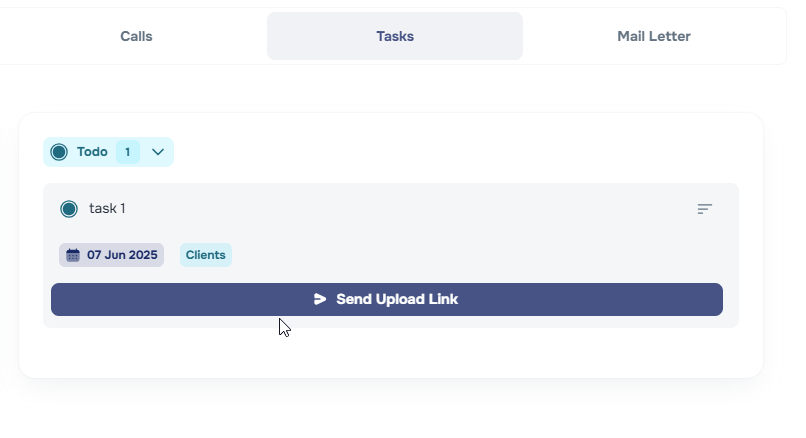
- 🔄 Manual “Send Upload Link” button is added to each task for quick resend (SMS/Email, based on company settings).
📥 Uploads are session-bound and tracked on the Case page under Documents Uploaded by Client. 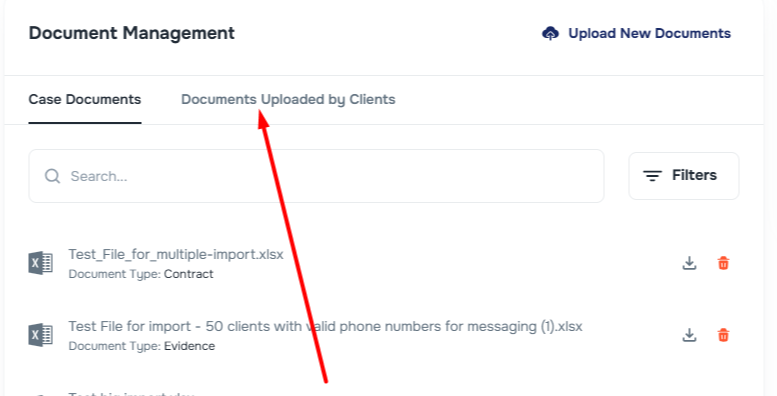
🖱️ 2. Smarter Filter Behavior
All filters now close automatically when you click outside them—making dropdowns and search filters more intuitive and less cluttered.
🔍 3. Case Type Filter Improvements
Navigating case types just got easier:
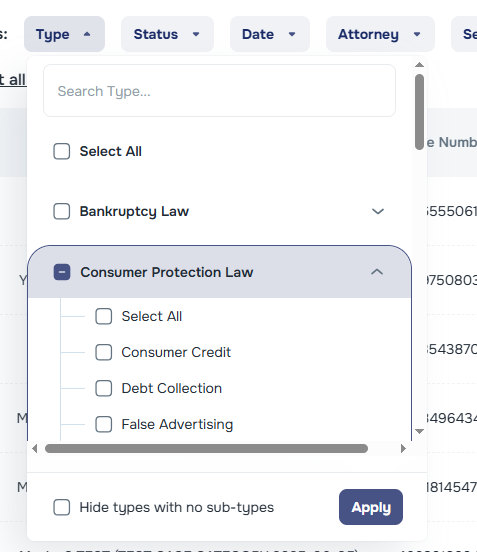
- Case subtypes are now sorted alphabetically.
- A search bar lets you quickly find the subtype you’re looking for.
🗑️ 4. Deletion of Case-Associated Clients
When deleting cases in bulk, you can now choose to also delete the associated clients. A new checkbox appears in the confirmation modal:
“Also delete the associated clients”
This gives teams more control when managing duplicate or test data.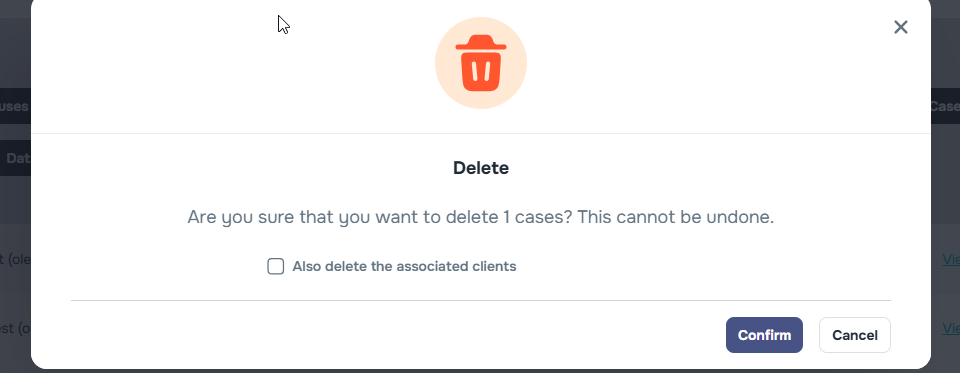
📊 5. Import Tool Enhancements
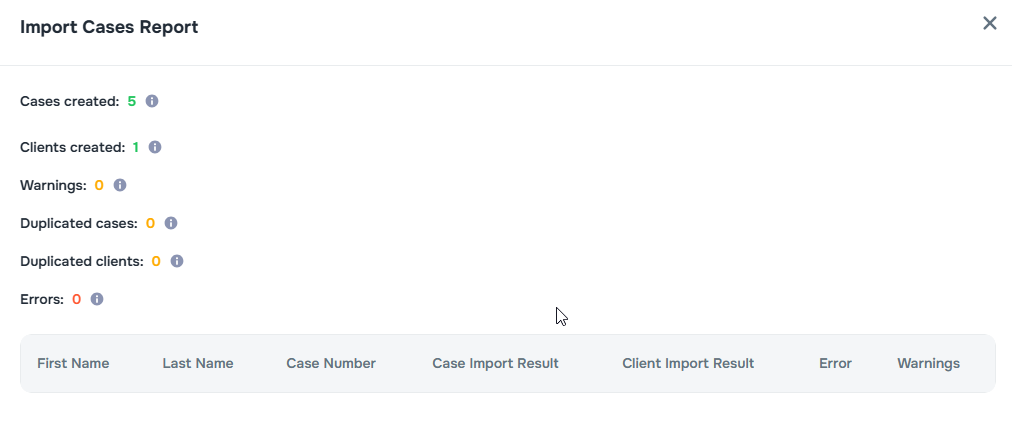
The import process for clients and cases has been upgraded with smarter handling and clearer reporting.
New Options:
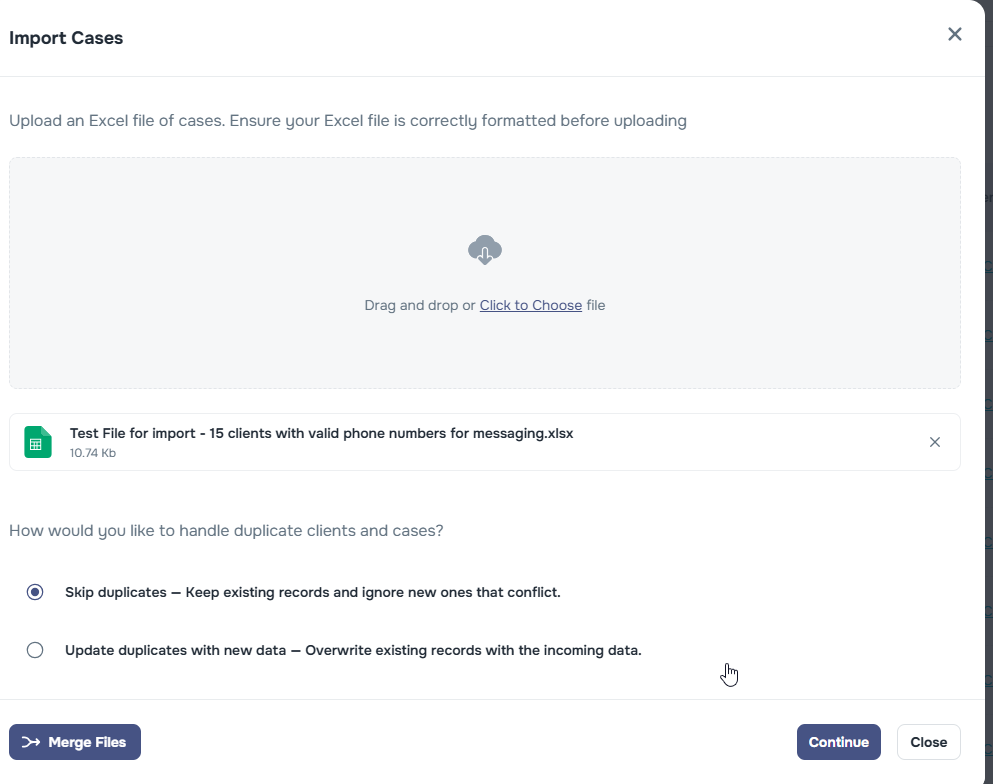
- Choose whether to rewrite duplicate case/client records or skip them.
Report Updates:
Counters now include:
- Cases created
- Clients created
- Warnings
- Duplicated cases
- Duplicated clients
- Errors