AI Campaigns, Import Tool & Messaging Updates
June 19, 2025
This week’s release focuses on meaningful improvements across the AI Campaigns, Mobile App, Importer, and Messaging experience. With smarter automation and brand-new features, here’s what’s new 👇
✨ New Features
📥 Smarter Importing with AI
Now, when you upload data (like spreadsheets), the system automatically guesses where each column should go — for example, matching “Email” to the email field — using AI. You can still make changes if needed. 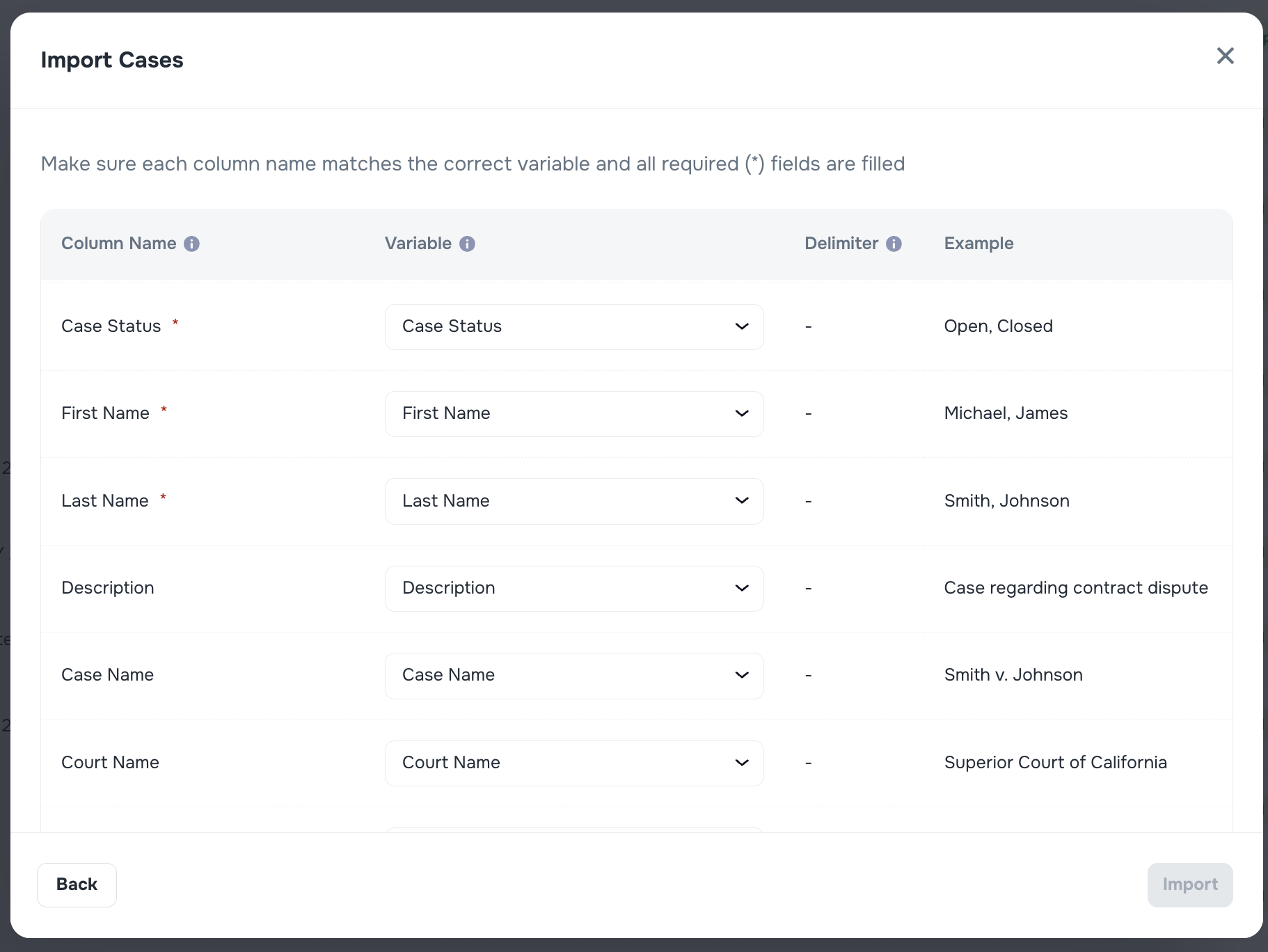
📨 Email Alerts for New Messages or Documents
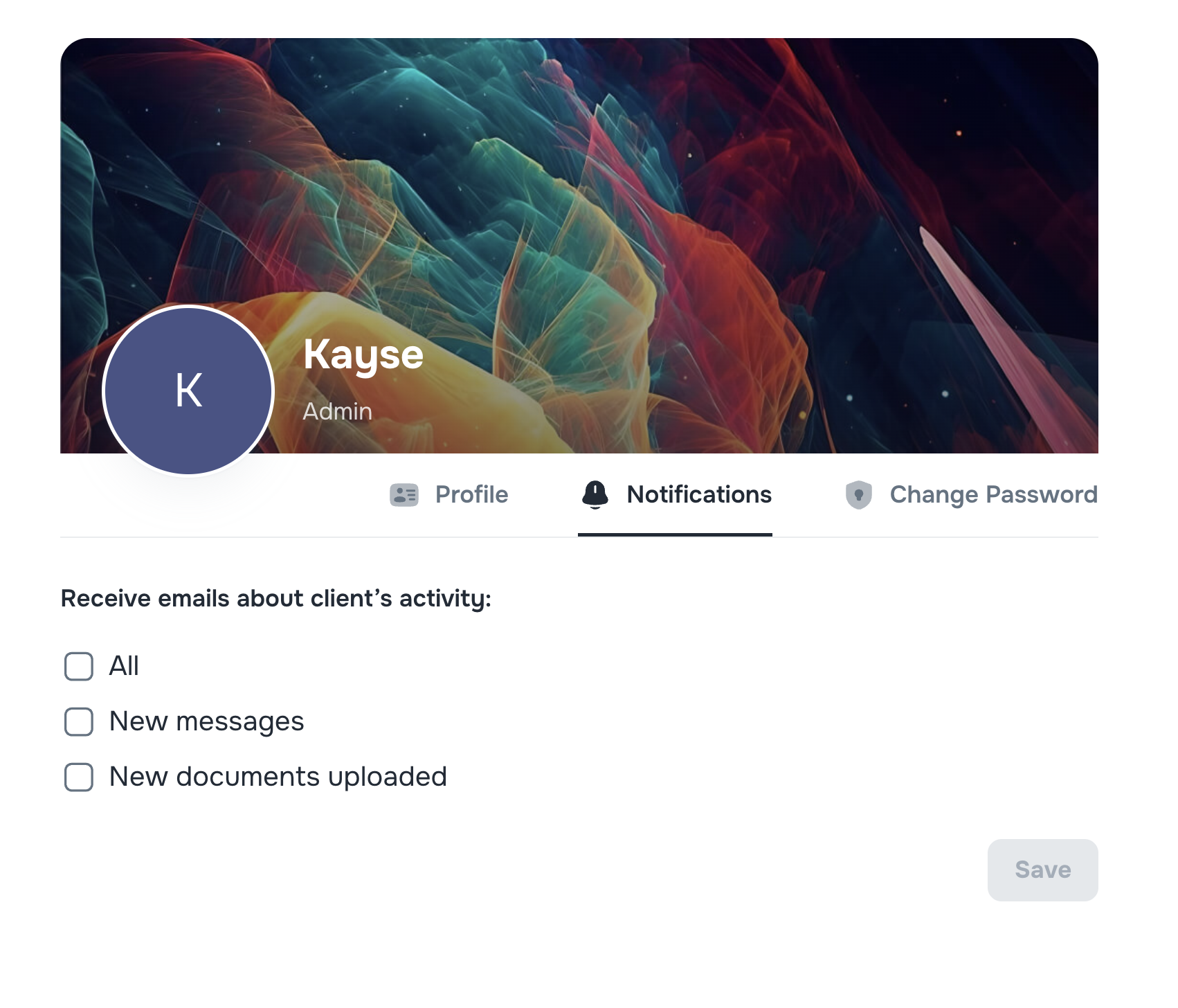
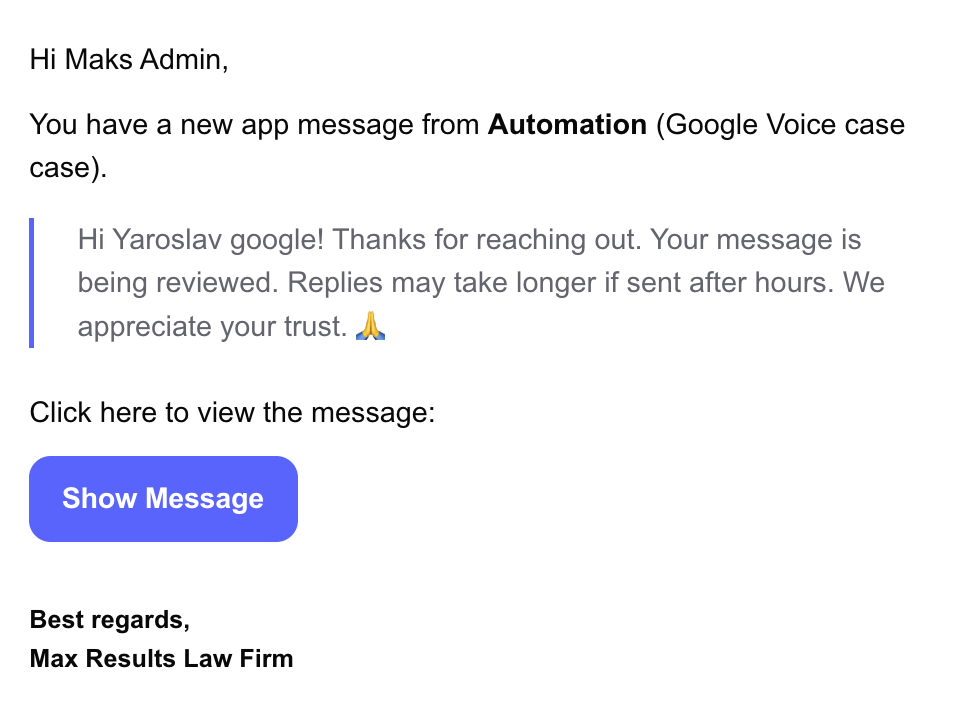
You’ll now get an automatic email whenever someone sends a message or adds a document to a Case — as long as you’ve enabled notifications. These emails include:
- Where the message came from (SMS, email, or in-app chat)
- A preview (if your company settings allow it)
- A direct link to the message or file
You can choose your preferences: get alerts for everything, just messages, or only documents.
- This feature can be turned on or off in Company Settings.
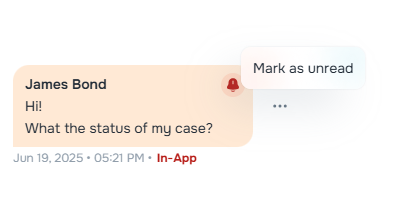
📩 “Mark as Unread” Button in Messages
Need to come back to a message later? Now you can mark any message as Unread via the three-dot menu next to the message, just like in your inbox — so you don’t forget to follow up.
🔧 Improvements
📱 Mobile App: Stay Up-to-Date
If your app is not the latest version, the system will now ask you to update it — so you’re always using the best, most secure version. 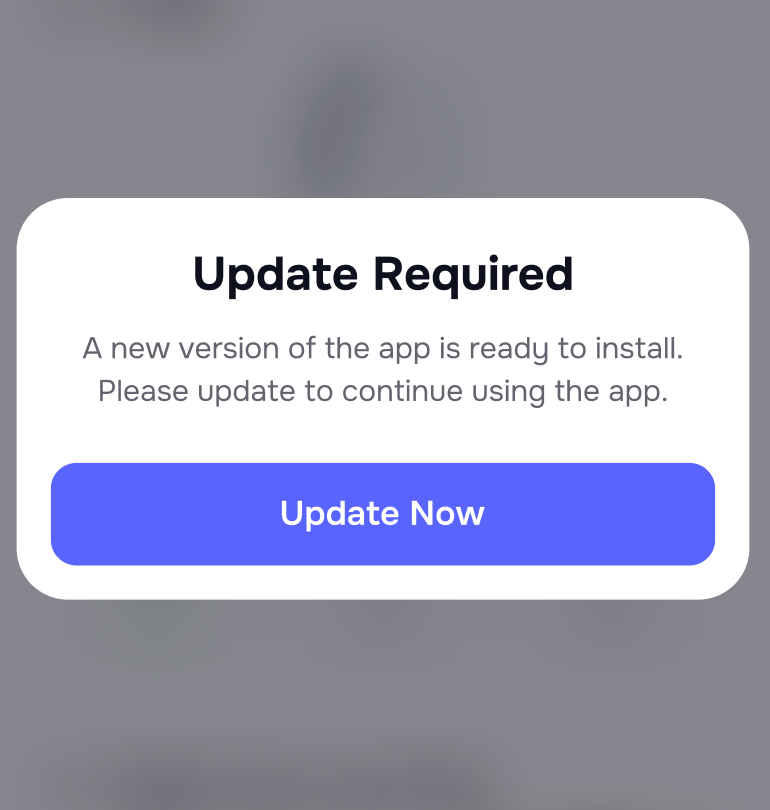
🧠 AI Campaigns: Summary Tab
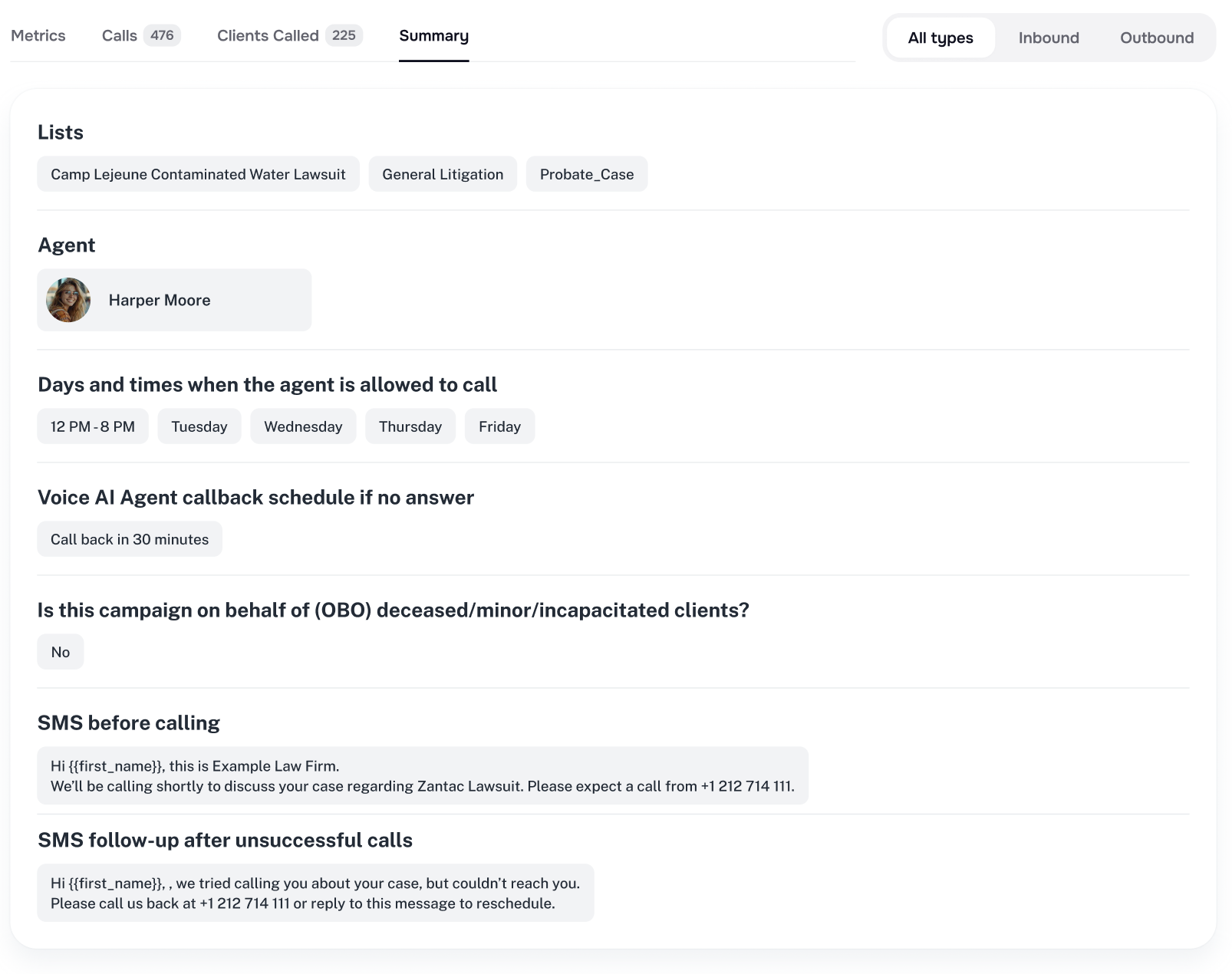
There’s now a Summary tab in every AI Campaign that neatly shows:
- Who it’s targeting
- What messages are being used
- Whether On-Behalf-Of (OBO) messaging is turned on
👁️ AI Campaigns: Messages Preview & OBO Icon
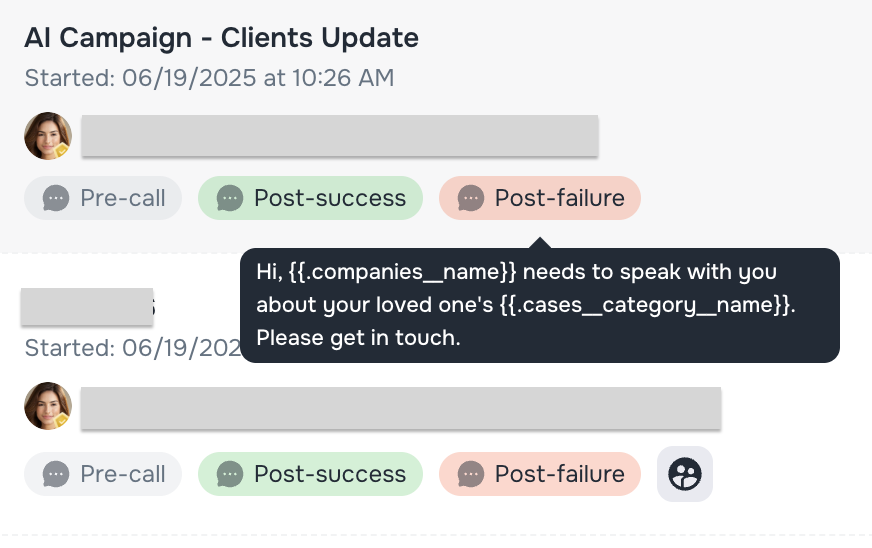
You can now preview the types of messages being sent in a campaign (like pre-call or post-success) right from the list. Campaigns with OBO messaging are clearly marked.
🔁 AI Campaigns: Less Repetition with Randomized Messages
Instead of sending the same message over and over, campaigns can now use up to 20 variations — making messages feel more natural and personalized. 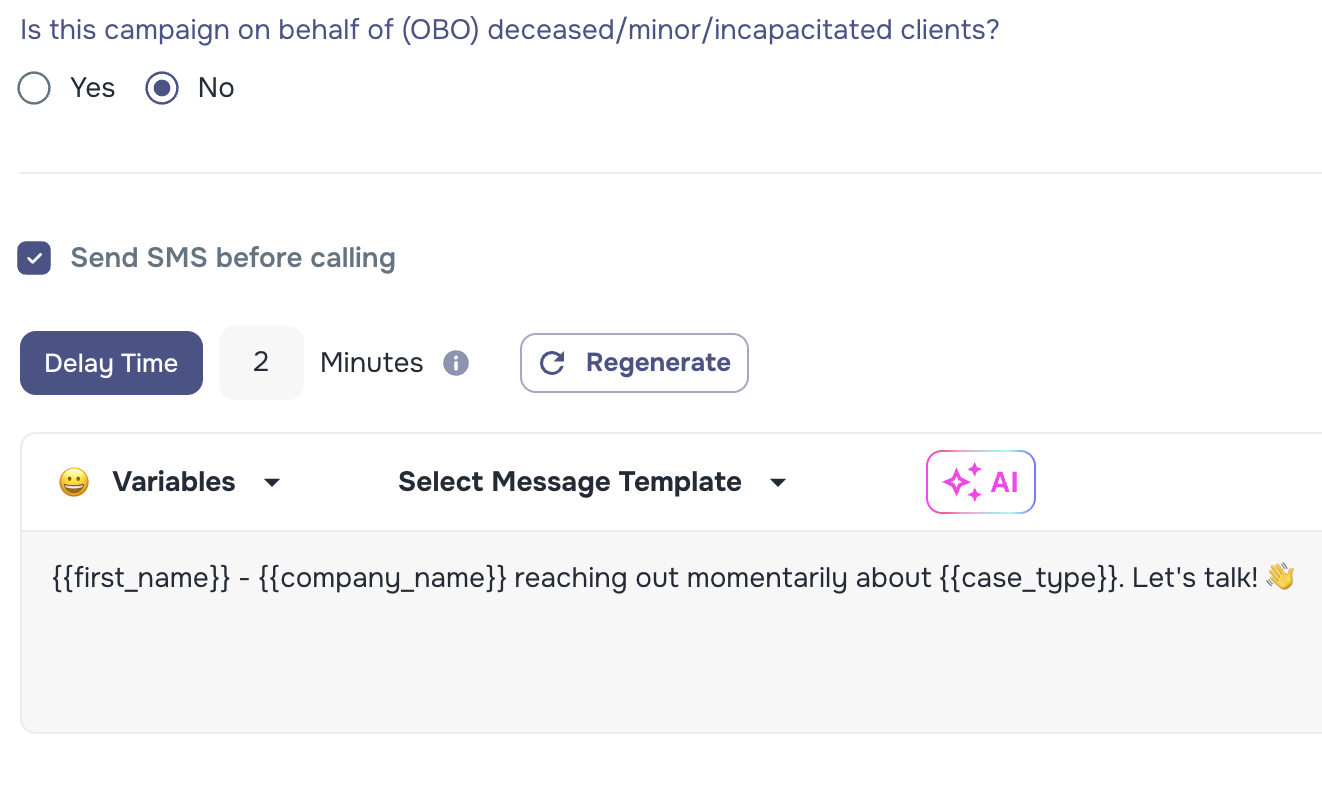
⚠️ AI Campaigns: OBO Message Barrier & Alerts — Smarter Messaging for Sensitive Cases
To prevent confusion (like when reaching out to family members of minors or deceased clients), we’ve added built-in checks and alerts to ensure messages are worded appropriately.

📄 Message Templates Seeder (Base)
Default message templates are now:
- Available for both email and SMS
- Preloaded at the company level, so you don’t have to create them from scratch
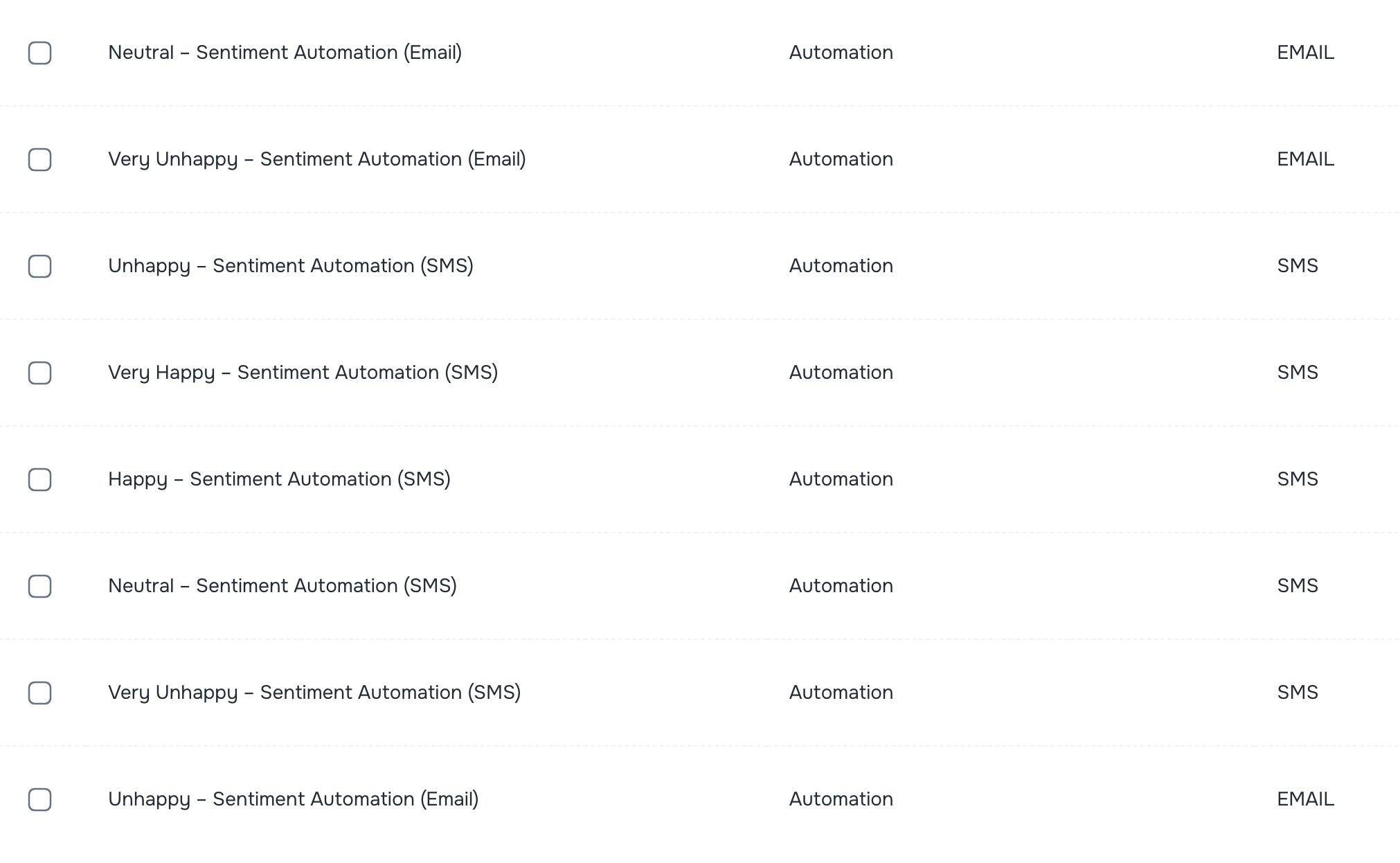
📲 Mobile Client Portal Templates (Company-Level)
Default message templates for client invites are now loaded per company — available immediately after company creation.

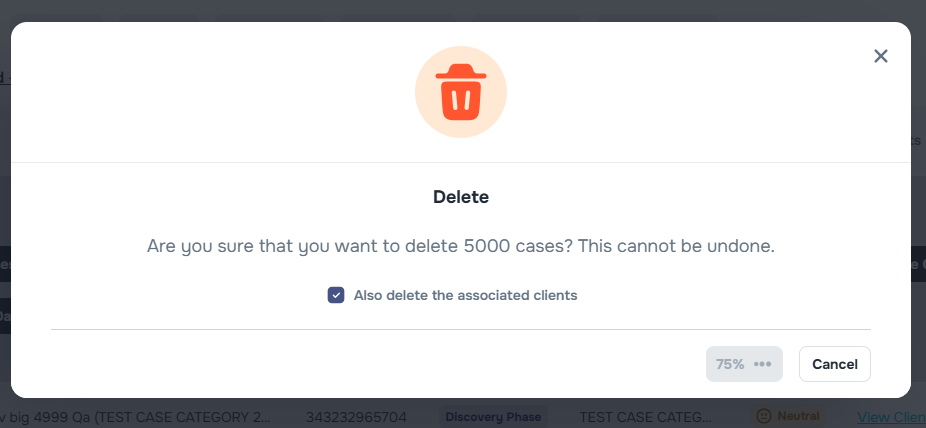
⏳ Progress Bar for Delete Operations
If you're deleting a large number of Cases, you’ll now see a progress bar so you know how long it might take.
Let us know if you have any questions or feedback — and stay tuned for next week’s release 👋