SMS Delivery Updates, Importer Redesign & AI Calling Enhancements
September 3, 2025
This release introduces major upgrades to messaging, calling, and data tools, along with important UI/UX improvements. We continue improving reliability, transparency, and automation so your team can focus on high-value work. ✨
🆕 New Features
📩 Clear SMS Delivery Status in Messenger
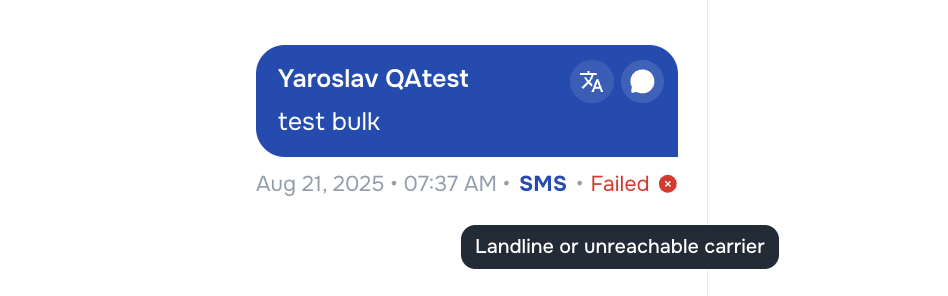
We’ve improved how SMS delivery statuses are displayed inside Messenger:
- ✅ Clear status progression: Pending → Sent → Delivered → Failed
- ❌ Failed messages now include reason codes (e.g., unreachable number).
- ℹ️ Hovering over a failed status shows the full error description.
This makes SMS reporting more transparent and troubleshooting easier.
🔗 Voice AI SMS Messages in Messenger
Messages sent by Voice AI Agents are now stored and displayed in Messenger:
- SMS sent during campaigns are now visible directly in Kayse.
- Messages are marked as Sent by [AI Agent name] for clarity.
- Ensures campaign activity is always tracked and visible in your dashboard.
☎️ Campaign Numbers for AI Calls
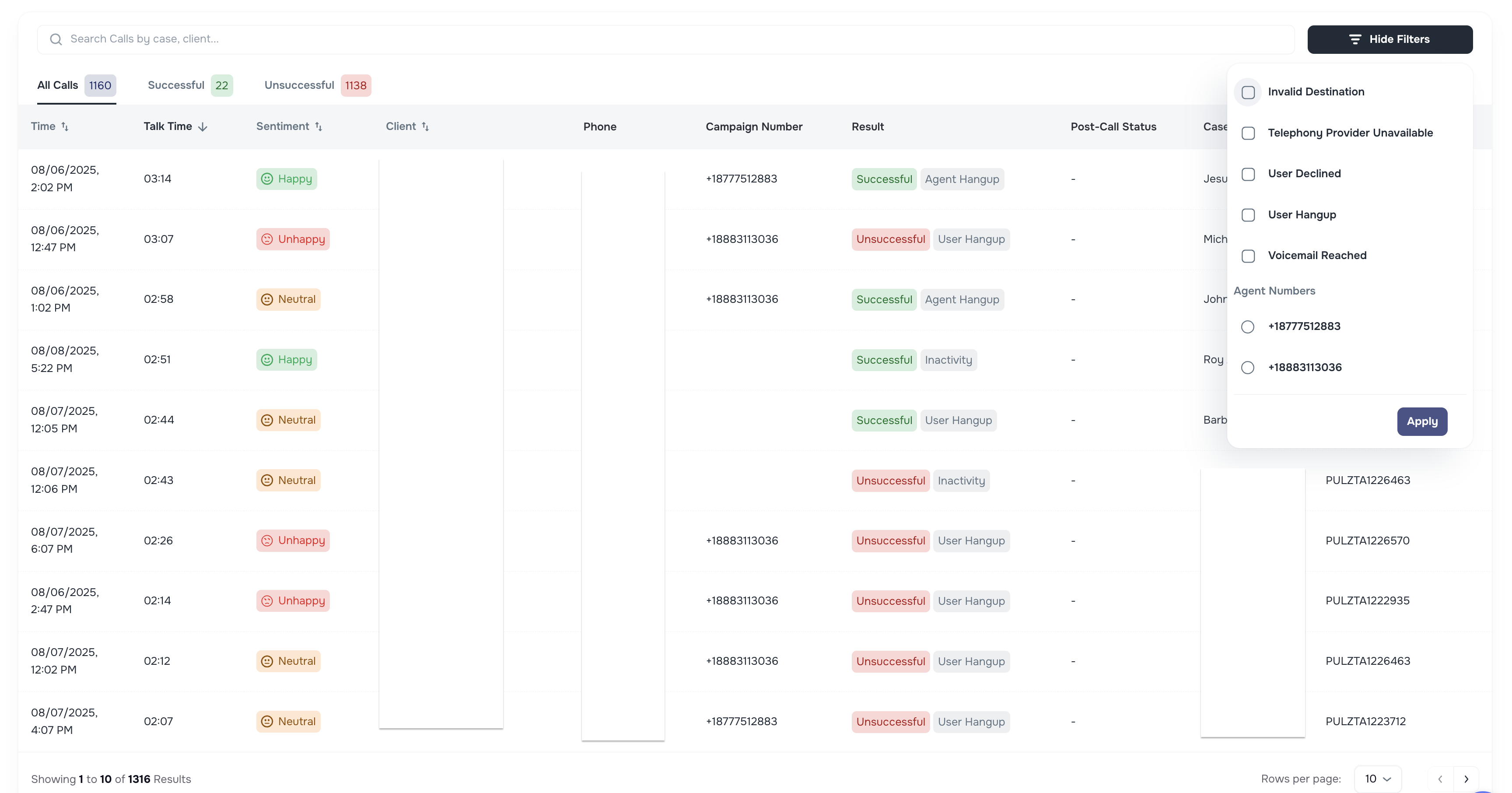
We’ve added a new Campaign Number column in AI Campaign call lists:
- Displays the phone number used by the AI Agent during the call.
- Supports agents with multiple outbound numbers, making call tracking more transparent.
- Helps staff and clients easily identify which number was used.
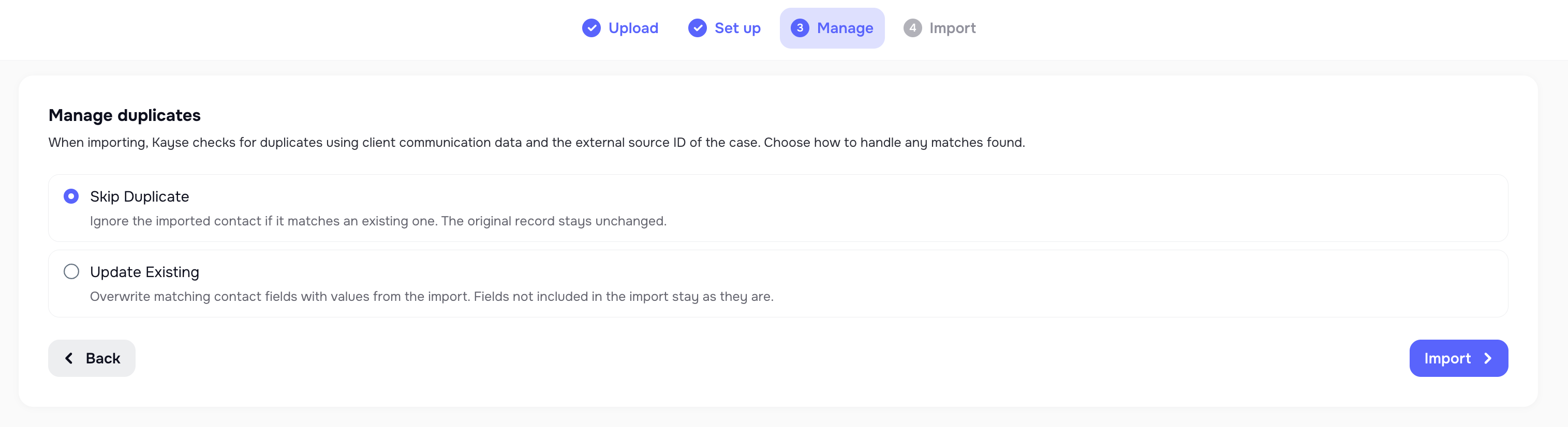
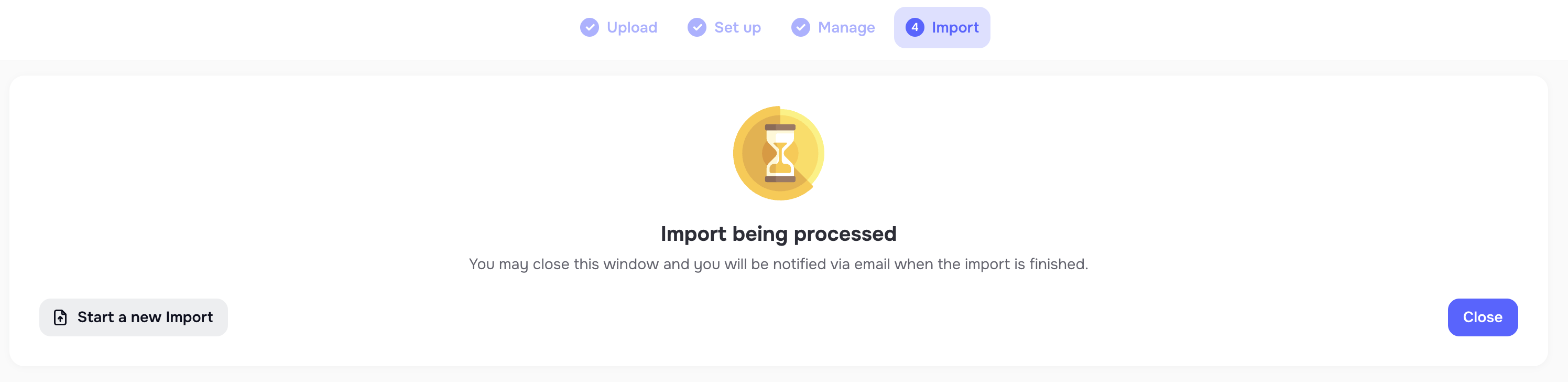
📂 Fresh Importer Tool Design
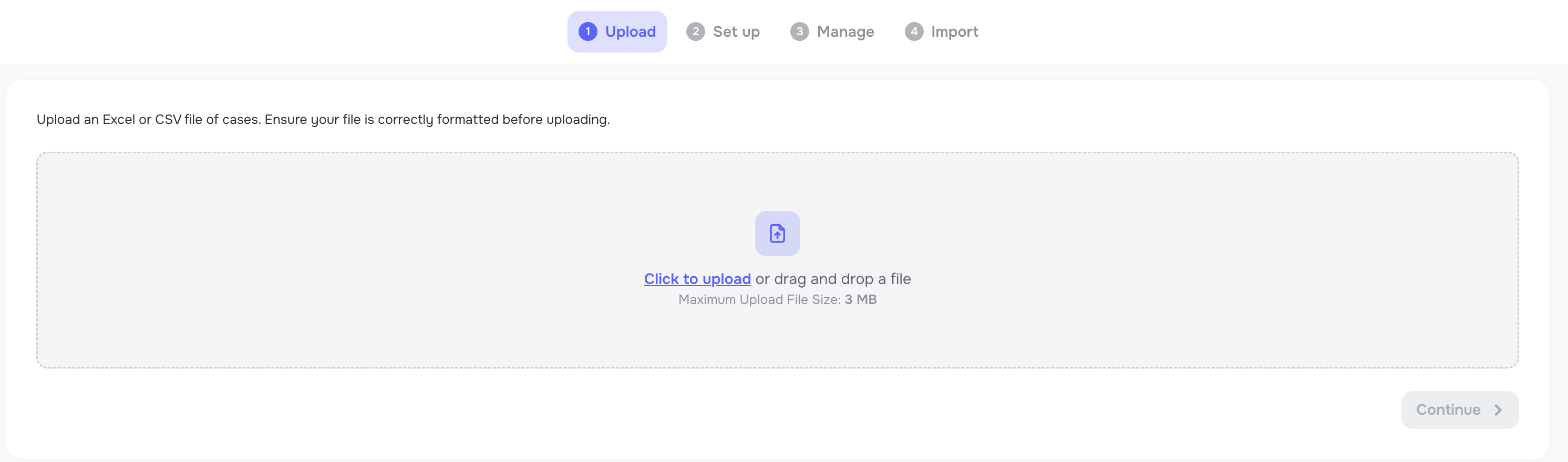
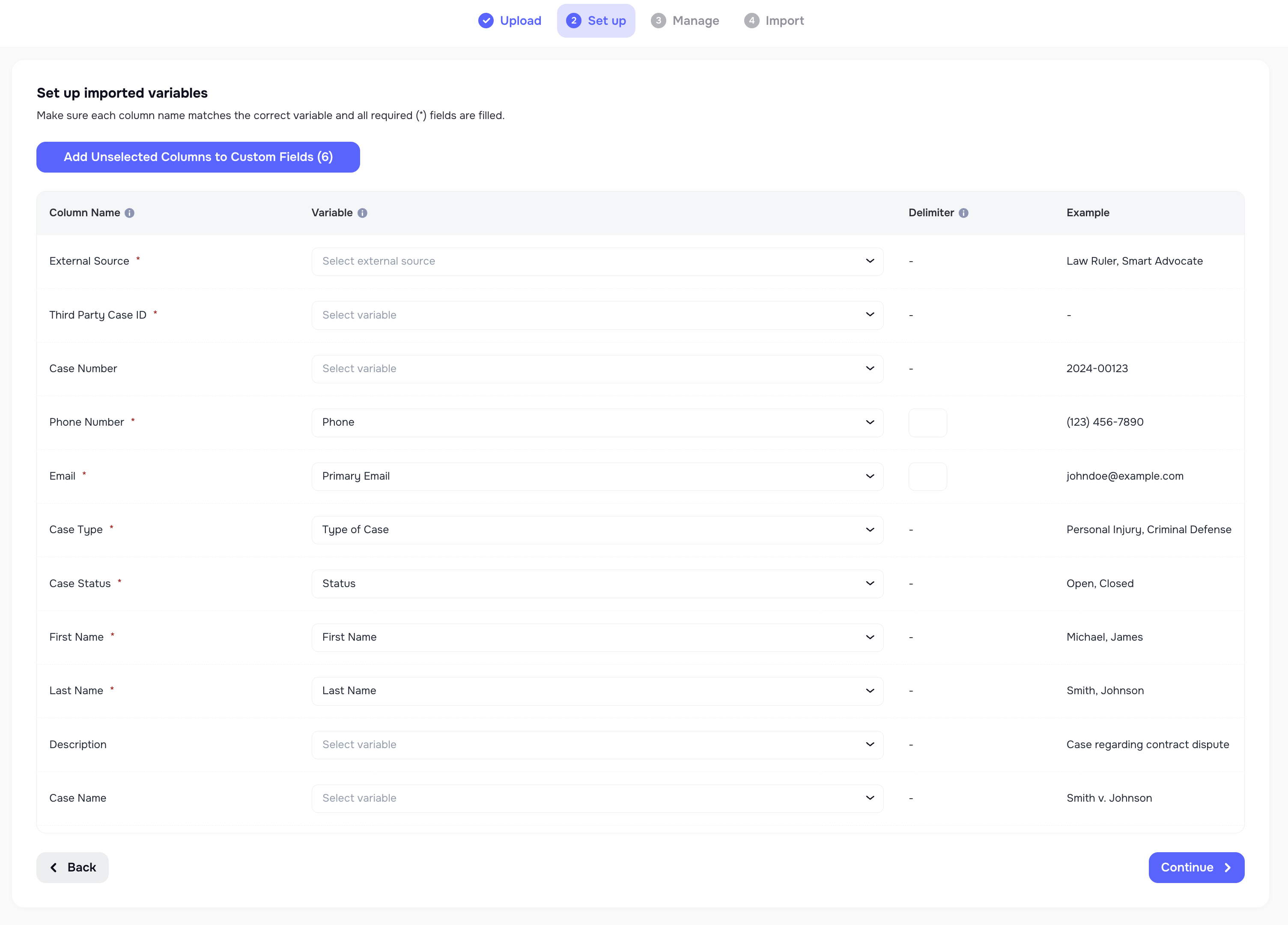
The Importer tool has been fully redesigned with a fresh, intuitive UI/UX:
- Modern step-by-step wizard for file upload.
- Improved duplicate management and data validation.
- Smoother, more transparent import experience.

📑 AI Messaging Agent: Task Awareness & Secure Document Links
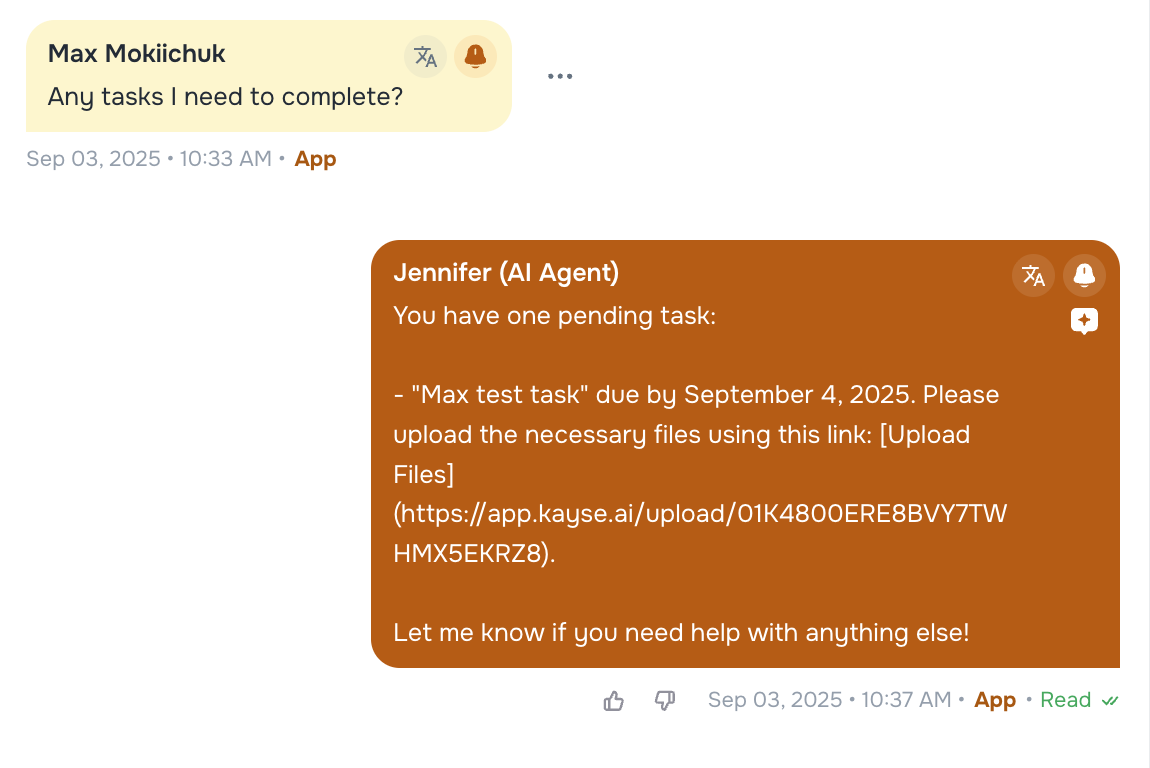
The AI Messaging Agent is now smarter with task awareness and document handling:
- Can check client profiles for open tasks.
- Sends a secure upload link (SecureLink) directly in chat.
- Automatically marks tasks as completed when documents are uploaded.
📞 Smarter Callback Scheduling for AI Calling
Voice AI Agents can now handle scheduled callbacks:
- Clients can request “Call me back in 10 minutes / 1 hour / at 3pm.”
- System automatically schedules the callback respecting client’s timezone.
💡 Improvements
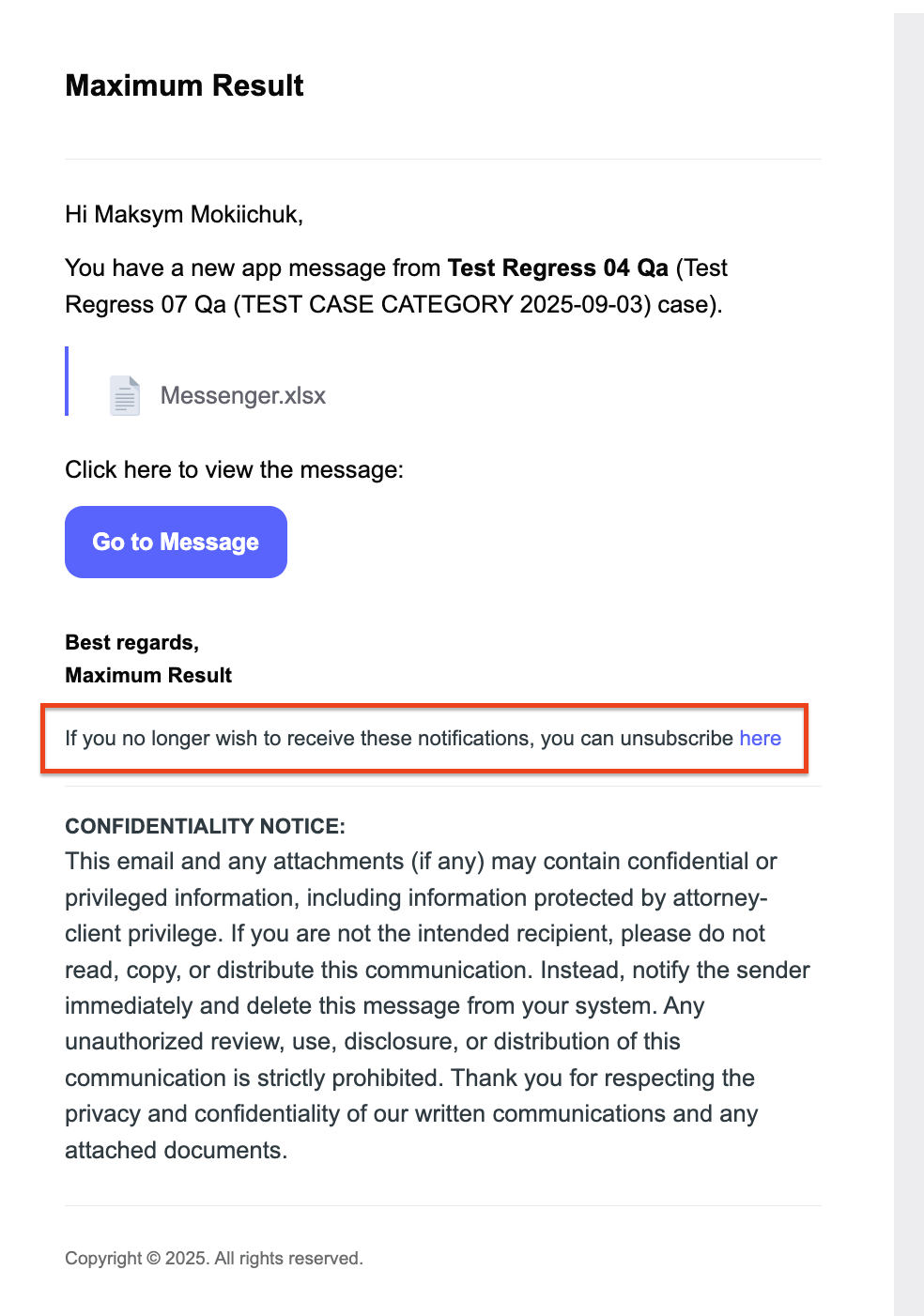
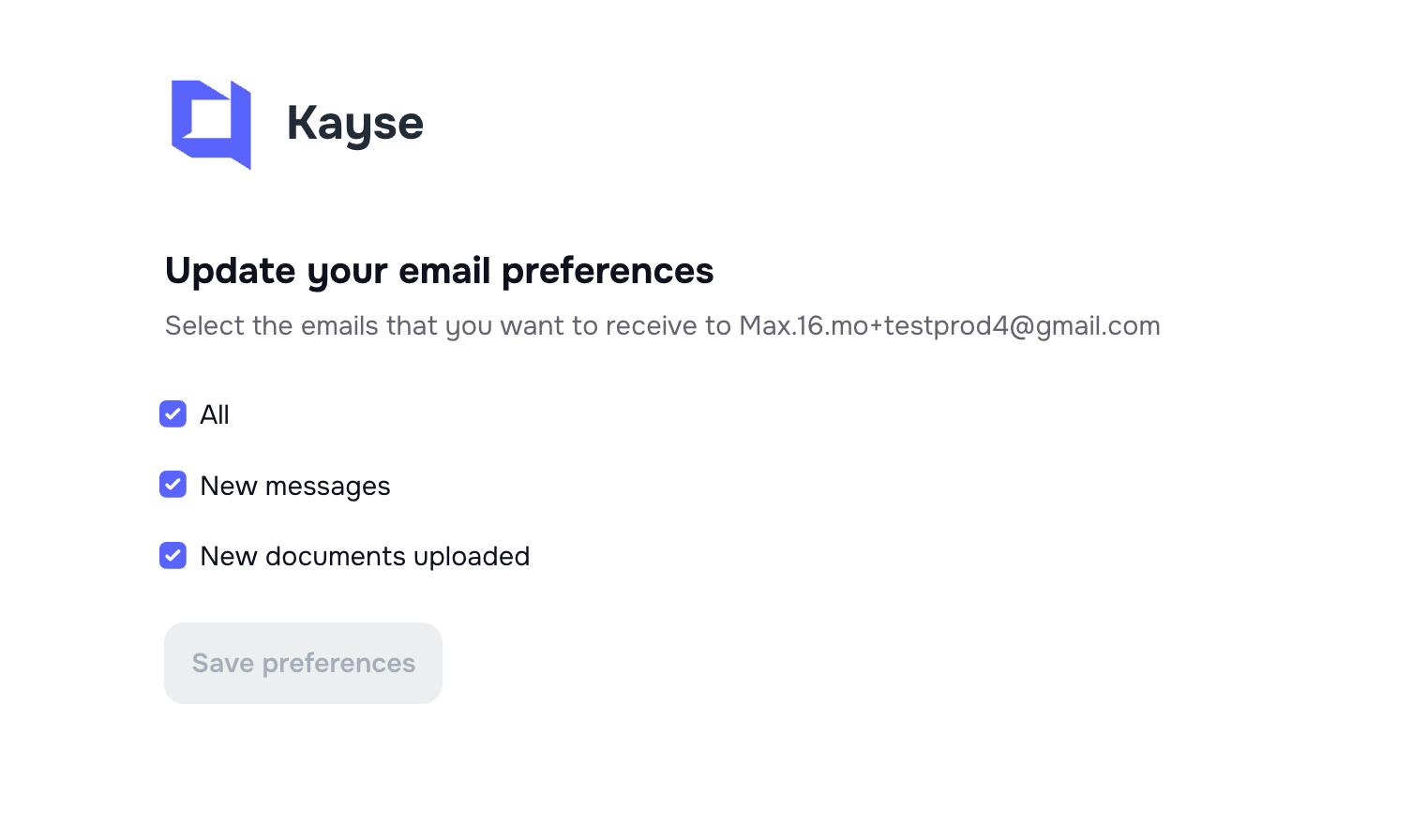
✉️ Email Footer — Easy Unsubscribe
All automated email notifications sent to admins now include an unsubscribe link, giving users more control over communication preferences.
📂 Cases Page — Select All Button
Improved bulk actions on the Cases page:
- A “Select All” option works with large case volumes.

📊 AI Receptionist — Smarter CSV Export with Date Filters
The CSV export feature now works together with date filters:
- Select a custom date range → export only relevant inbound calls.
- More precise reporting and analysis.

🎧 Client Profiles — Opt-Out Indicator
A new Opt-Out field is now visible in client profiles:
- Marks clients who requested not to be contacted further during a campaign.
- Ensures compliance and avoids repeated outreach.
📋 Case Page — Additional Info Tab
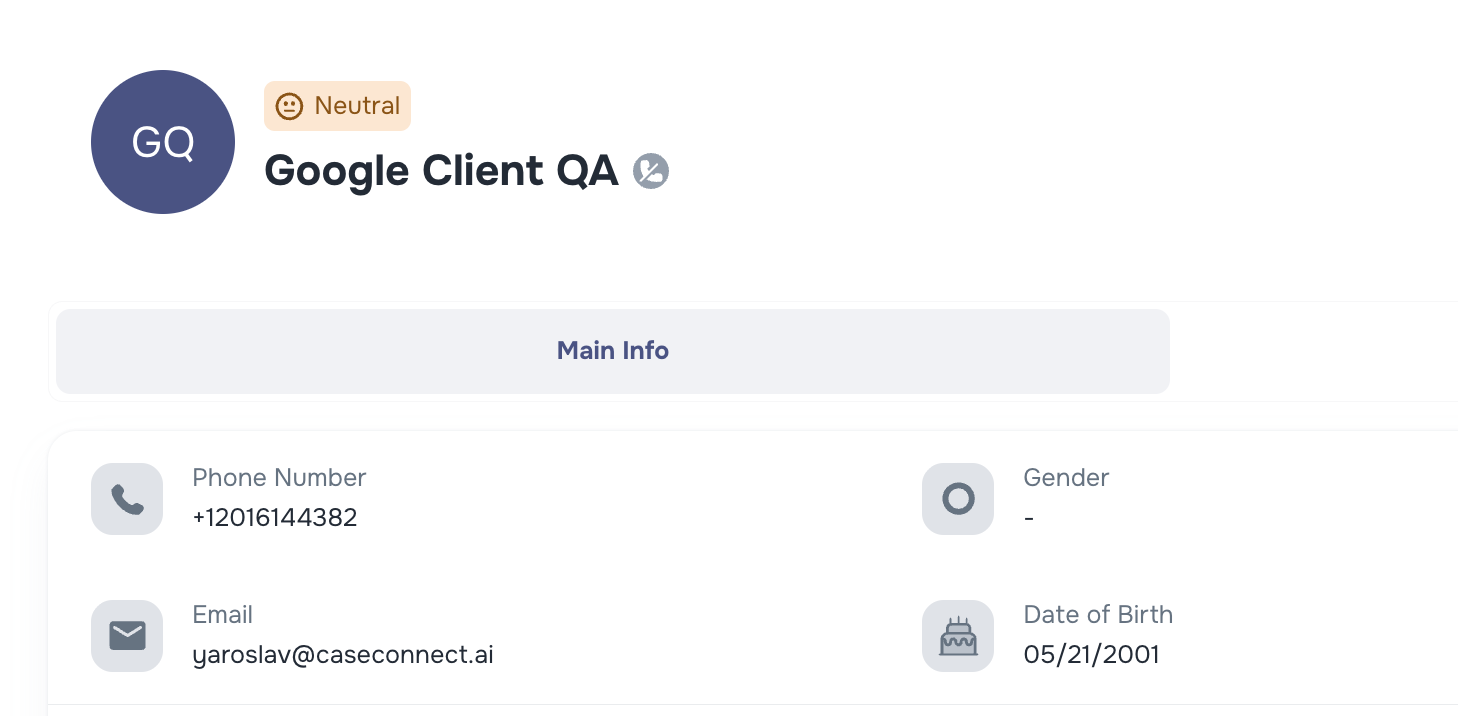
The Additional Info tab (meta fields) has been moved:
- Previously under Client profiles → now shown under each Case.
- Keeps custom fields organized where they’re most relevant.
These updates help keep your daily workflow more stable and enjoyable. 🚀