Campaign Drafts, Client Engagement, Forms, Billing and Security
May 6, 2026
This release focuses on faster campaign setup, clearer form building, stronger client engagement tools, and more control across billing, security, and compliance.
🚀 AI Campaigns
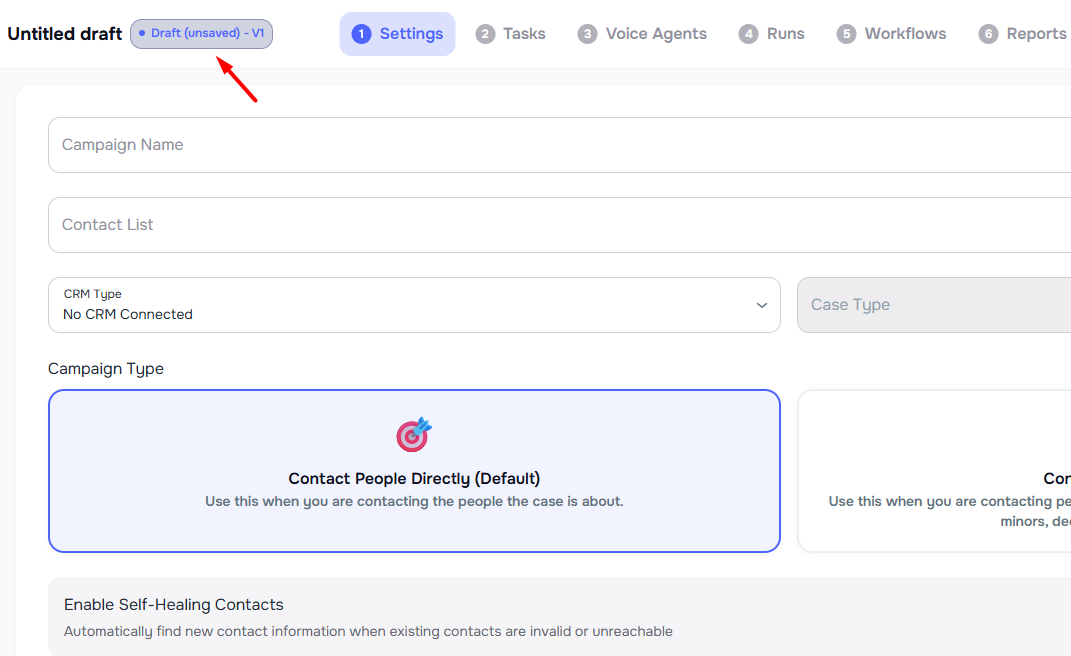
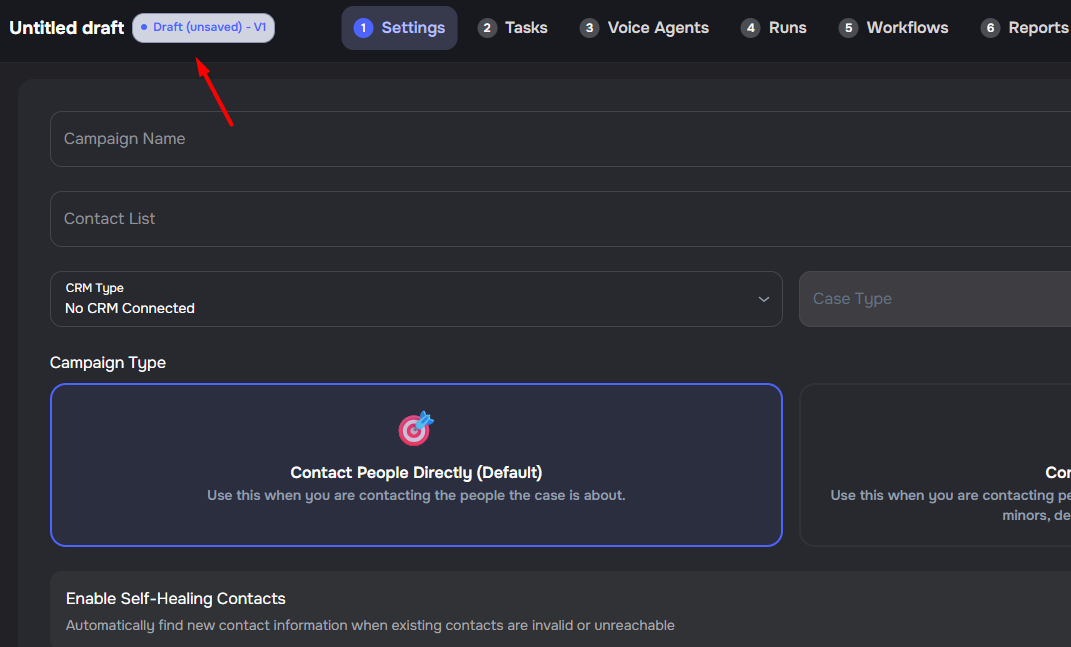
✨ Draft Mode and Autosave in Campaign Builder
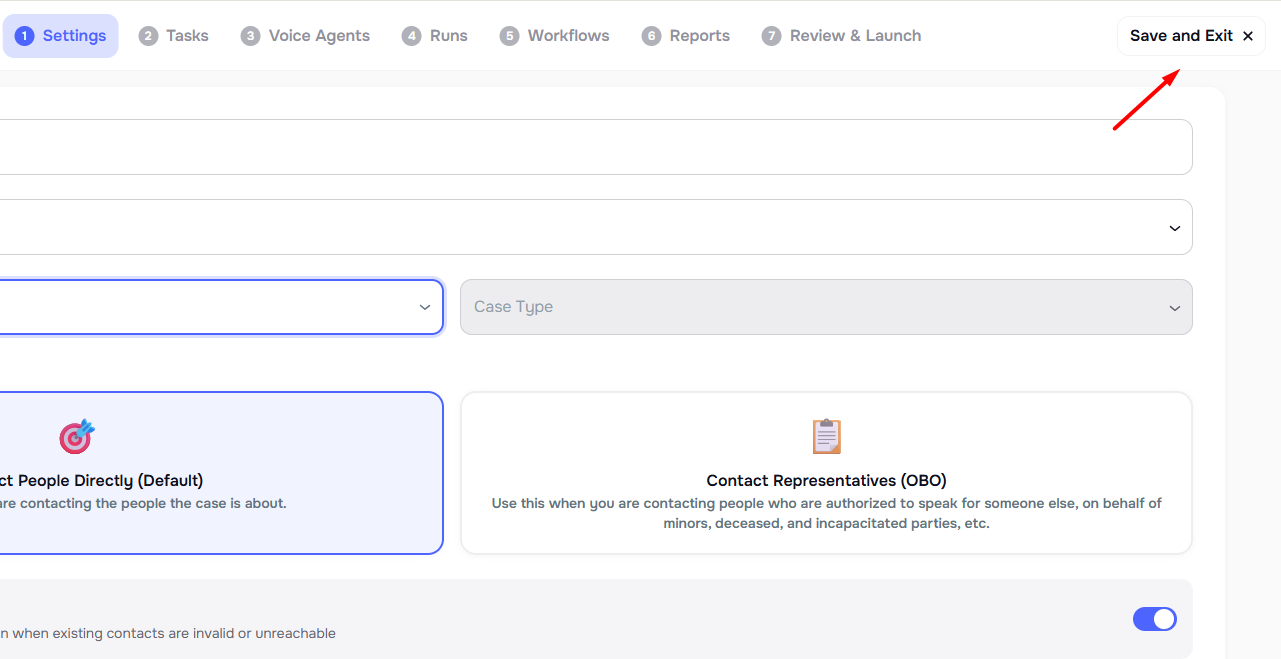
The AI Campaign Builder now saves your setup as you work, so you can pause and come back without losing your place. ✨
- Autosave from the first keystroke — type a campaign name and Kayse creates a draft right away
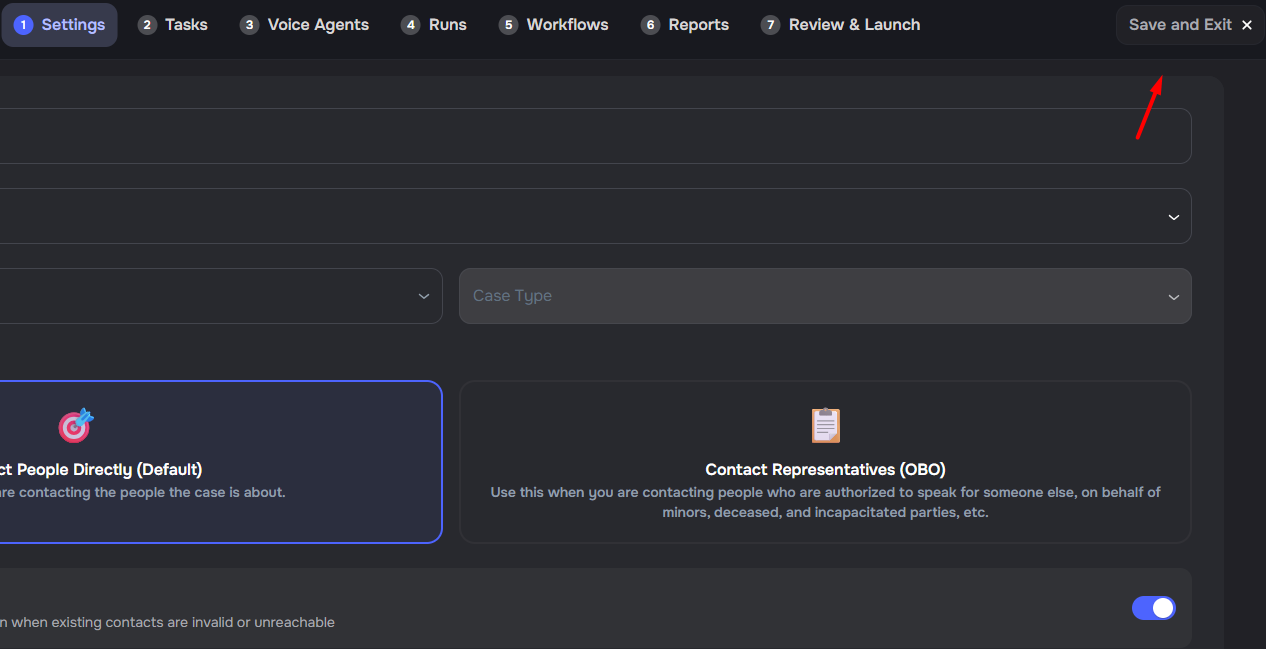
- Save and Exit — leave the builder from the header and return to the Campaigns list when you are ready
- Resume on the right step — reopen a draft from its row or the ⋮ → Continue Setup menu and land where you left off
- Edit before launch — update the contact list, agent, runs, workflows, and reports while the campaign is still in draft
- Launch validation — Kayse checks required setup, run schedules, report schedules, and CRM mappings before outreach starts
Client Engagement Report for Campaign Reporting
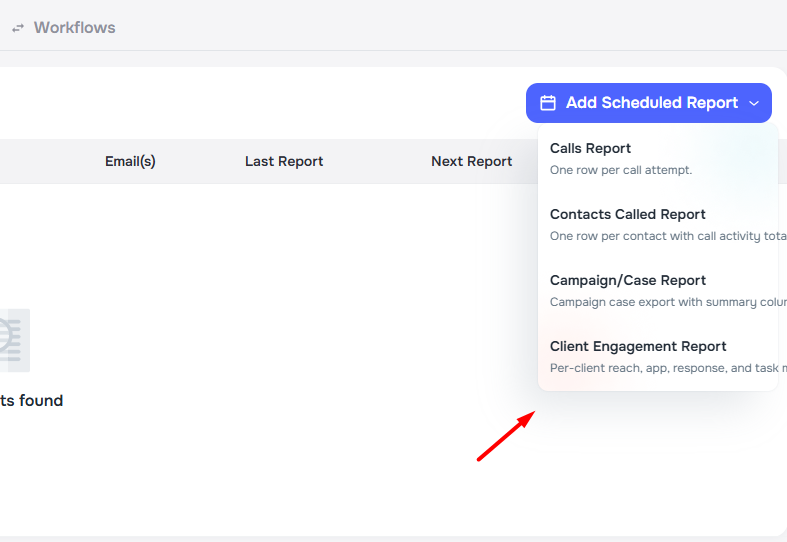
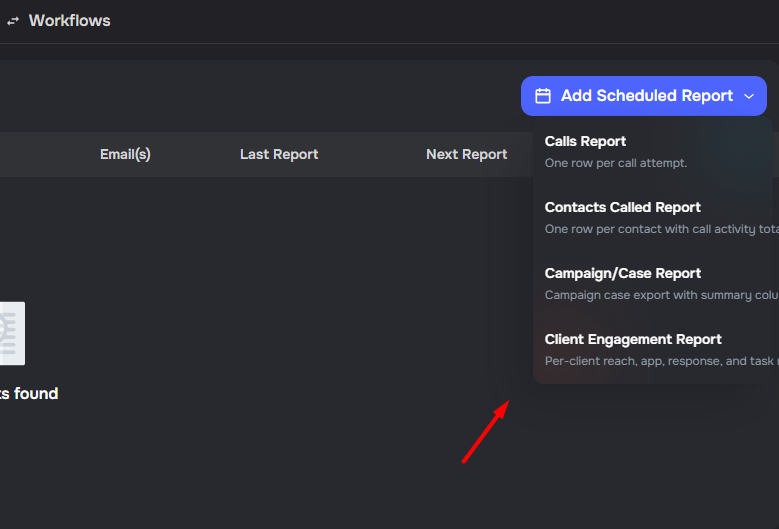
Scheduled campaign reports now include a Client Engagement Report CSV for reviewing activity by client.
- Client-level view — export one row per client with case identifiers, phone, email, app status, messages, task counts, and form status
- Message metrics — track SMS, email, and in-app sent and received counts, plus delivered and opened counts where available
- Flexible delivery — send the report on a schedule or export it manually from the scheduled reports table
Dedicated Campaign Outcome Views
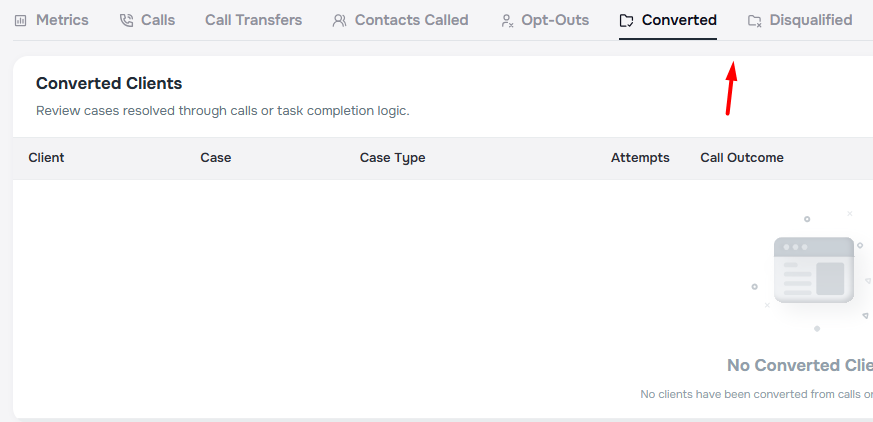
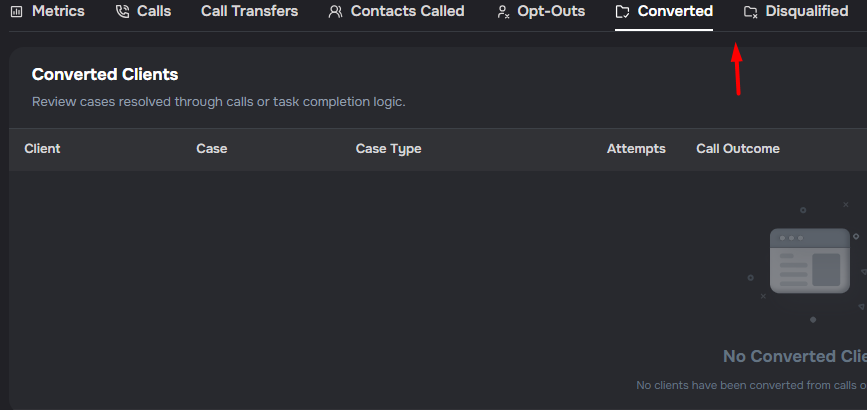
Campaigns now include dedicated Converted and Disqualified tabs after Metrics, making outcomes easier to review.
- Case-level review — open the exact converted or disqualified cases behind campaign metrics
- Task-aware results — messaging and form-based campaigns can show outcomes even when no calls exist
- Filtered export — export converted or disqualified cases with campaign custom fields and task answers
Campaign-Level Inbound Call Routing
Campaigns now include dedicated controls for handling inbound calls with flexible routing options.
- Routing modes — choose AI only, transfer to a forwarding number, or schedule-based routing
- Business-hours routing — route inbound calls one way during business hours and another way after hours
- Forwarding number — configure a phone number for direct transfers when transfer routing is active
- Timezone override — set a campaign-specific timezone for routing decisions when needed


Duplicate Runs for Multi-Day Scheduling
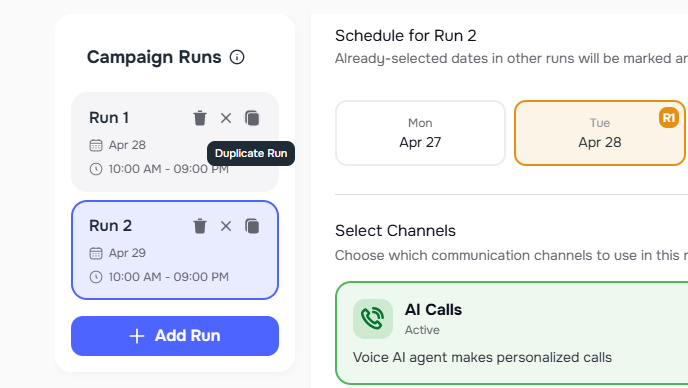
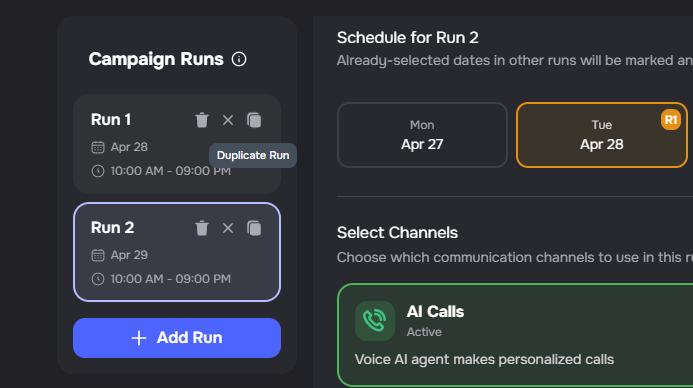
Campaign runs now include a Duplicate Run button that copies settings into a new run starting the next day.
- One-click duplication — copy time windows, channels, callback inputs, and message templates from any run
- Next-day start — the copied run starts the day after the original run's last selected day
- Works across run states — duplicate active, completed, or draft runs to extend a schedule faster
Completed Contact Management in Campaign Outreach
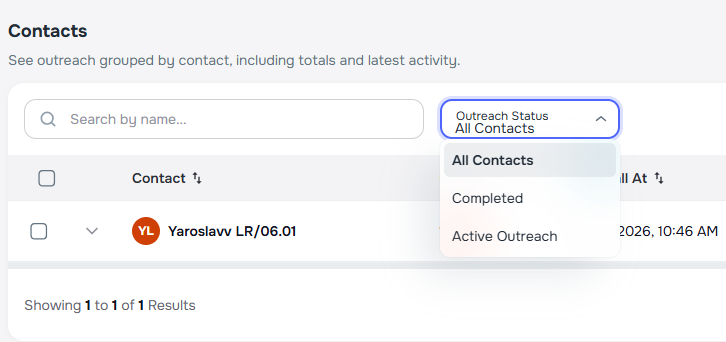
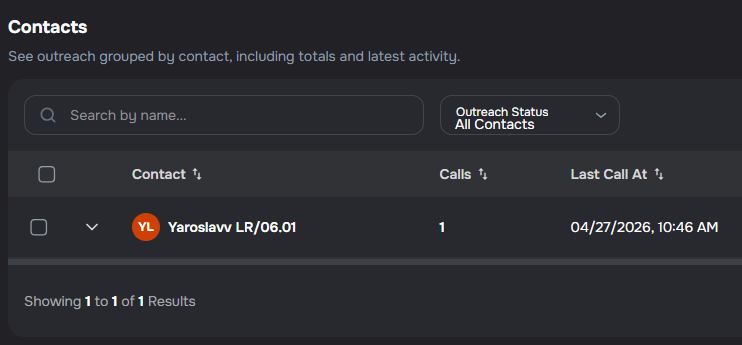
Campaign teams can now review and manage contacts marked as completed from the Contacts Called table.
- Completed/Active filter — view all contacts, only completed contacts, or only active outreach contacts
- Mark Completed — update a contact from the call details menu
- Bulk actions — mark multiple contacts as completed or resume outreach in one step
Draft Campaign Launch Confirmation
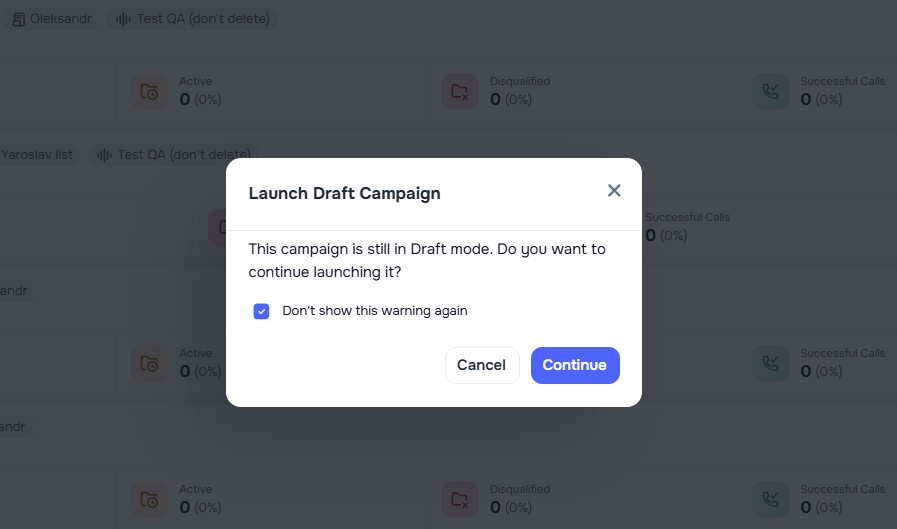
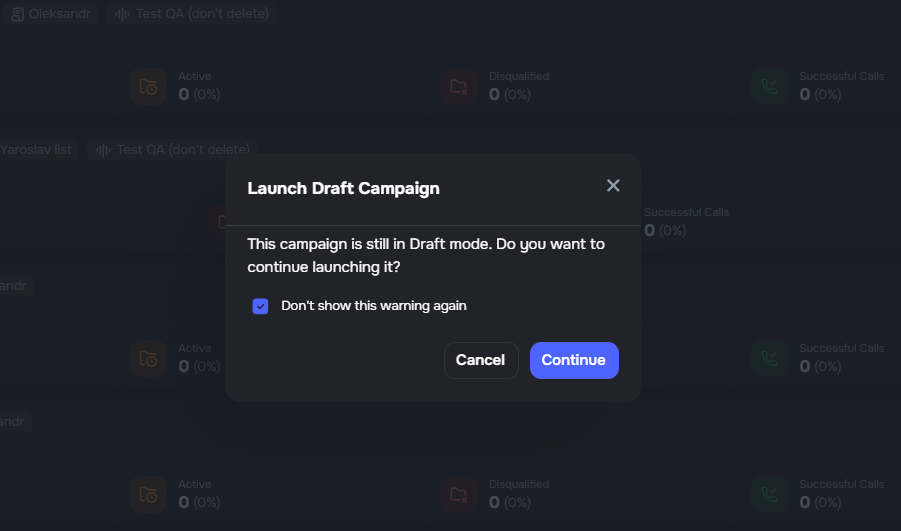
Opening a draft campaign now shows a confirmation step before entering the builder.
- Launch confirmation prompt — confirm before moving from the campaign row into the builder
- User preference — choose Don't show this warning again to skip the confirmation later, with the option saved per user
📋 Forms and Tasks
✨ Richer Show Conditions and Disqualify Rules
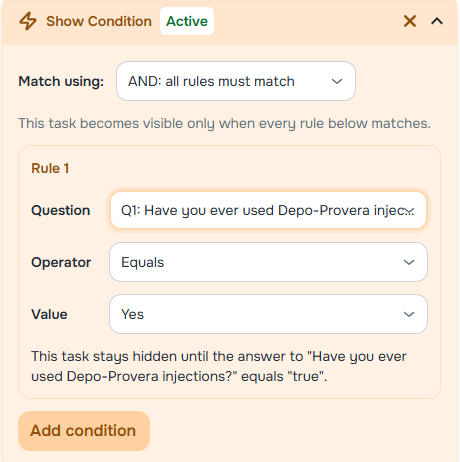
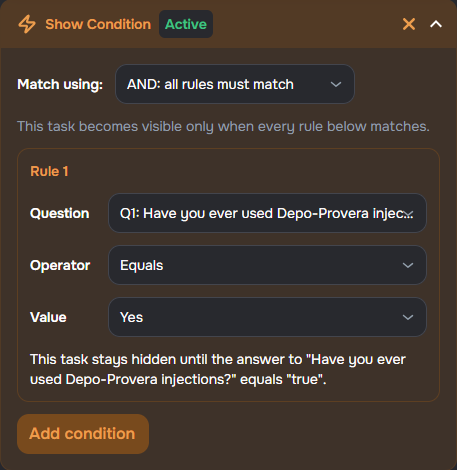
Form builders now have more expressive Show condition controls, so branching logic can follow numbers, dates, and completion status more naturally. ✨
- More comparisons — use greater than, less than, and greater-than-or-equal / less-than-or-equal rules on numbers, dates, times, and date-and-time answers
- Completion-friendly rules — branch with Is completed, Is not completed, and Has any answer
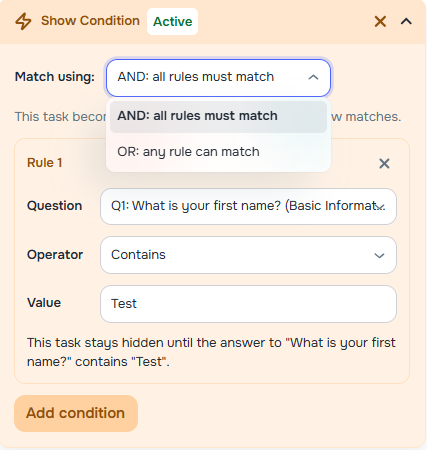
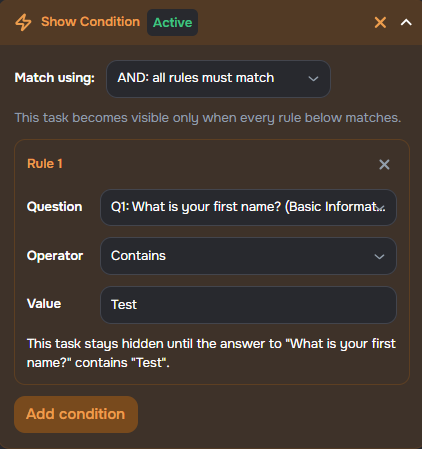
- Clear AND/OR choice — Match using shows whether all rules must match or whether any rule is enough
- Disqualify rules — supported field types can end the workflow when a specific answer is given, including for voice agents that use the form
Page Visibility for Form Sections
Form builders can now set Page visibility on a section, so the whole page appears only when answers to earlier questions match the rules.
- Earlier questions only — page rules use answers from earlier pages, while per-task Show Condition still handles questions on the same page
- Works with task logic — combine page visibility and individual task show conditions in the same form
Range Answers and Date Bounds
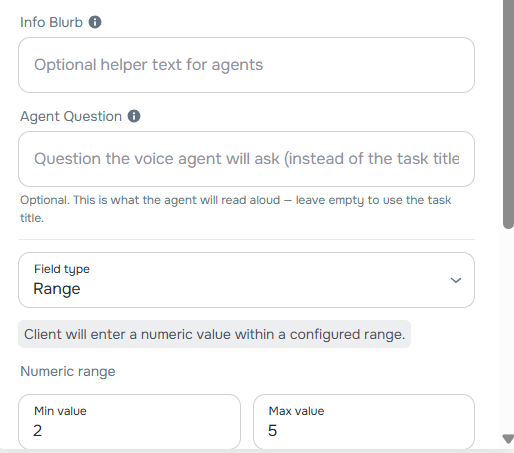
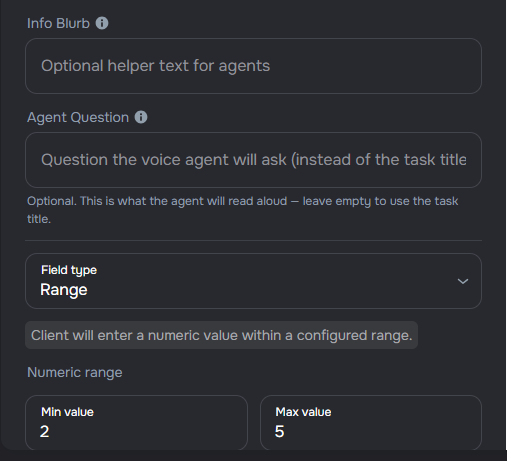
Forms can now collect a single numeric answer inside a set range, and plain Date tasks can be limited to a start and end date.
- Range field — set required Min value and Max value in the task sidebar
- Date range — limit Date tasks so clients can pick only dates inside the allowed window
- Clean branching list — Range tasks stay out of source-question lists for branching rules
Granular Address Fields and Multi-Value Answers
Form tasks now support separate address parts when you need structured data, plus multi-value answers on more field types. ✨
- Address building blocks — add Address 1, Address 2, City, State, or ZIP, or use Full Address when one field is enough
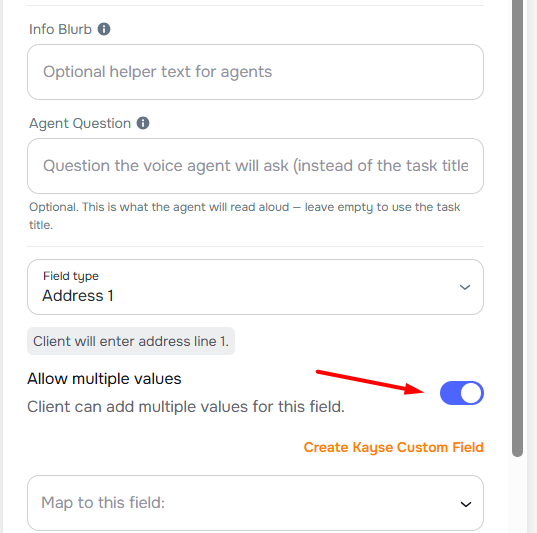
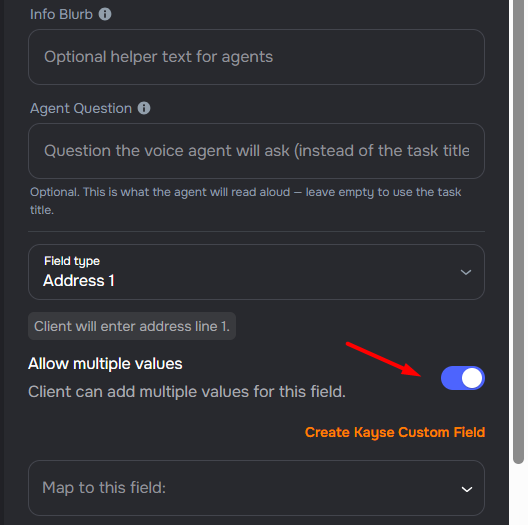
- Multiple values — allow more than one answer for Email, Phone, Short Text, and granular address fields
Structured Address Fields on Client Forms
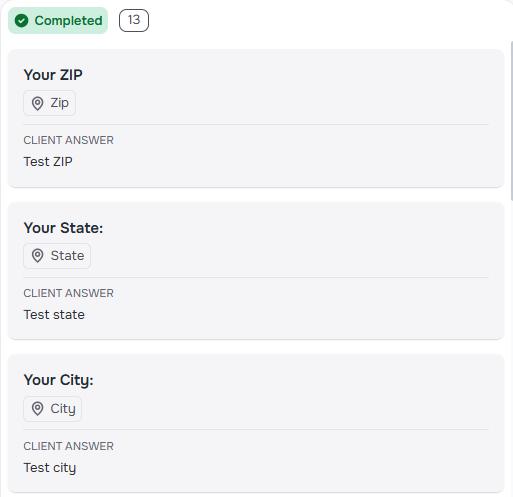
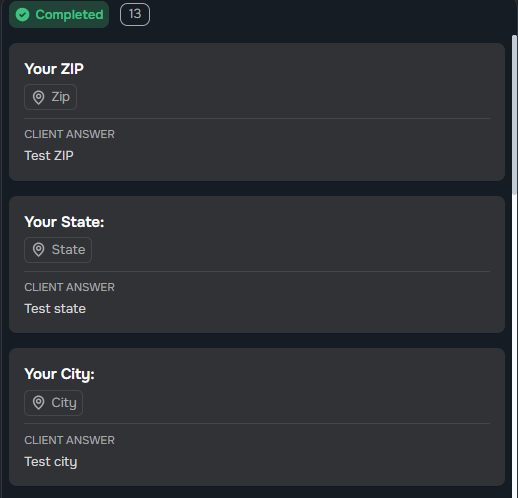
Clients using the mobile client portal and secure form links now get clearer inputs for structured address tasks and multi-answer short text.
- Dedicated address lines — collect address line 1, line 2, city, state, and ZIP or postal code as separate answers
- Add another answer — clients can add extra entries when the form allows more than one value
- Single full address — the Address task type still supports one complete address in a single field
✨ Manual Task Positioning on Form Pages
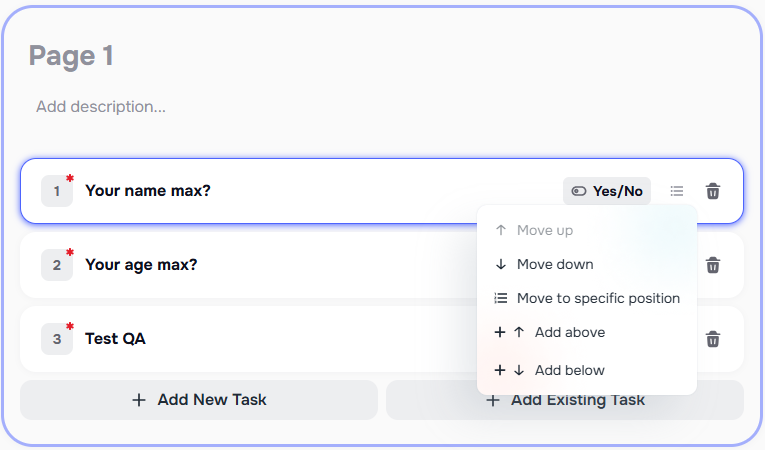
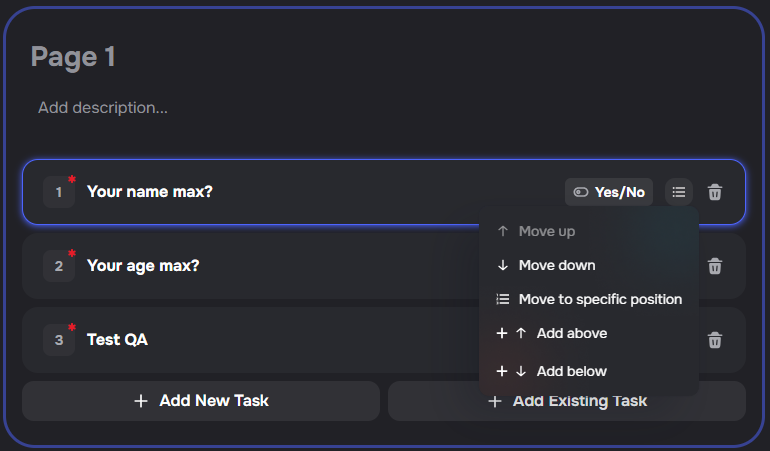
Form editors now include a task actions menu on each task row for labeled reorder and insert actions, alongside drag-and-drop. ✨
- Move up or down — shift a task one spot among its siblings
- Move to a specific position — pick the page and slot where a task belongs
- Add above or below — insert a new task next to the one you selected
- Works with saved tasks — save a new task first, then move or insert it so numbering stays consistent
✨ Mapped Labels on Questions and Tasks
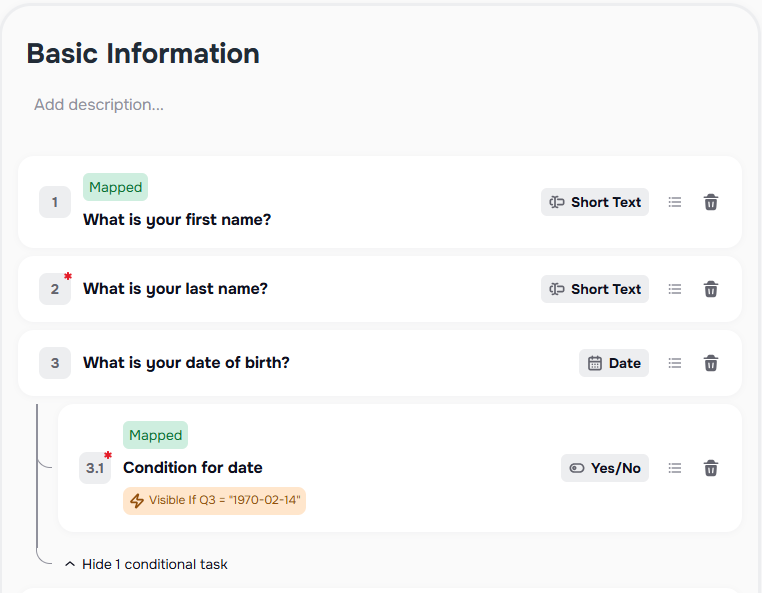
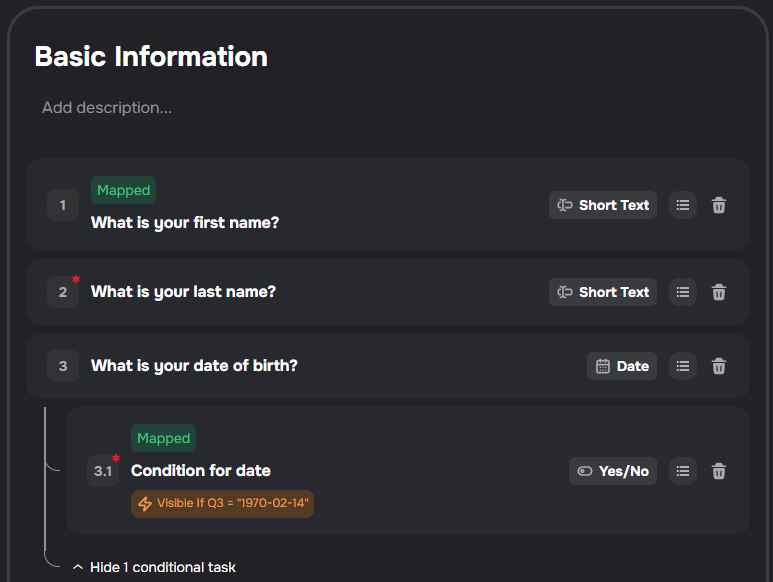
Mapped questions are now easier to spot across Kayse. A green Mapped label appears when a task is connected to a Kayse custom field or built-in system field. ✨
- Clear signal — see the label in form builders, the task library, and AI agent question trees
- Details on hover — pause on Mapped to see which field the question uses
- Same mapping rules — the label is visual only; saving and syncing still follow your CRM and field mapping settings
Suggested Task Field Mappings
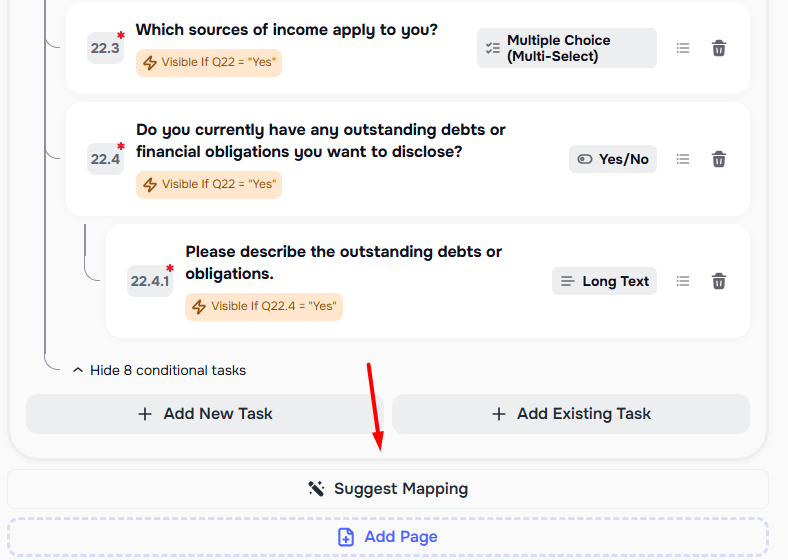
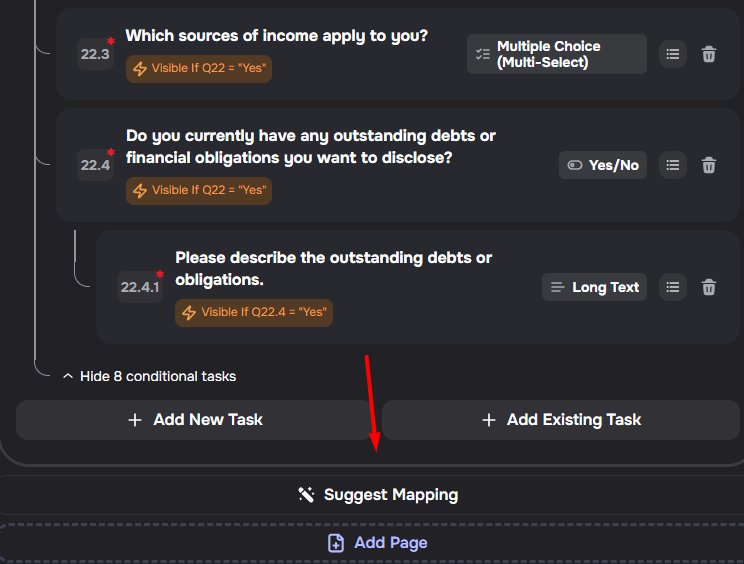
Form builders now include Suggest Mapping for task-to-custom-field setup.
- Faster setup — Kayse compares unmapped tasks with custom fields for the selected case type
- Review before applying — suggested matches appear in a confirmation dialog before they are saved
- Manual fallback — tasks without a strong suggestion can still be mapped one by one
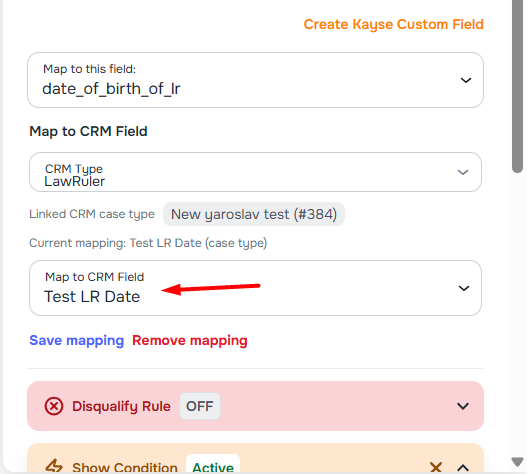
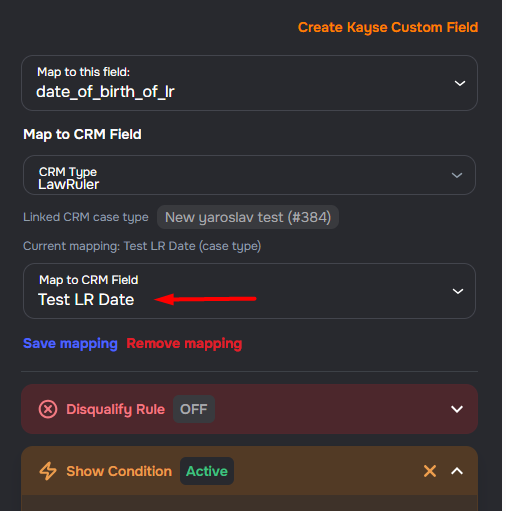
CRM Field Mapping in the Form Builder
The form builder now supports standalone CRM field mapping for tasks linked to custom fields.
- Inline mapping — map form tasks to CRM fields from the same sidebar where you edit task details
- Case type linking — link a Kayse case type to a CRM case type when no link exists yet
- Per-case-type scope — mappings created here are scoped to the form's selected case type
Create Custom Fields from the Form Builder
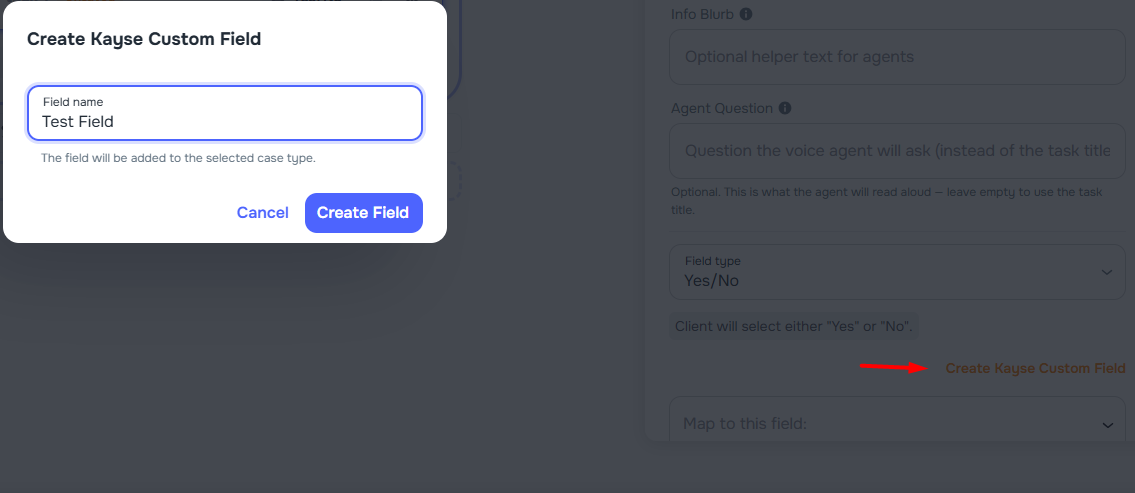
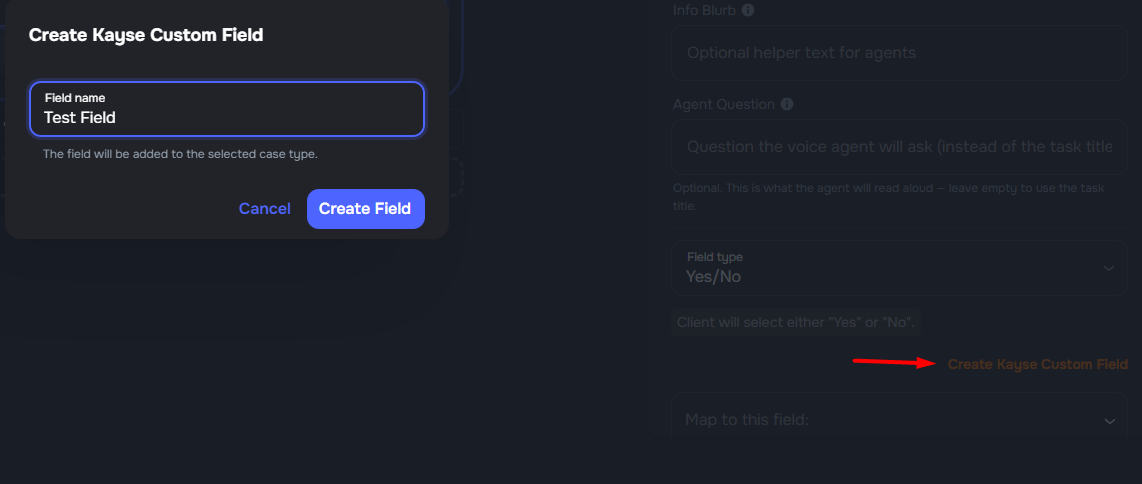
Form builders can now create a new Kayse custom field directly from the task mapping sidebar. After selecting a case type, click Create Kayse Custom Field, enter a name, and the field is ready for mapping.
Case Type Visibility on Forms
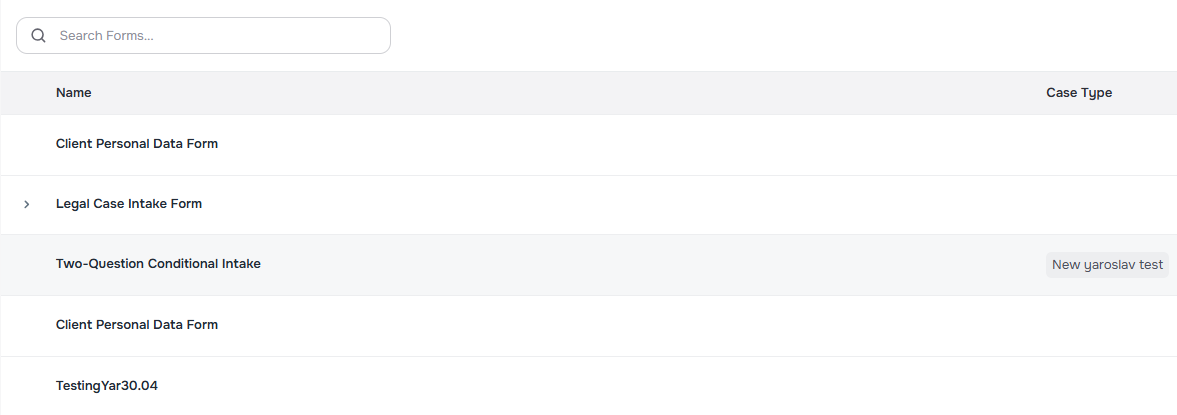
It is now easier to see which case type a form is linked to.
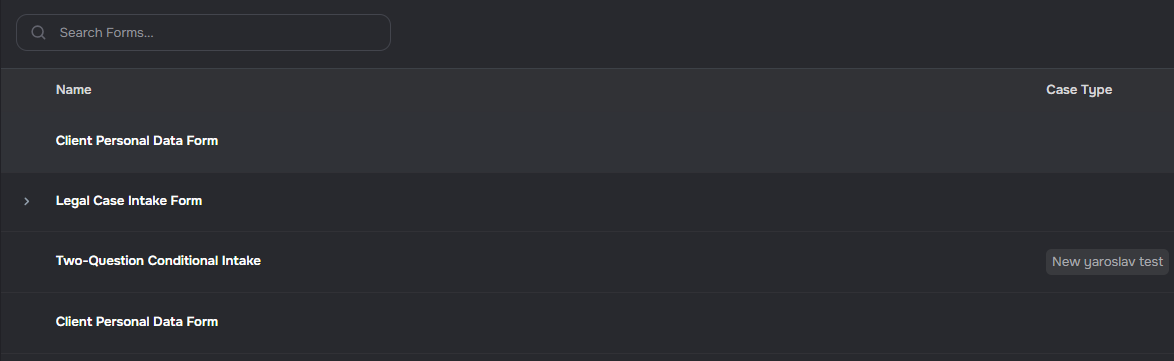
- Forms list — a Case Type column shows the linked case type, including on expanded template rows
- Form detail — a case type label appears beside the form name
- Form editor — a label appears under the form title when the simplified header is shown
- Form library — cards show the assigned case type when one is set
Sort Claim Intake Cases by Task Progress
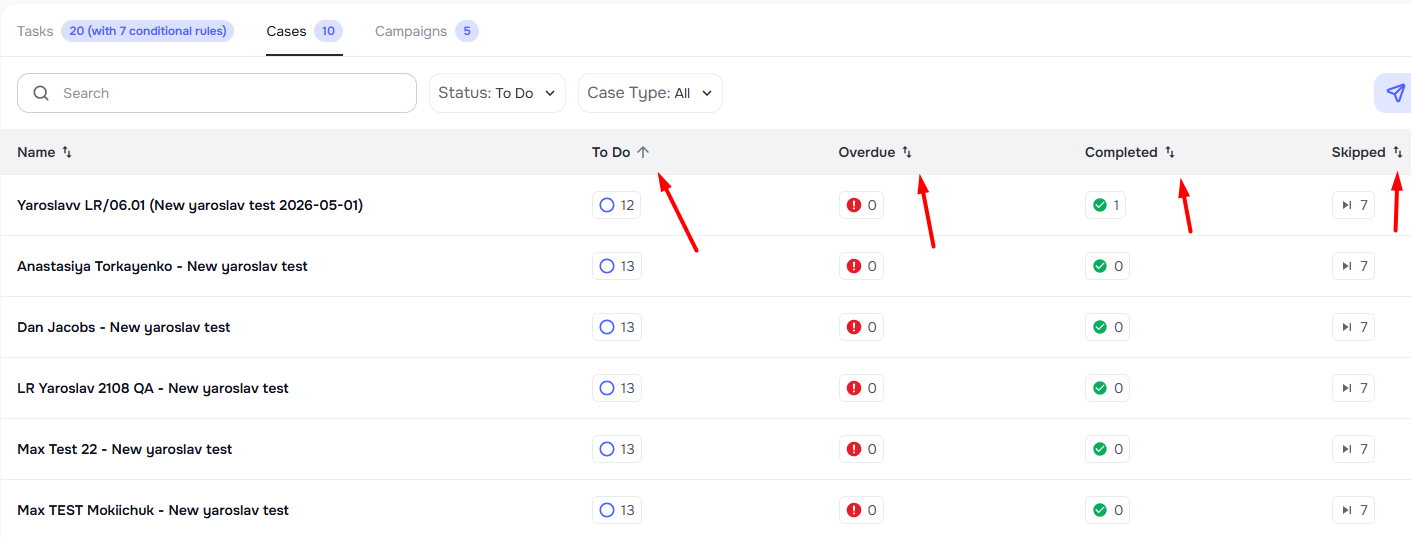
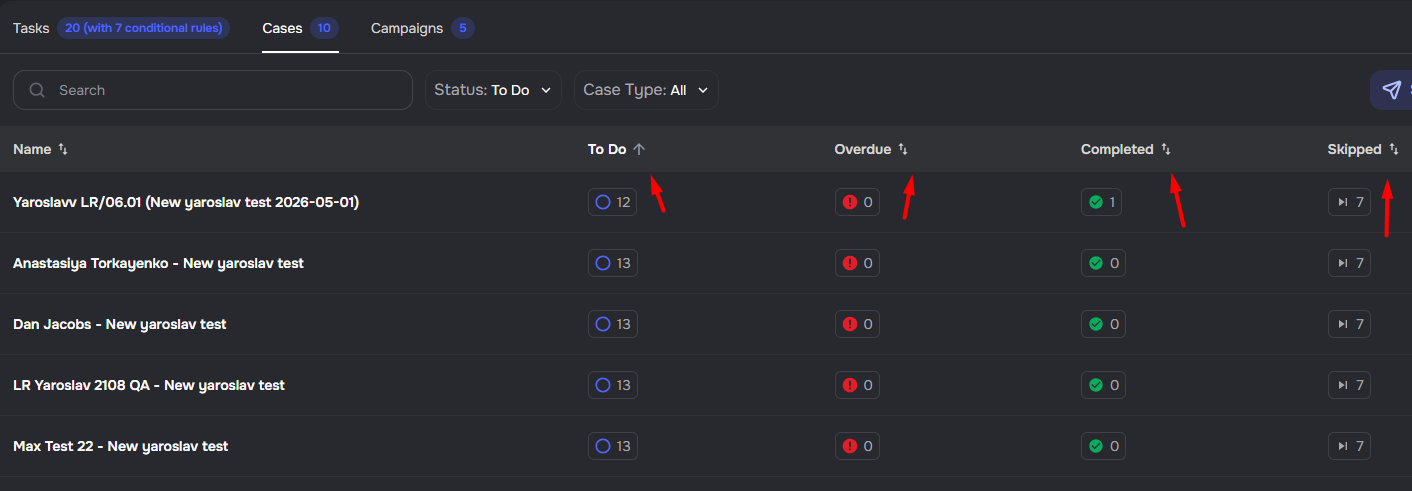
Claim intake tables now support sorting by Name, To Do, Overdue, Completed, and Skipped, making form progress easier to review across assigned cases.
Bulk Select Campaign Form Questions
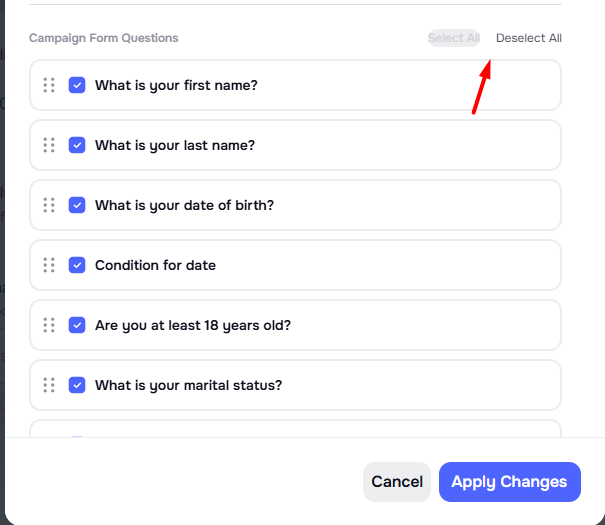
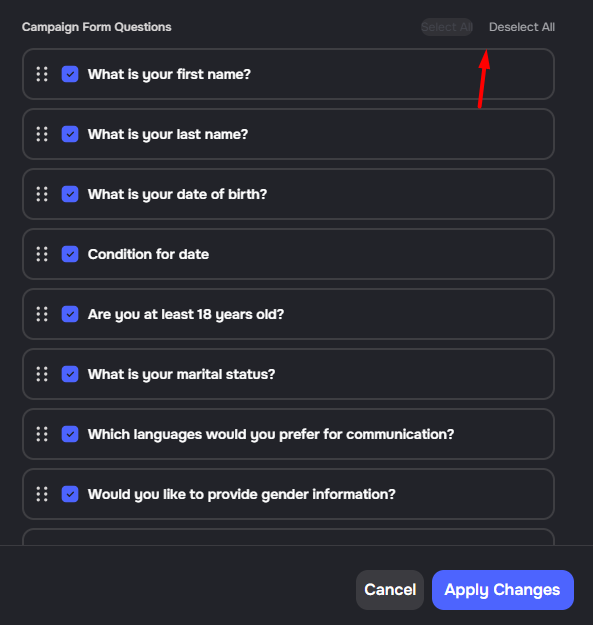
The campaign customize columns modal now includes Select All and Deselect All controls for Campaign Form Questions.
Add US States to State Dropdown Options
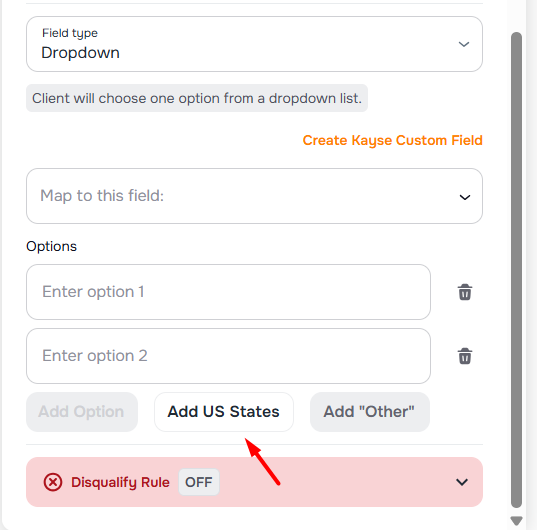
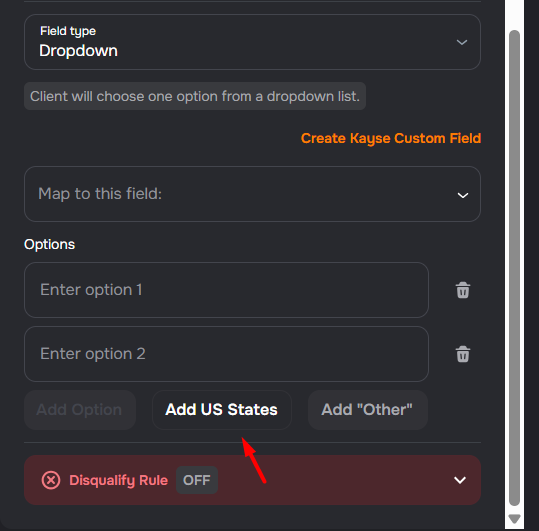
Building dropdown tasks mapped to a State custom field is faster. When the field label includes "State," Kayse shows Add US States so you can insert every U.S. state in one step.
- Where it appears — form editor task sidebar, task library task wizard, and the task modal
- Smart merge — existing options stay; only missing states are added
- Remove option — click Remove US States to remove the state list while keeping your other options
🤖 AI Receptionist and Agent Builder
✨ MiniMax Now the Default Voice
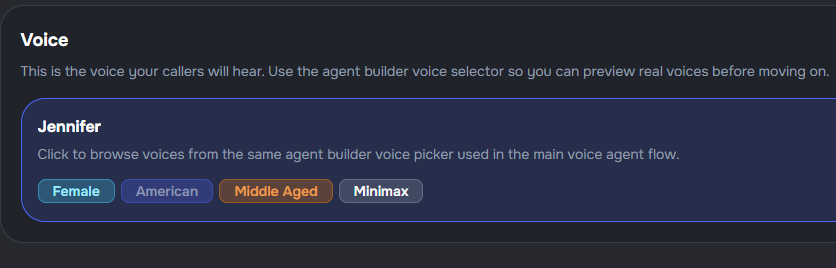
Agent Builder now uses MiniMax voices by default for new agents. ✨
- New default voice — new agents start with Jennifer (MiniMax) selected
- More voice options — MiniMax voices are available alongside Cartesia voices
- Existing agents supported — current agents and Cartesia voices keep working as expected

Live Test Call Transcript Updates
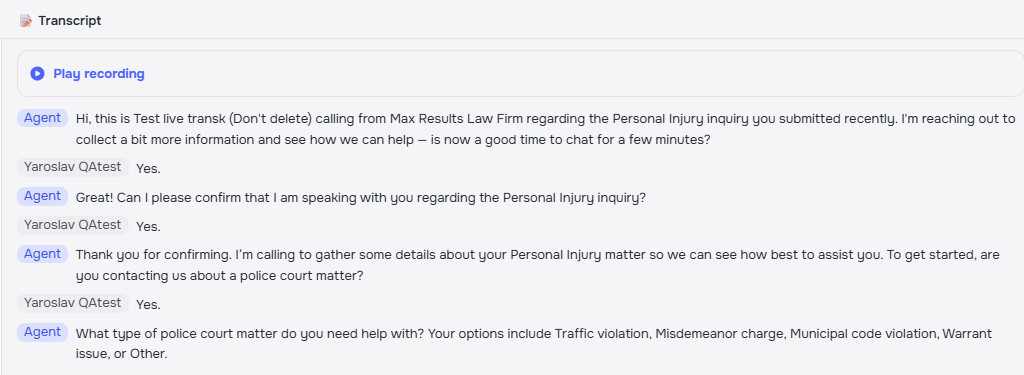
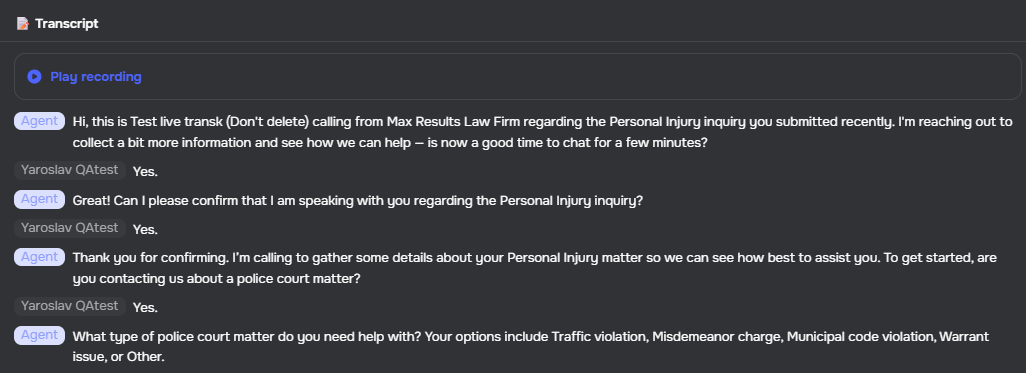
Agent Builder test calls now update the Live Transcript panel while the phone call is still in progress.
- Live transcript updates — new transcript turns appear during the active test call
- Resilient updates — websocket updates power the live view, with polling support for interrupted sessions and final analysis
- Same phone test workflow — use the existing Agent Builder phone test experience without changing how calls start
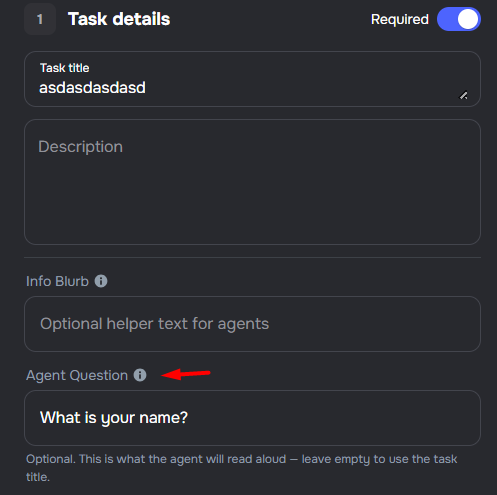
✨ Custom Agent Questions for Form Tasks
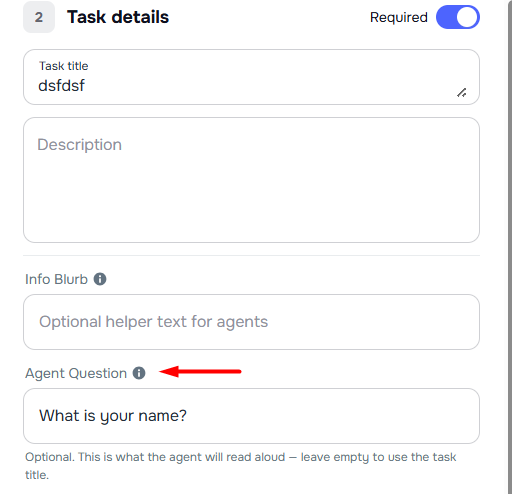
You can now set a custom question for each form task that the voice agent reads aloud. ✨ The original task title stays the same on the form.
- Agent-only question field — add separate wording below the Info Blurb on any form task
- Form stays unchanged — only the agent prompt uses the custom question
- Fully optional — leave the field empty and the agent uses the task title
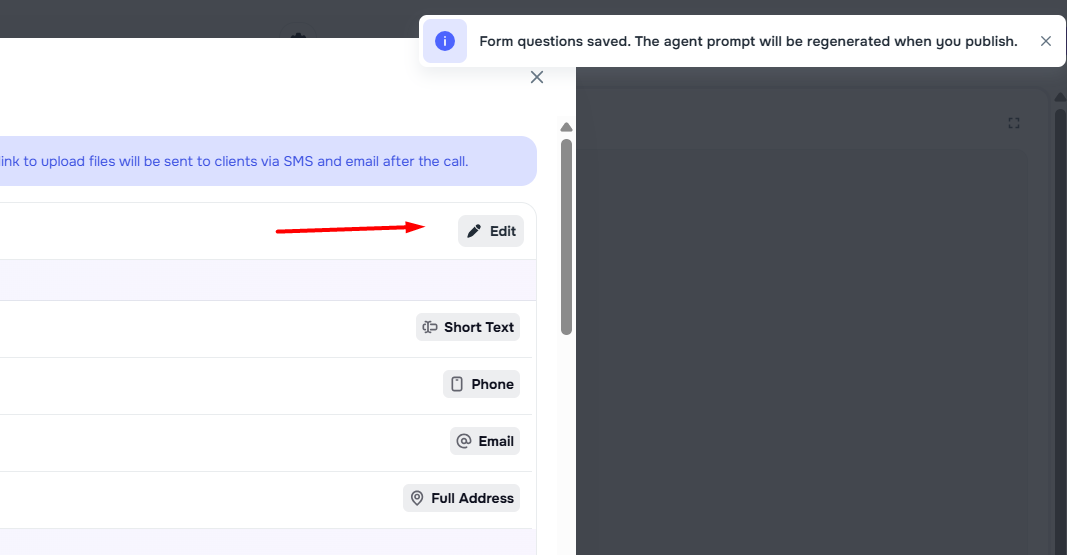
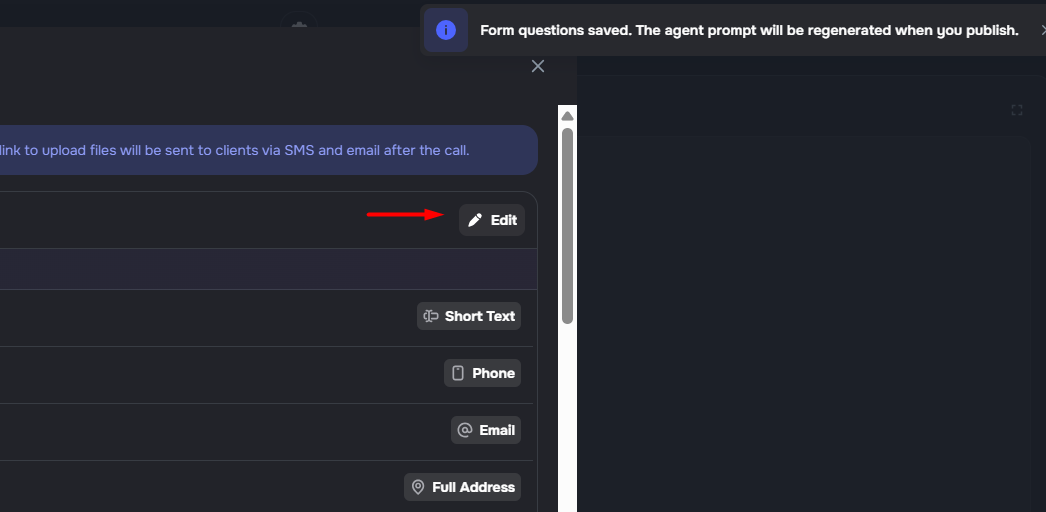
✨ Keep Form-Based Agent Prompts in Sync
When a linked form changes, Agent Builder now lets you rebuild the agent prompt so it reflects the latest questions and flow. ✨
- Clear signal — opening a form-based agent after the form changes shows a Form updated since last prompt dialog
- One-click rebuild — choose Update Prompt to regenerate instructions from the current form
- Preserves edits — other unsaved edits on the page stay in place
- Scoped to managed prompts — the dialog appears for form-based agents that use the managed prompt
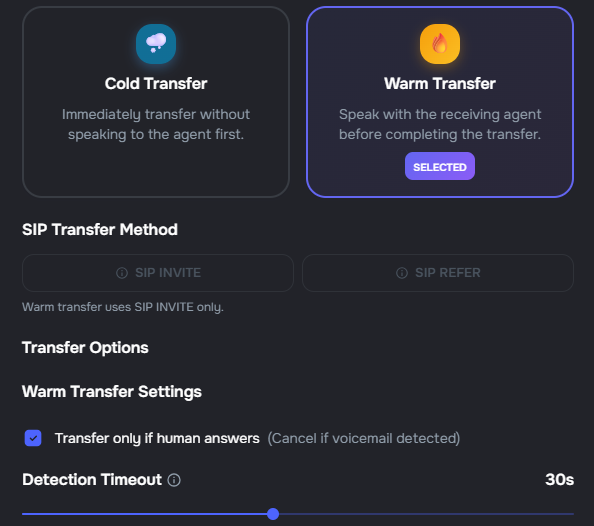
Improved Warm Transfer Defaults
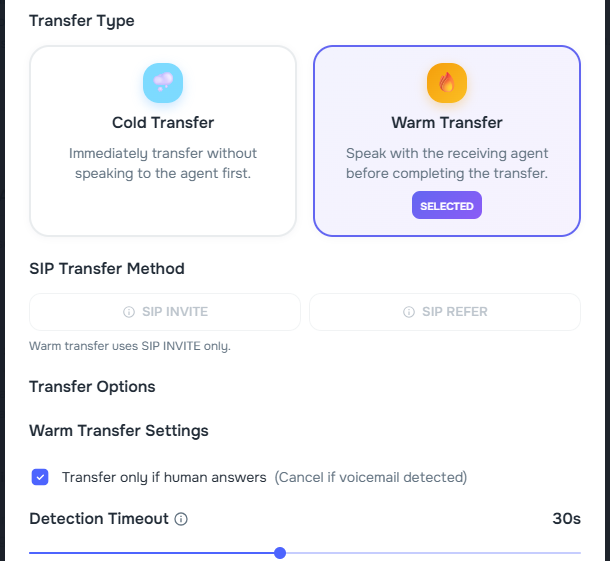
Warm transfer setup in Agent Builder now starts with better defaults.
- Default transfer mode — new warm transfers use
transfer_after_detect_human - Whisper prompt — warm transfers start with a private whisper prompt so the receiving agent gets context first
- Cleaner cold transfers — cold transfers stay focused on cold-transfer settings
📇 Contacts and Cases
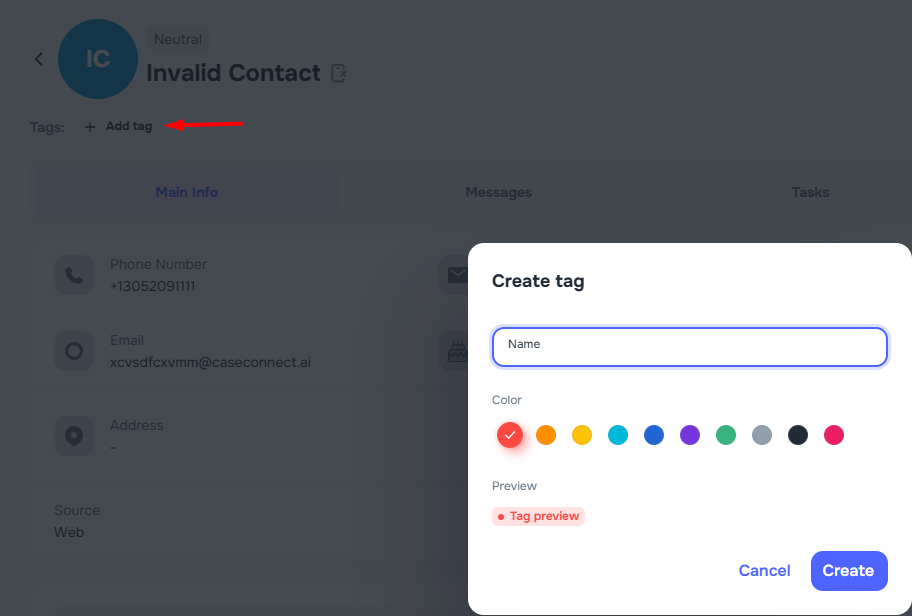
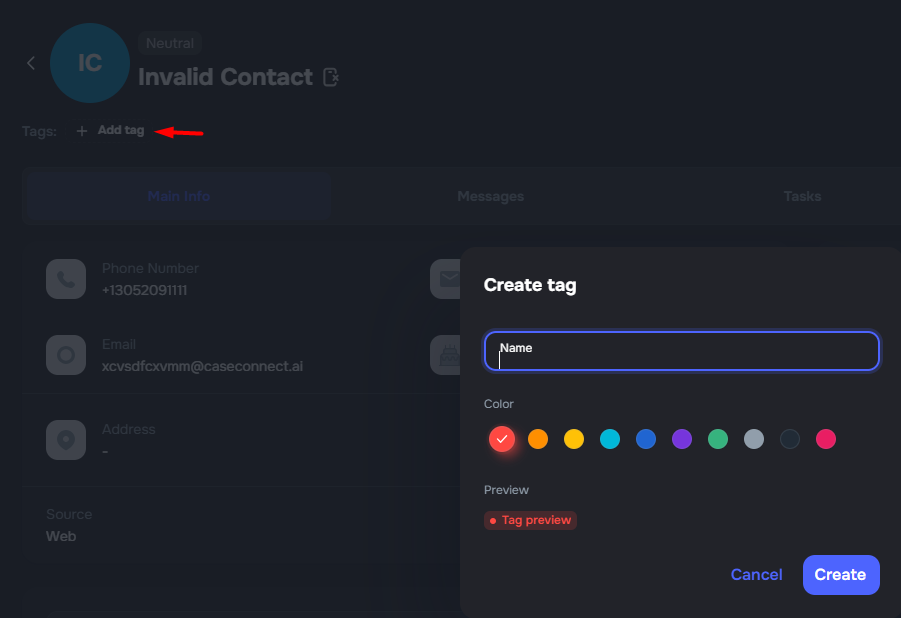
✨ Tags Across Contacts, Cases, and Messenger
You can now organize Contacts, Cases, and Messenger conversations with shared tags for faster triage and cleaner list views. ✨
- Central Tags library — manage tag names and colors in one place under Settings & Tools
- Assign from any surface — add tags on a Contact profile, Case page, or Messenger conversation
- Filter by tag — narrow Contacts, Cases, and Messenger lists to the tags that matter
✨ Tasks Tab on the Client Profile
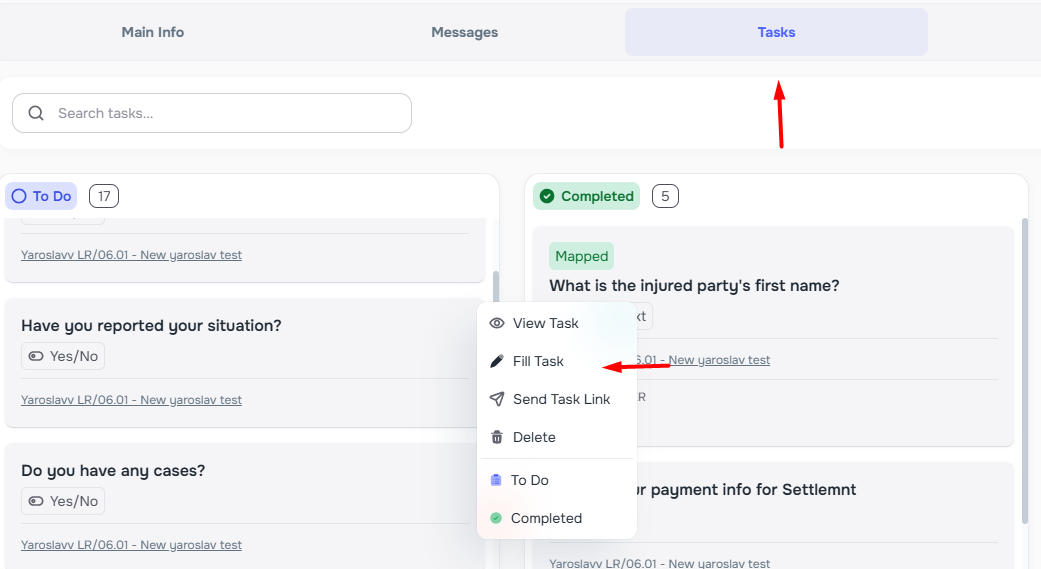
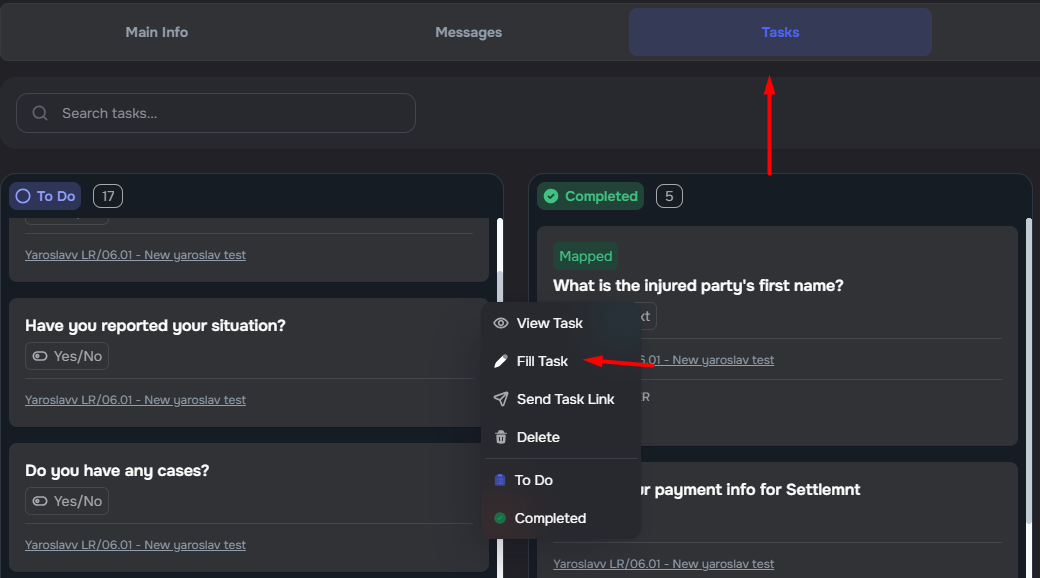
The contact profile now includes a Tasks tab so teams can see every case task linked to a client in one place.
- Board view — tasks are grouped into To Do, Completed, and Skipped columns, with search and load-more support
- Case context — each task shows its related case and links back to the case Tasks tab
- Move tasks — drag task cards between columns when your permissions allow
- Fill Task — add task values for this client from the task menu when the field type supports it
- View details — open a read-only view of the full task and form
✨ Login Source Status for Contacts and Cases
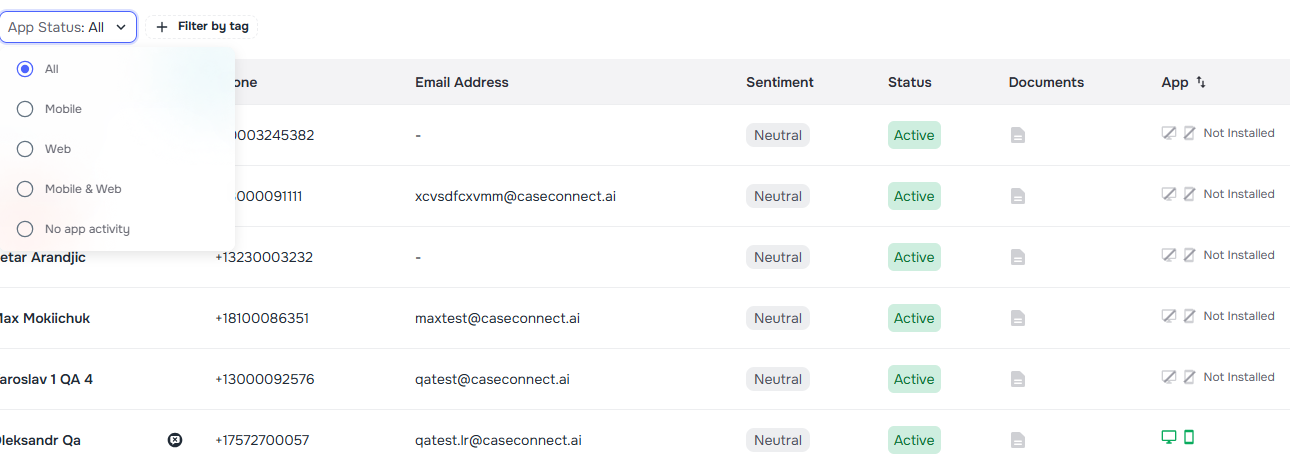
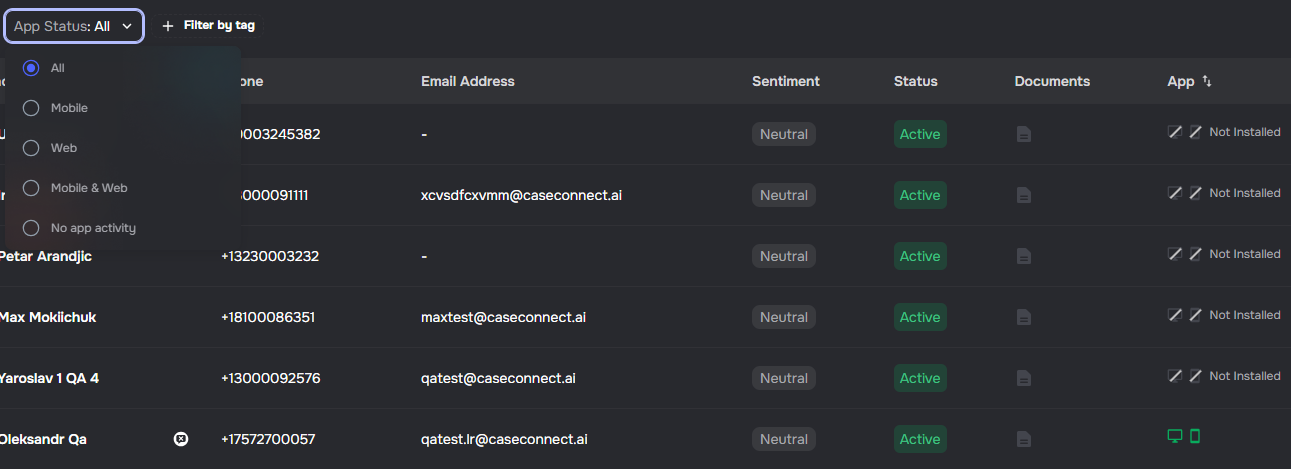
The contacts and cases pages now show how each contact accesses the app: Web, Mobile, Web & mobile, or Not Installed.
- Login source column — see access status in the contacts table and case details
- Filter by login source — narrow contacts and cases by access type
- Sort by login source — order contacts and cases by access status
Filter and Sort Cases by Mobile App Install Status
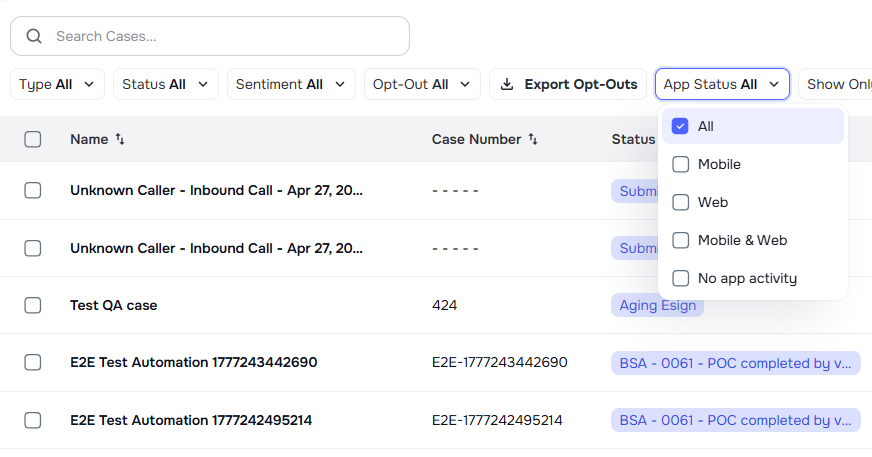
You can now filter and sort the Cases page by whether linked contacts have installed the mobile app, and that filter flows through bulk case actions.
- Cases filter — filter cases by mobile app install status
- Sort by install status — sort cases by the most recent install among linked contacts
- Bulk action support — the same filter applies to task creation, bulk email and SMS, case list operations, and other bulk flows
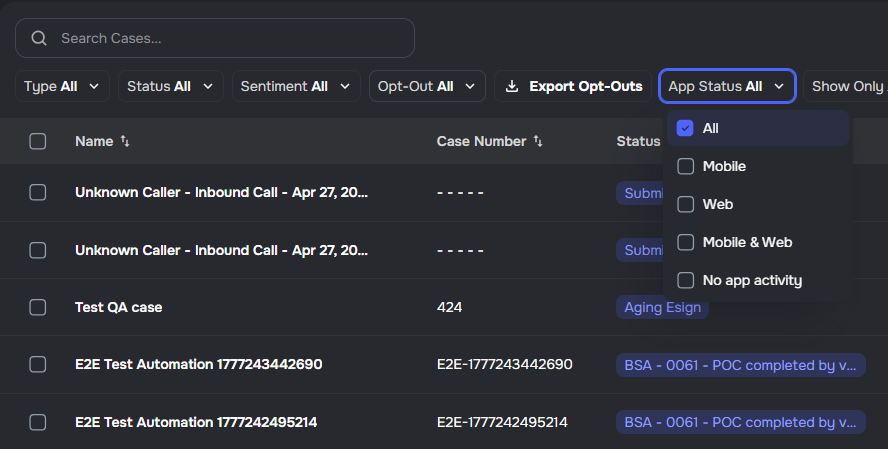
Export Opt-Outs from Contacts
Opt-out data can now be exported directly from the Contacts page as a CSV file.
- Export action — use Export Opt-Outs from the Contacts table header when viewing opted-out contacts
- Date range filter — narrow the export by last opt-out date
- Case-type aware — the active case-type filter is included automatically


📄 Documents and Integrations
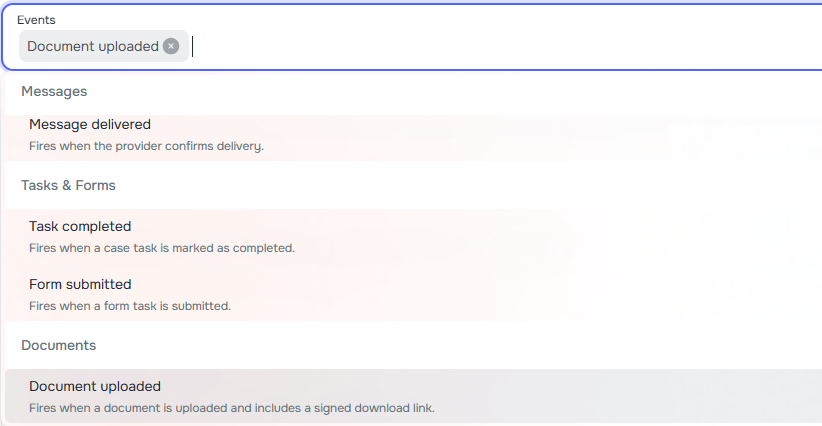
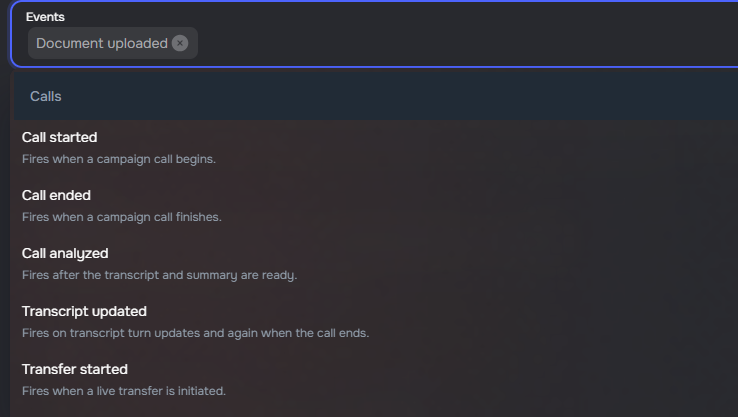
📄 Document Upload Webhooks
Kayse can now notify external tools when a document is uploaded. ✨
- Document upload event — subscribe to
document_uploadedto receive document details in real time - Secure file access — each event includes a signed download link that is valid for 24 hours
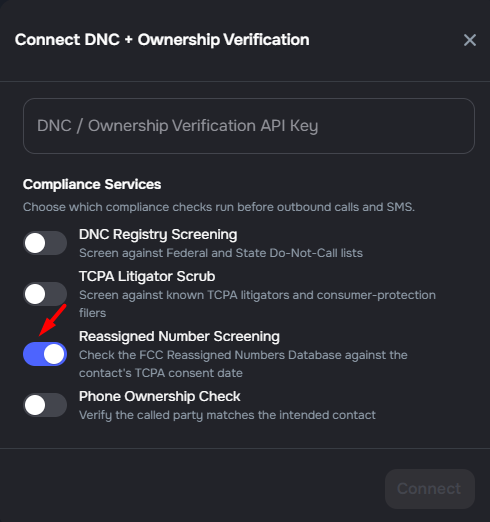
✨ Reassigned Number Screening Toggle
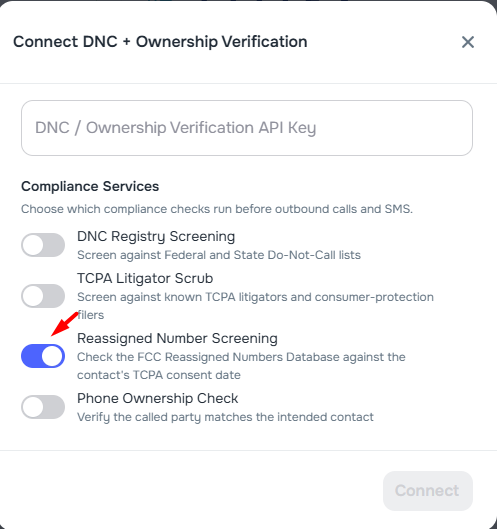
The DNC + Ownership Verification integration now includes a Reassigned Number Screening toggle for FCC Reassigned Numbers Database checks. ✨
- New integration toggle — turn reassigned number screening on or off alongside DNC Registry, TCPA Litigator, and Phone Ownership checks
- Consent-aware screening — when enabled, Kayse checks each number against the contact's TCPA consent date before dialing
- Off by default — existing integrations keep their current setup until you opt in
Suggested CRM Field Mappings
The CRM Mappings table now includes Suggest Mappings to help admins review likely matches before applying them.
- Confidence indicators — each suggestion shows a confidence badge
- Review before applying — accept or dismiss each suggested mapping individually
- Manual fallback — fields without a strong suggestion can still be mapped manually
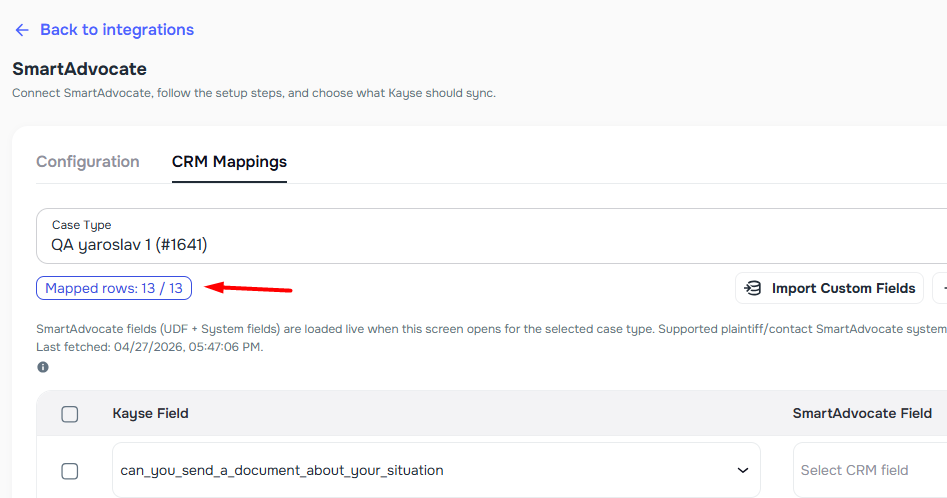
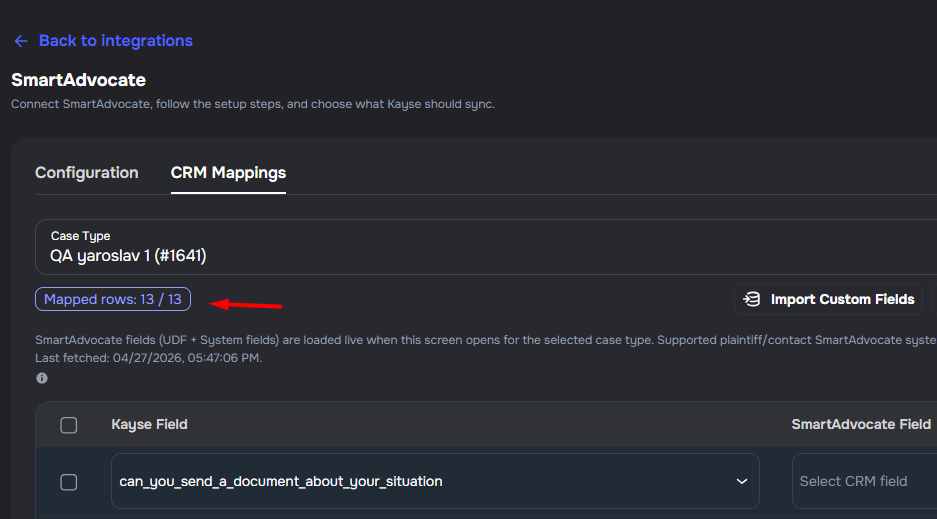
✨ Mapped Rows Counter in CRM Mapping Tool
The CRM Mapping Tool now shows a live Mapped rows counter so admins can see mapping progress at a glance. ✨
- Live counter — a chip shows how many rows are fully mapped out of the total
- System field support — built-in contact fields like name, email, and phone appear alongside custom fields
Import Custom Fields from Spreadsheet
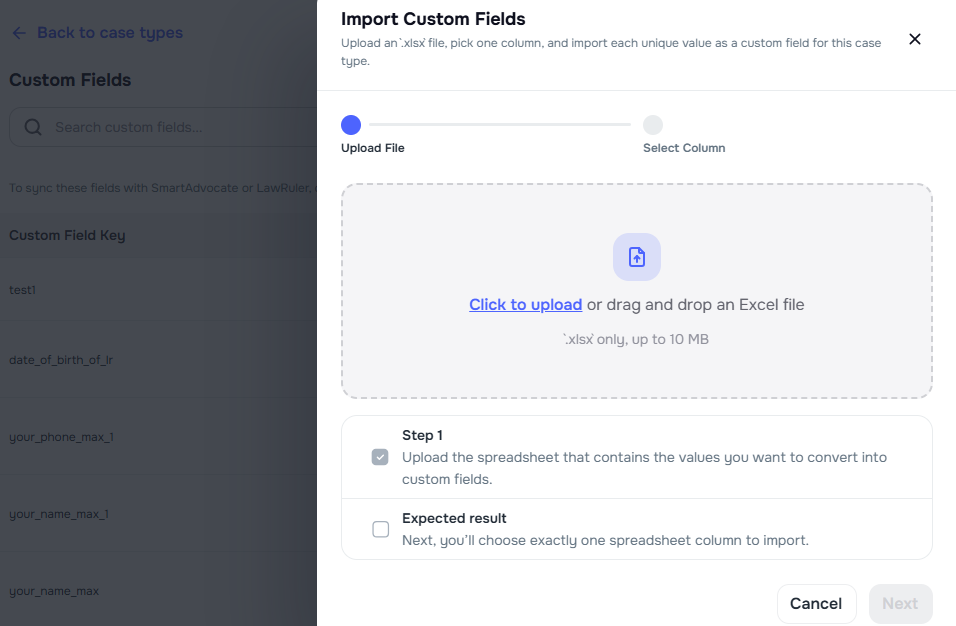
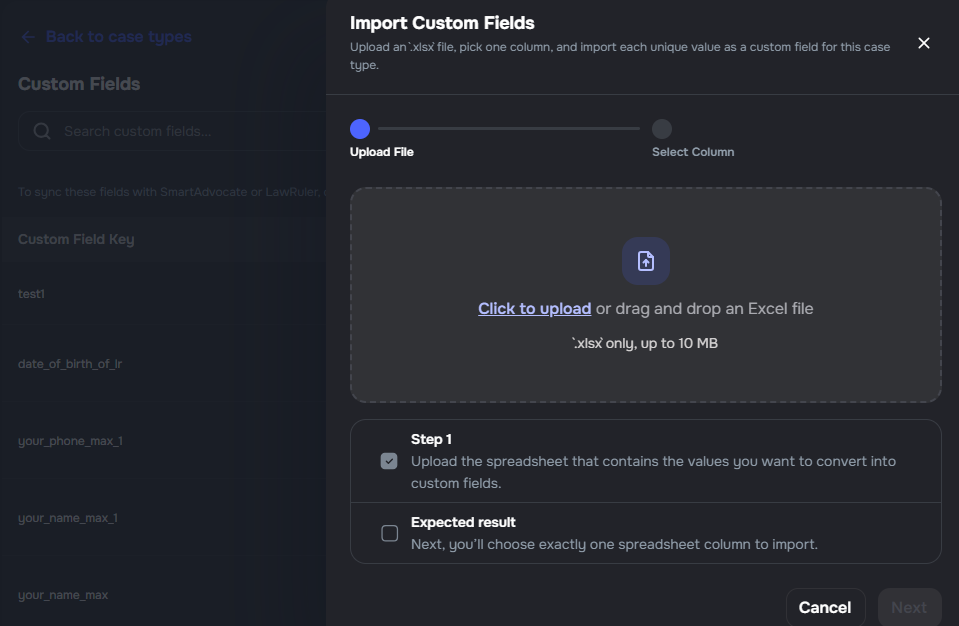
Case types now support importing custom fields from an uploaded .xlsx spreadsheet.
- Upload and select — upload a spreadsheet, choose one column, and each unique non-empty value becomes a custom field
- Available in two places — import from the Case Types page or the CRM Mappings tab on an integration
- Duplicate handling — fields already attached to the case type are skipped automatically
💰 Billing
Billing Preferences, Spending Controls, and Client Alerts
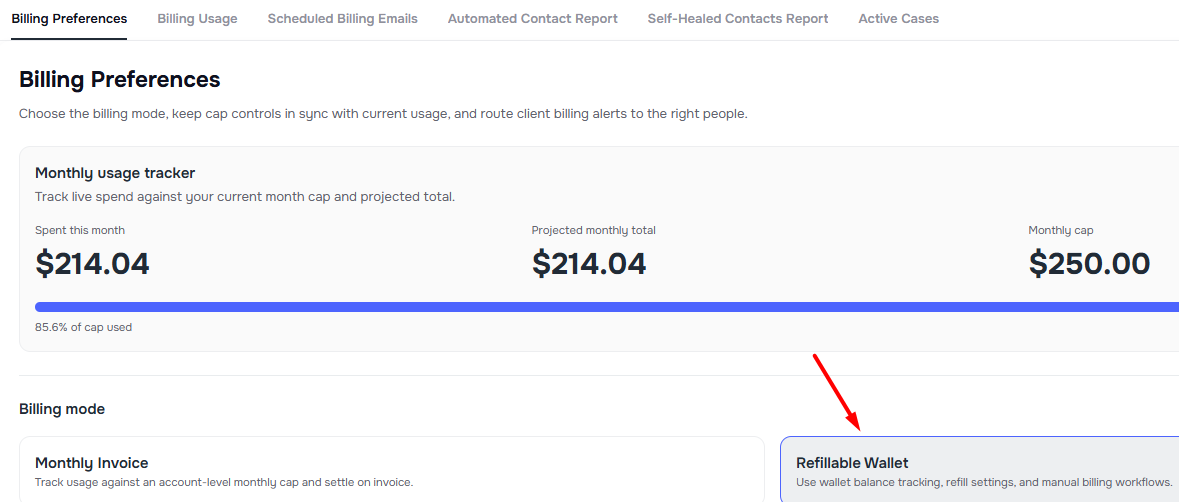
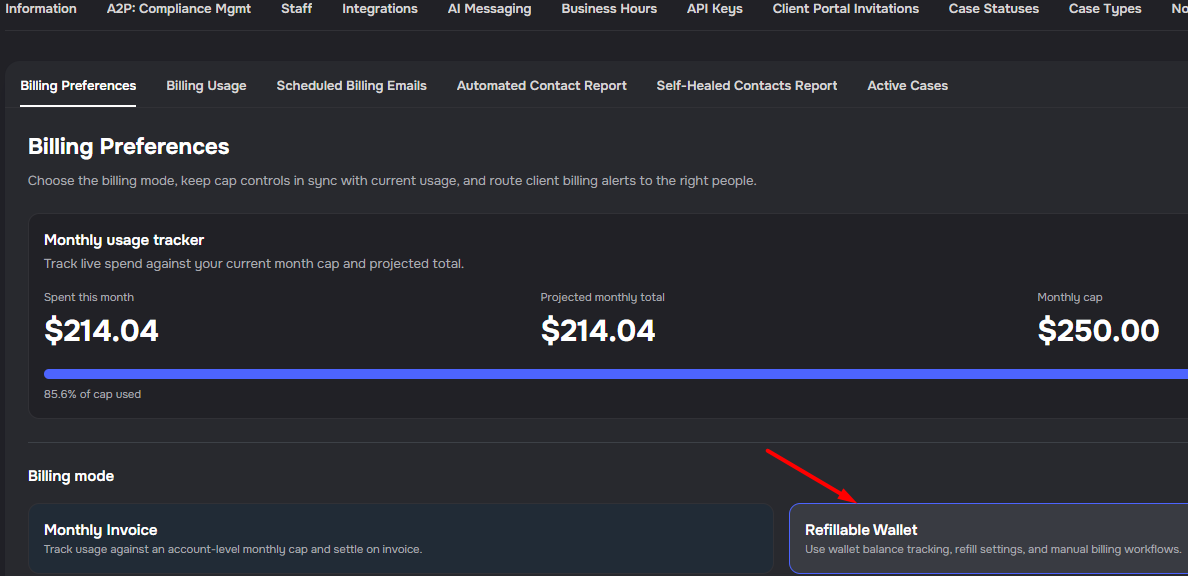
Company admins can now manage billing mode, monthly spending caps, and client-facing cap alerts from Settings → Billing and Reports → Billing Preferences.
- Billing mode selector — switch between Monthly Invoice and Refillable Wallet
- Monthly spending caps — add, raise, or remove an account-level monthly cap
- Usage tracker — review spent this month, cap progress, and projected monthly total in one place
- Client billing alerts — send threshold and cap alerts to the primary billing contact, with optional extra recipients
- Automatic pause and resume — campaigns pause when the monthly cap is reached and resume when the cap is raised or removed
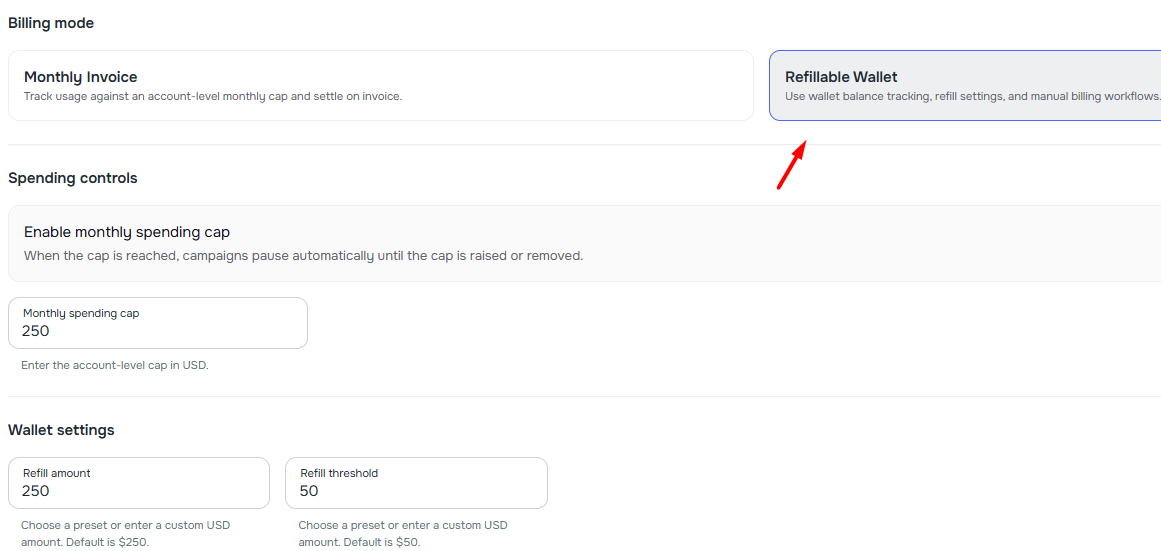
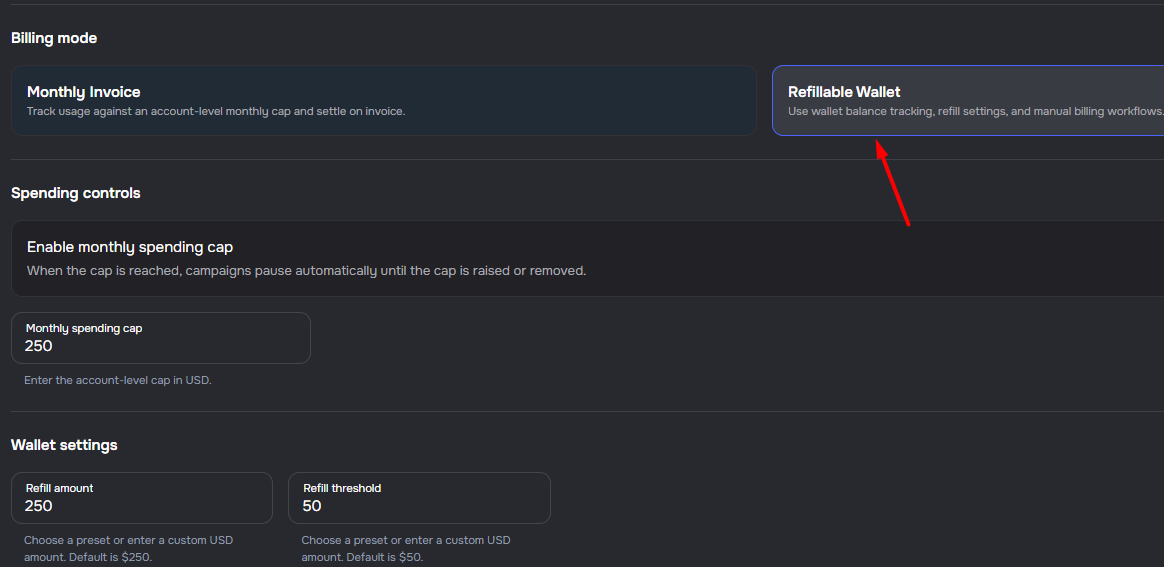
Refillable Wallet and Manual Billing Workflow
Company billing now supports refillable wallet operations with configurable refill amounts, thresholds, balance tracking, refill history, client wallet alerts, and internal manual payment processing.
🔐 Security and Compliance
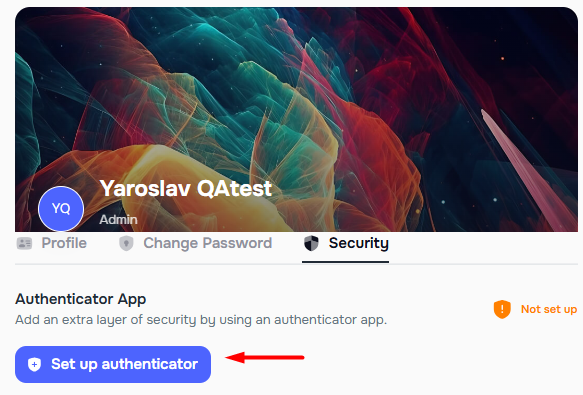
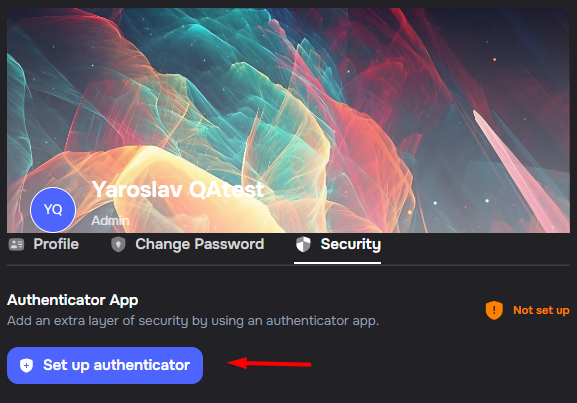
✨ Authenticator App for Multi-Factor Authentication
Admins can now enable authenticator app-based MFA to add an extra layer of security to their accounts.
- TOTP support — use any authenticator app to generate time-based one-time codes
- QR code setup — scan a QR code or enter the secret key manually
- Email fallback — receive a verification code by email when needed
- Password protection — setup and enablement require password re-entry
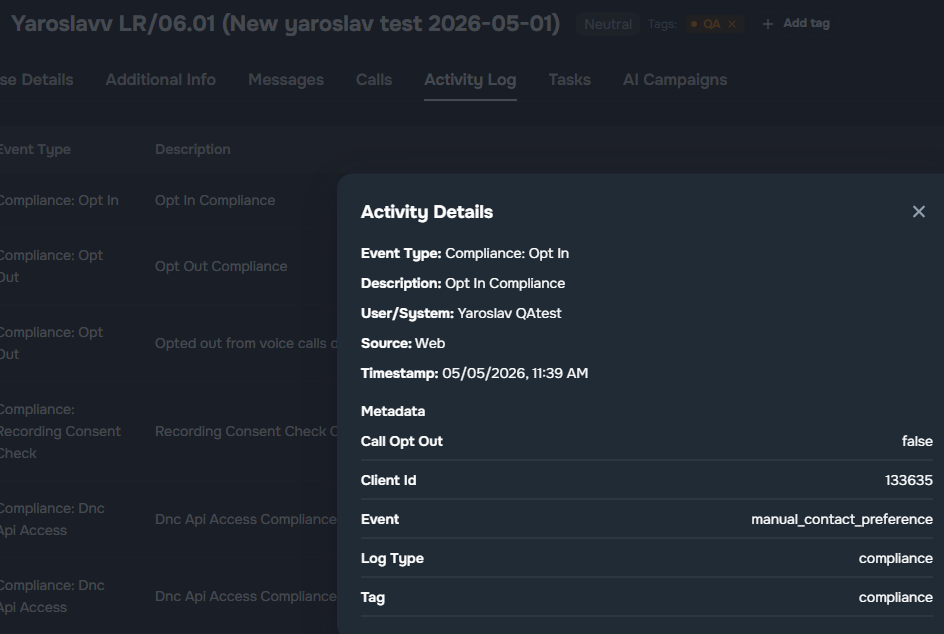
Compliance Events in Case and Contact Activity Logs
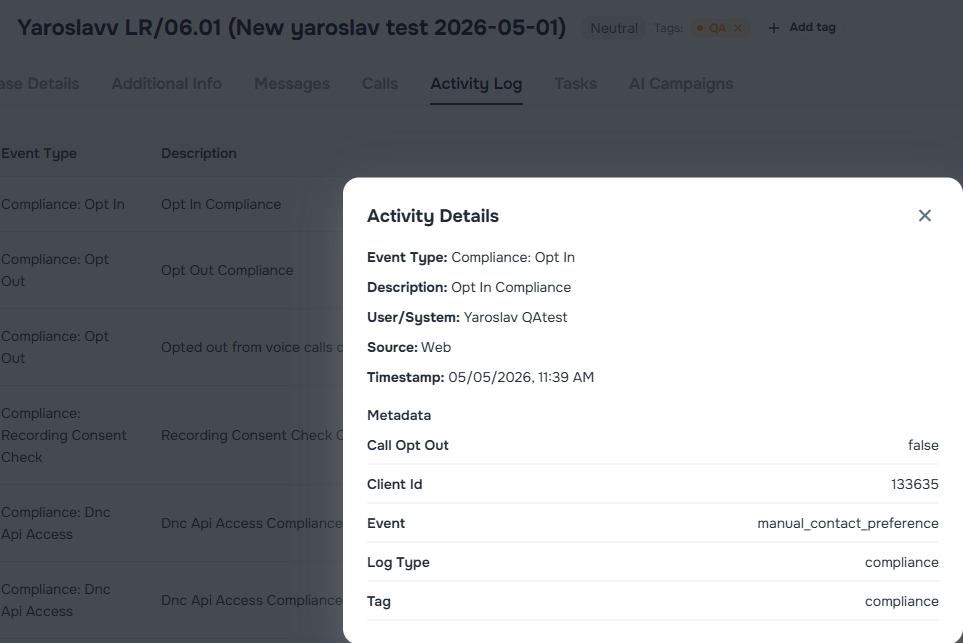
Compliance-related events now appear in Case and Contact Activity Logs with dedicated Compliance: labels for clearer tracking.
- Case Activity Log — see call preference changes, DNC checks, and data access audits in case history
- Contact Activity Log — review the same compliance activity from the contact profile
💬 Messaging
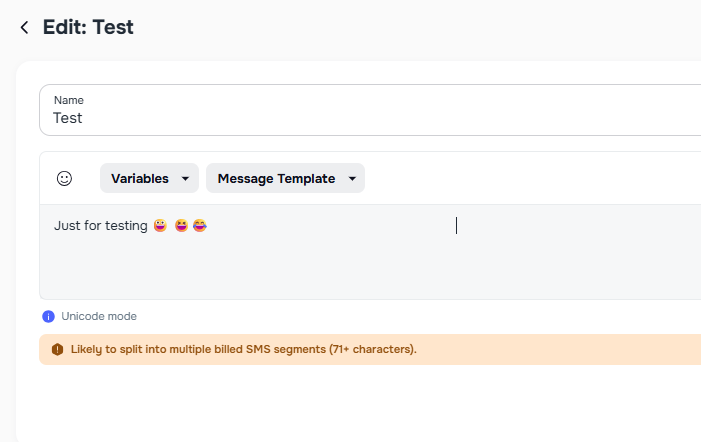
SMS Composer Character Warnings and Segment Guidance
SMS composition now includes clearer segment-cost guidance in Campaign Runs, Message Templates, and Case bulk messaging.
- Live warning thresholds — SMS editors show caution and high-risk alerts as messages approach segment-split ranges
- Special character awareness — emojis and non-GSM characters use stricter thresholds automatically
- Segment tooltip — an info tooltip explains how longer SMS content can split into multiple billed segments
- Non-blocking guidance — alerts are informational, so sending and saving remain available
🏢 Company Settings and Help Center
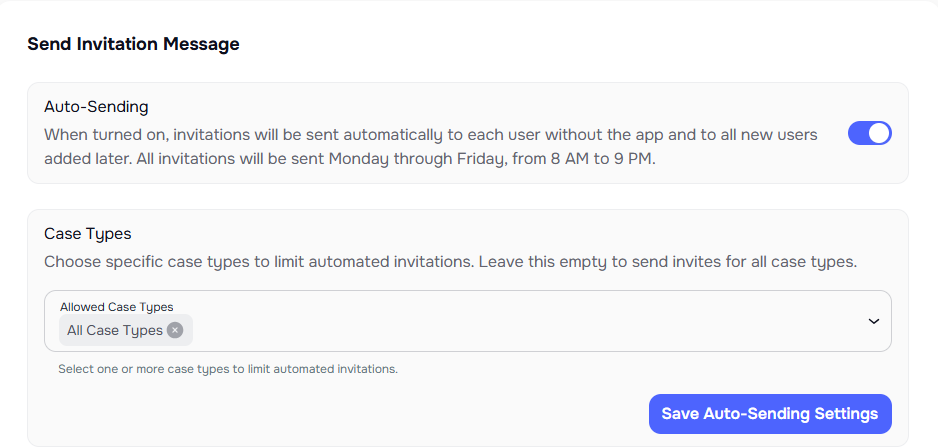
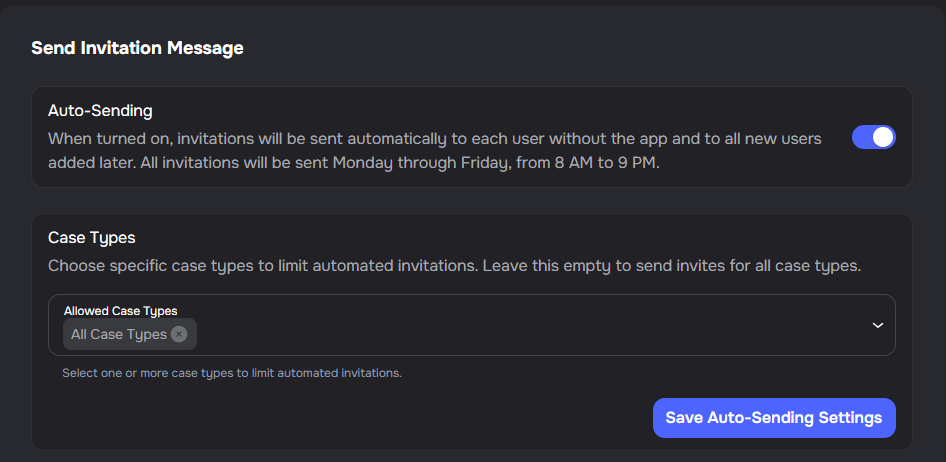
✨ Mobile Invitation Case Type Filters
You can now choose which case types are included when Auto-Sending mobile app invitations is turned on.
- Case type selection — choose one or more case types for automated mobile app invitations
- All case types option — leave the selection empty to include every case type
- Clearer setup — manage invitation rules directly from company invitation settings
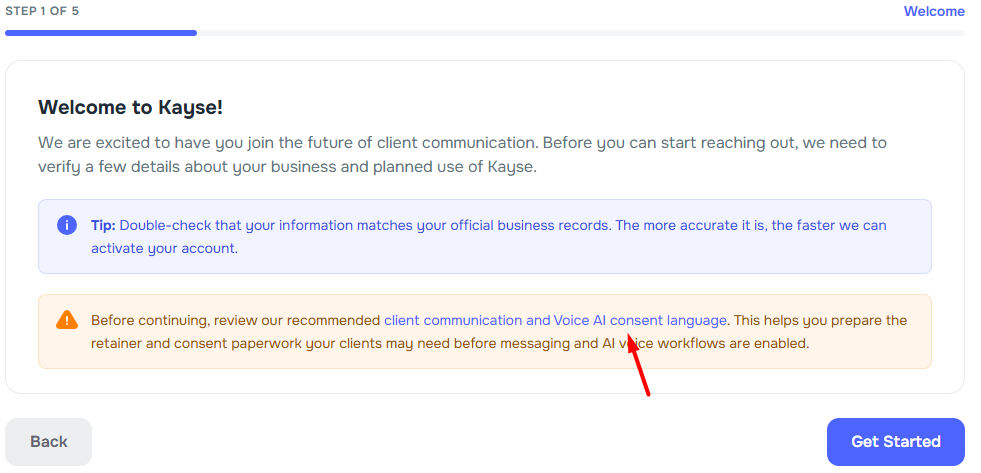
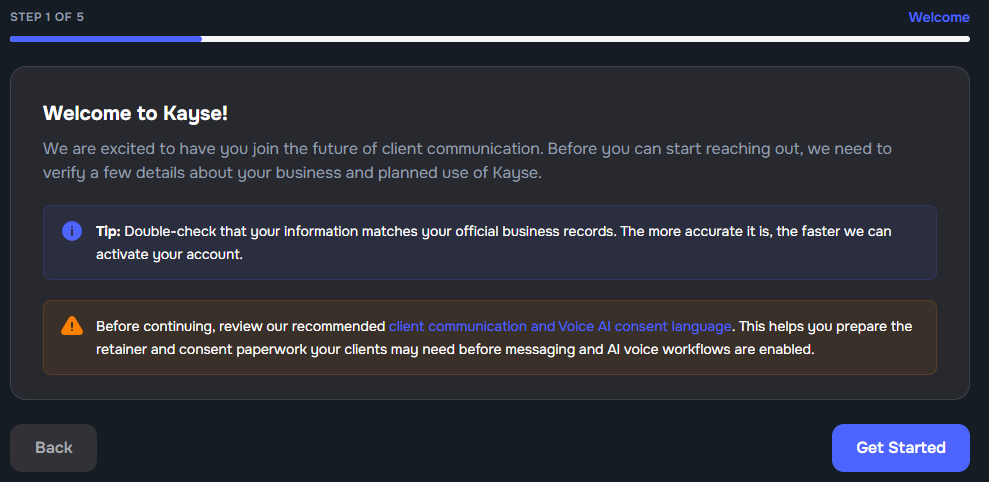
Retainer Consent Guidance for Onboarding
The Help Center now includes recommended retainer packet language for client communication and Voice AI consent. The first public onboarding form links to this guidance before the A2P registration flow.