

Case Type Filters, Disable Chat & AI Call Button
Today’s release delivers powerful enhancements to the mobile app and web experience, giving law firms even more control over communication, visibility, and case-based filtering. Here’s what’s new:
✨ New Features
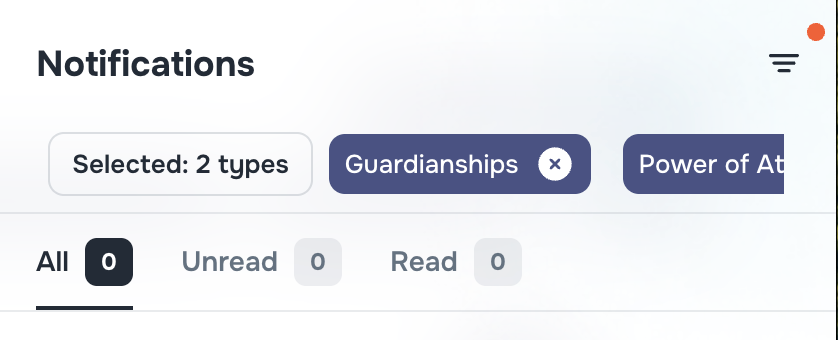
🧩 Case Type Filter for Messages & Notifications
You can now filter messages and notifications by Case Type and Subtype, with support for:
Alphabetical sorting
Inline search
Enabled filter labels
Great for narrowing down communication by legal context — whether you’re tracking “Camp Lejeune” or “Criminal Law” threads.
📍 Available in:
- Messenger
- Notifications panel
🔕 Company Setting: Disable Chat
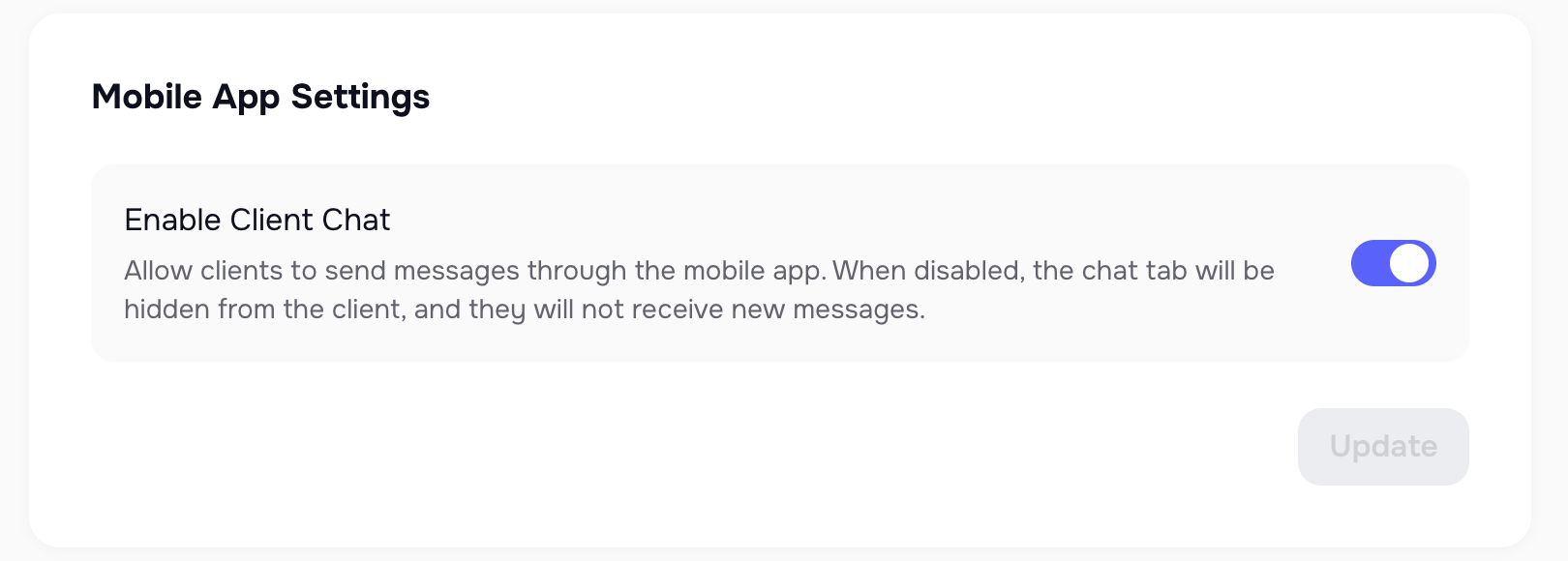
Firms can now toggle chat functionality in the mobile app via Company Settings.
If disabled:
- Chat icon is hidden in the app UI
- The change takes effect within seconds — no restarts needed
🎯 Useful for firms managing high inbound volume or pausing direct client chat access.(attached screen show enabled state)
📞 Voice AI Assistant to Call in the Client Portal App
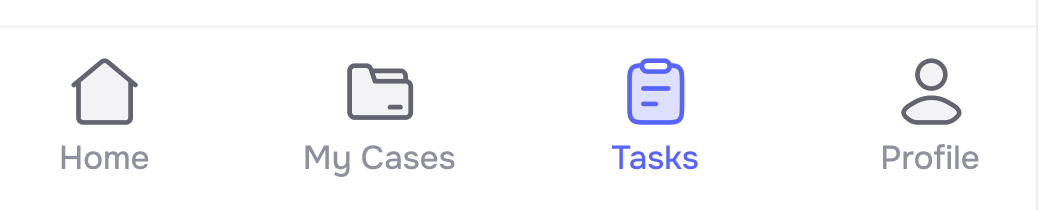
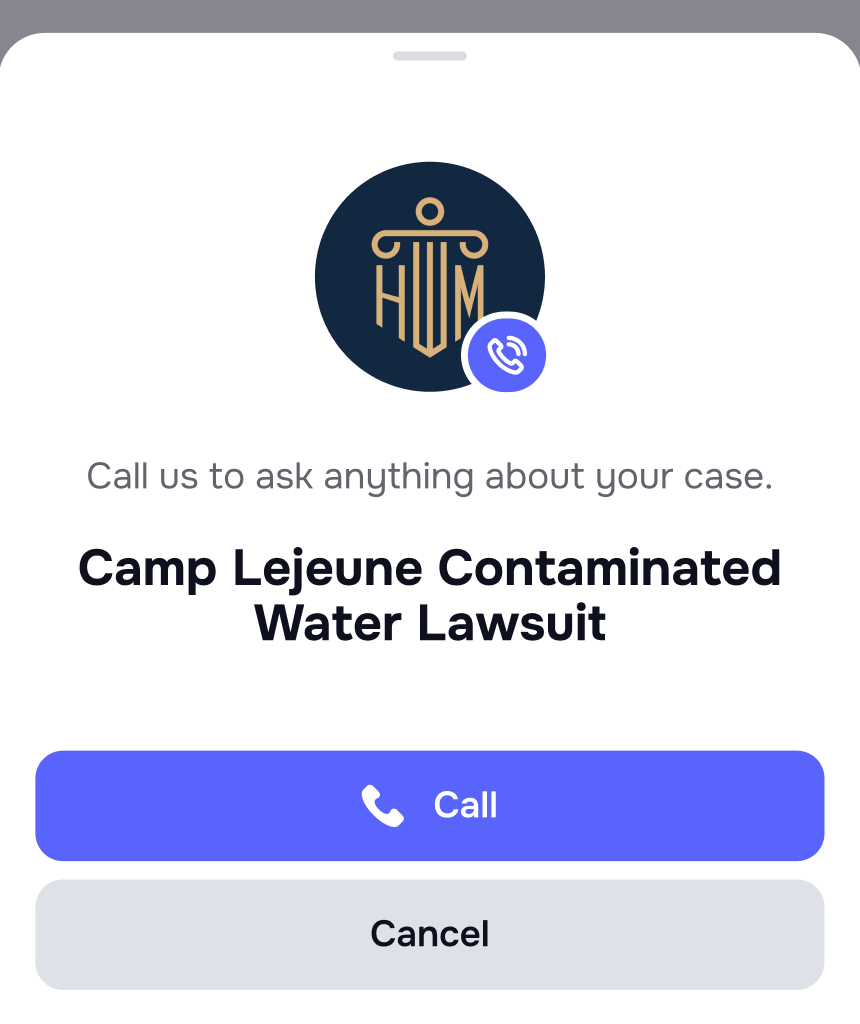
Firms can now offer a direct call button to their AI Assistant in the mobile client portal.
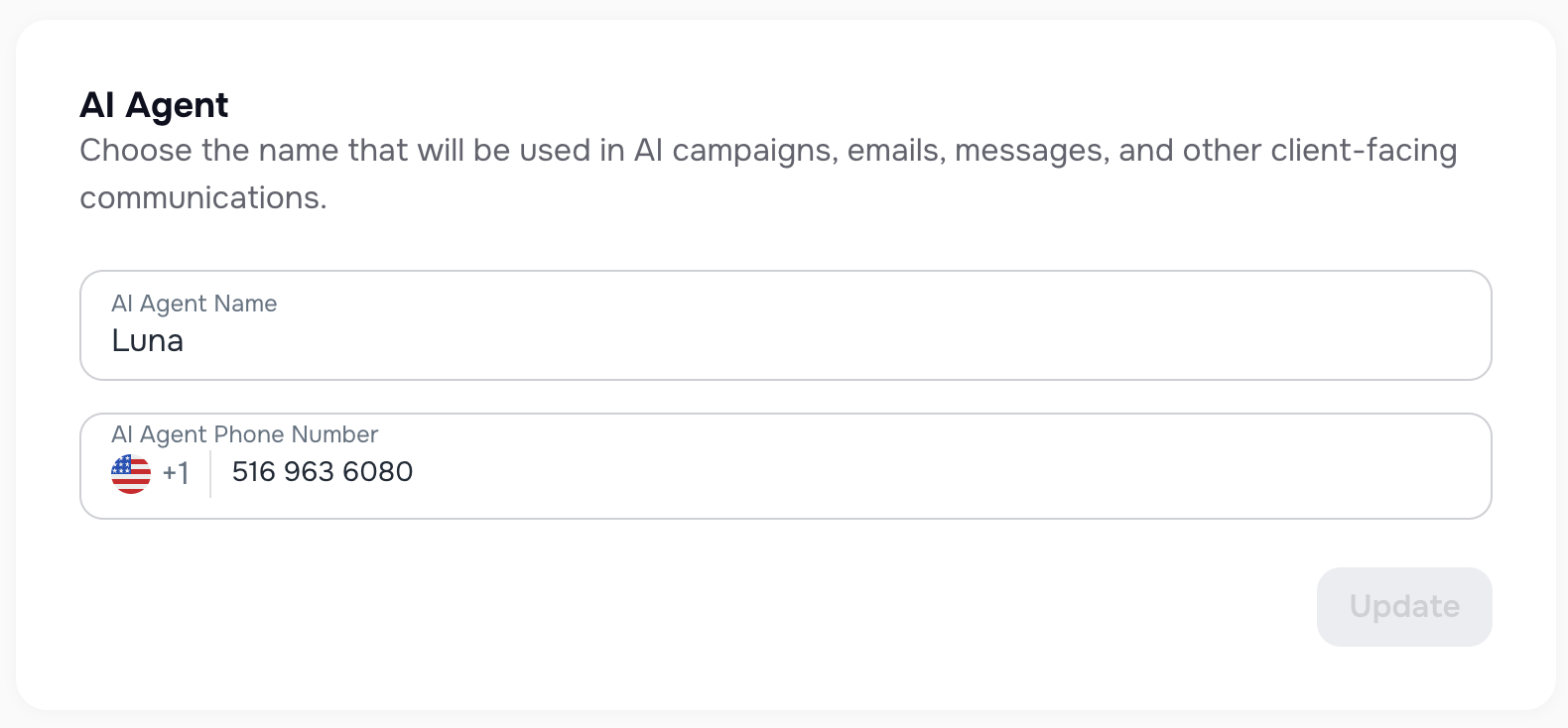
Clients can ask real-time questions like “Where is my case?” or get updates — 24/7, no staff required. The agent phone number should be stored in Company Settigns.
🧠 Powered by LLMs, the assistant pulls from your database, answers in natural language, and ensures:
- Consistent, branded communication
- Reduced support load
- Tech-forward experience
🐞 Improvements
🌒 Dark Mode: Company Name Contrast
Improved contrast in the company switcher dropdown to ensure company names remain visible in dark mode.
🧹 Additional UI/UX Improvements
We’ve also addressed various UI/UX inconsistencies across the web and mobile apps to ensure a smoother, more polished experience.