

Email Blasts in AI Campaigns, Tasks Redesign & Opt Out Improvements
This release introduces several new features and important improvements that make campaigns more flexible, case management more reliable, and messenger more powerful. ✨
🆕 New Features
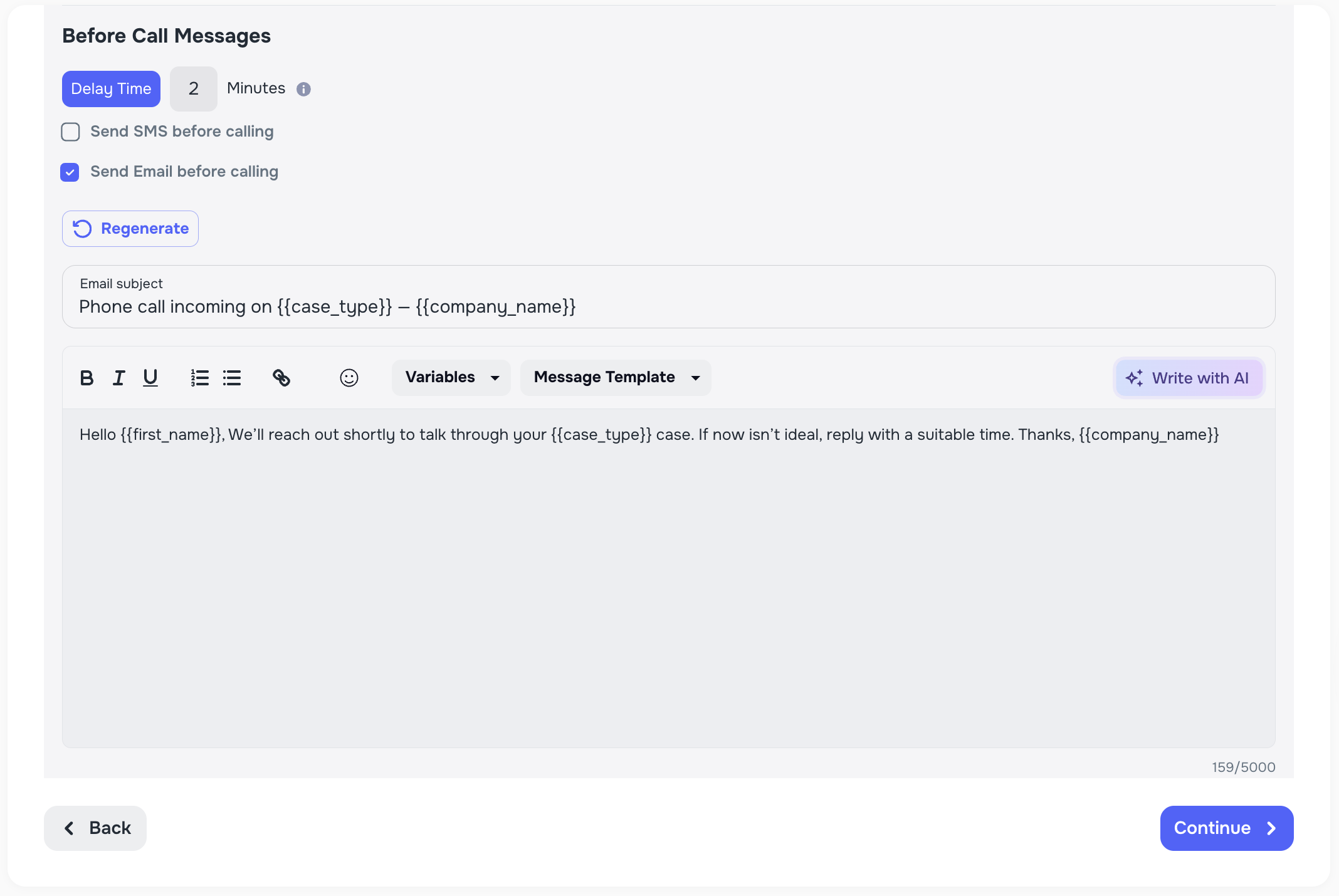
📧 Email Blasts in AI Campaigns
We’ve added the ability to send email messages as part of your AI Campaigns. This makes it possible to reach clients with important information, even if the call doesn’t go through.
- Send emails before a call, after a successful call, or after an unsuccessful call.
- Extends functionality that was previously available only for SMS.
- Provides a more complete communication flow with your clients.
📋 Duplicate Lists
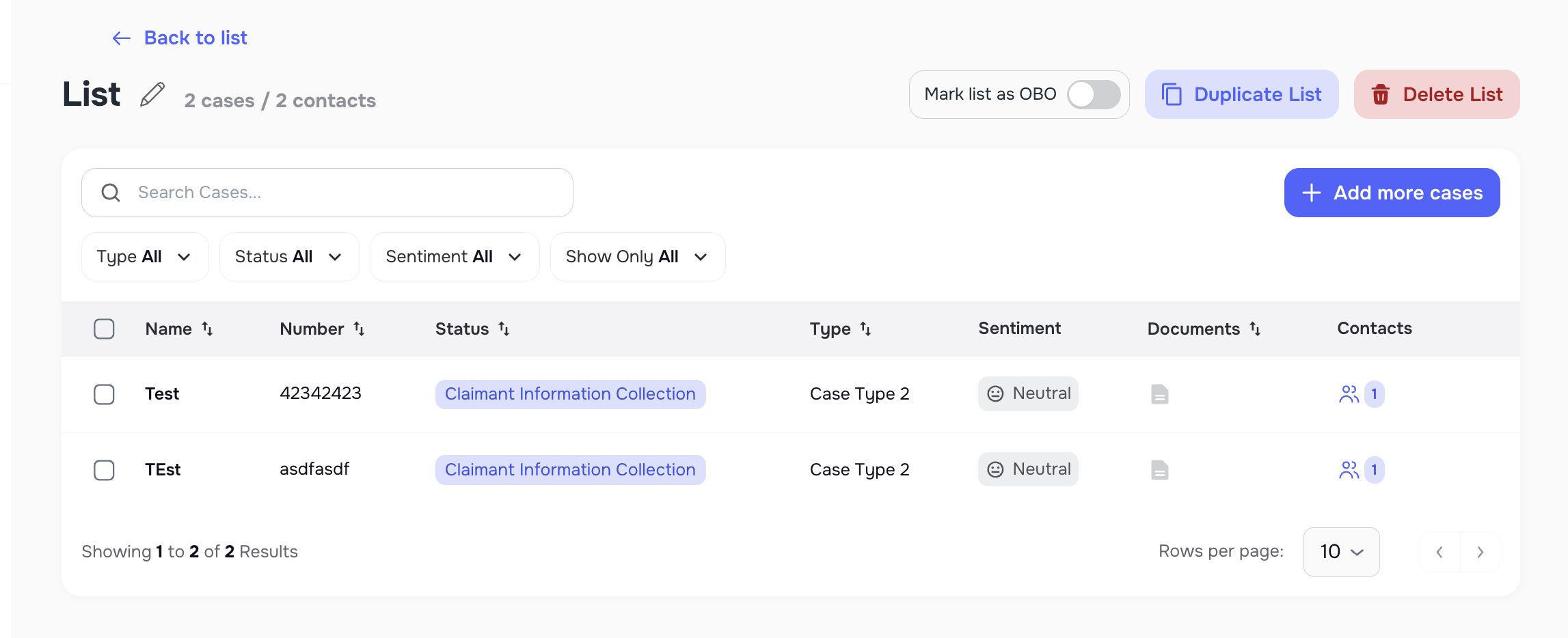
Managing lists is now faster and easier with the new duplicate option.
- Duplicate an existing list directly from the three-dot menu.
- The copy includes the same cases as the original list.
- Save time by re-using existing list setups without manual rebuilding.
✅ Redesigned Case Tasks
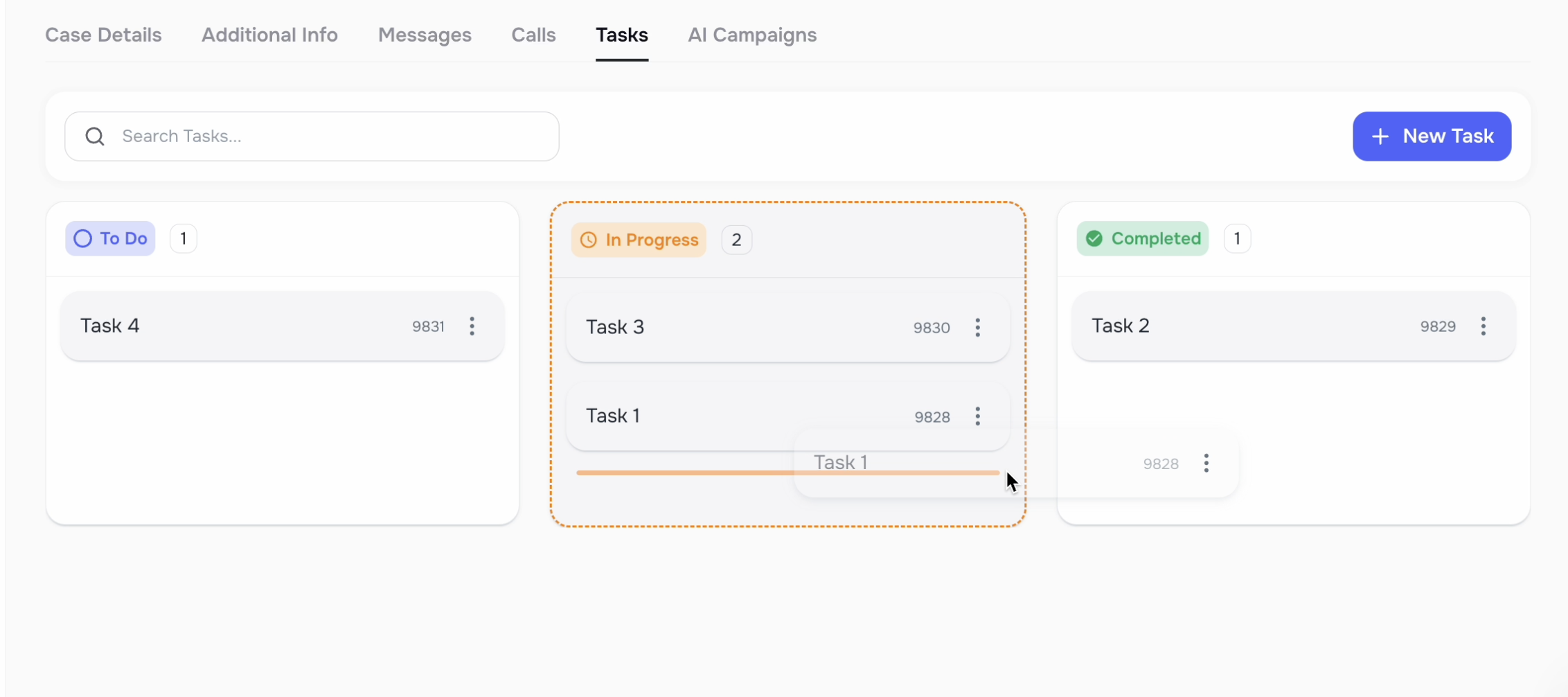
The Tasks page inside each case has been completely reworked to provide a clearer, more intuitive workflow.
- Added a new In Review column.
- Introduced drag-and-drop Kanban view for moving tasks.
- Modernized layout makes it easier to track case progress at a glance.
📞 Opt-Out by Case Type Calls
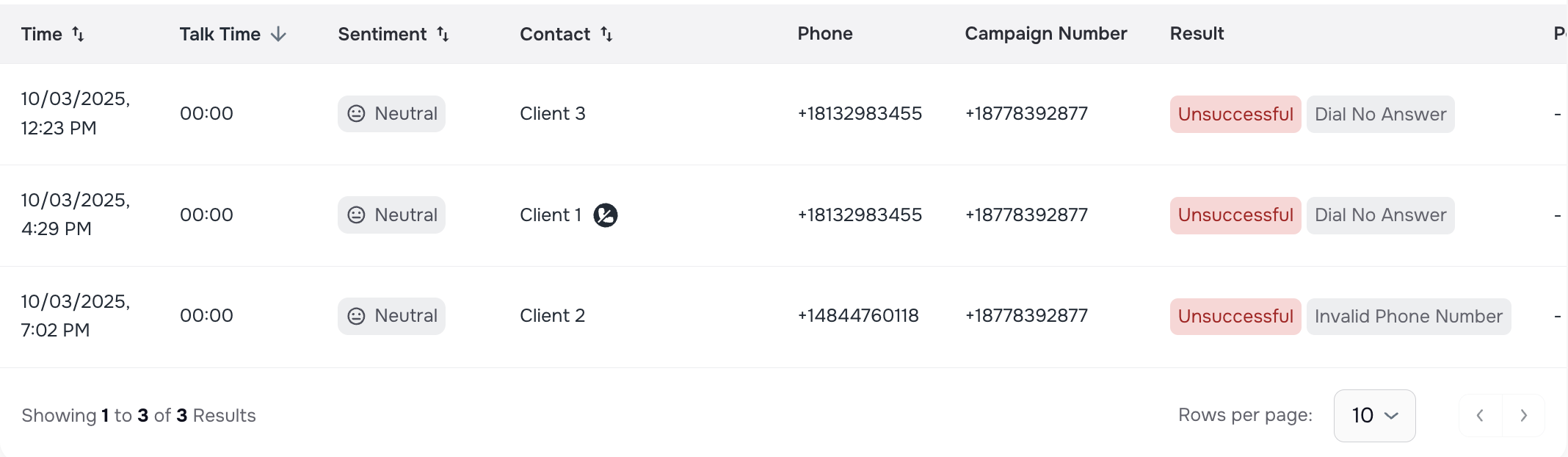
Clients who opt out during AI calls are now excluded at the case level.
- Opt-outs automatically apply across all future campaigns for that case.
- A new opt-out icon is displayed on the client profile for clarity.
- Prevents unwanted outreach and ensures client preferences are respected.


✨ Improvements
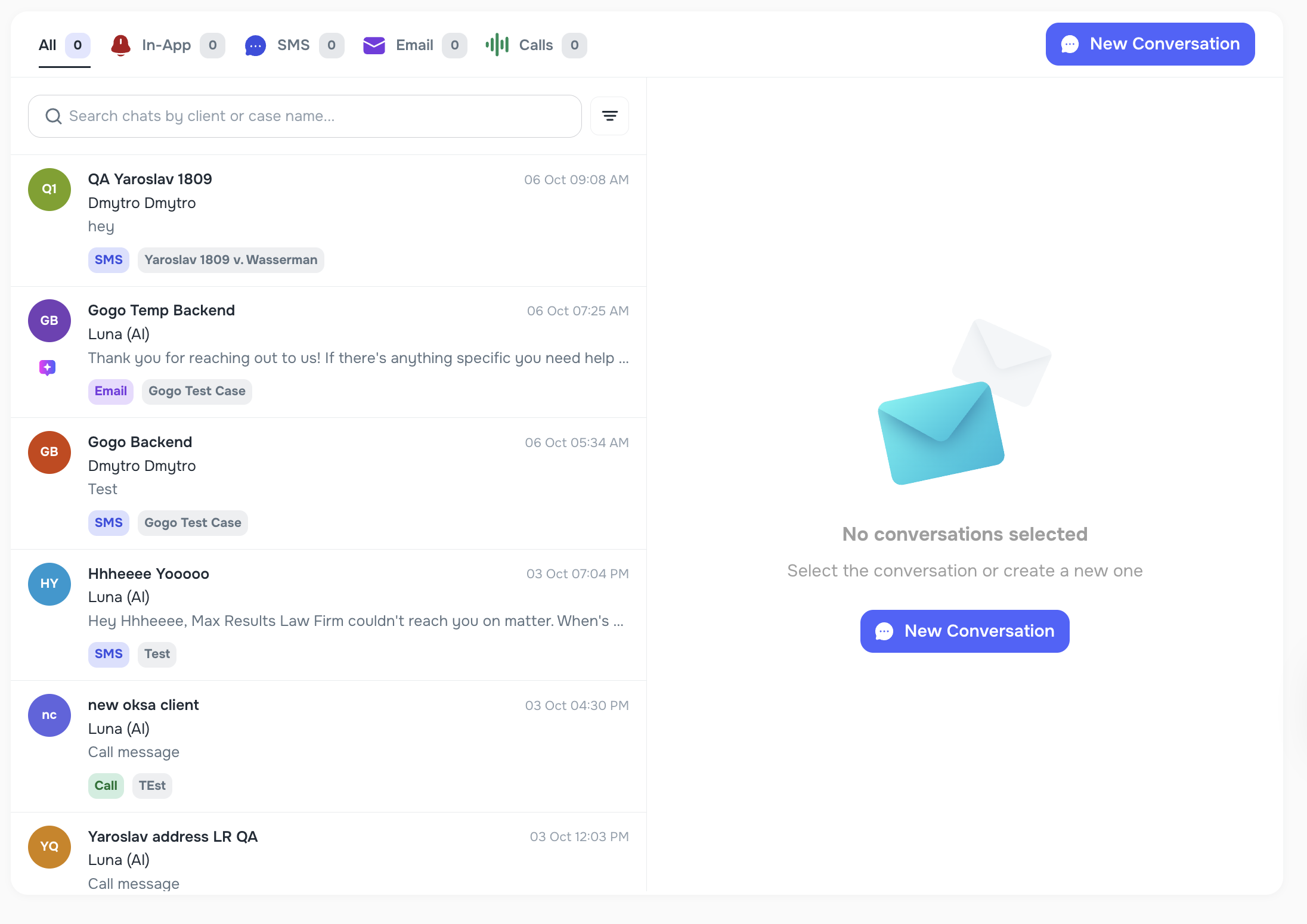
💬 Messenger Panel Resizing
The Messenger chat preview panel is now resizable.
- Drag the divider to see more of the conversation preview.
- Quickly browse longer messages without opening each chat.
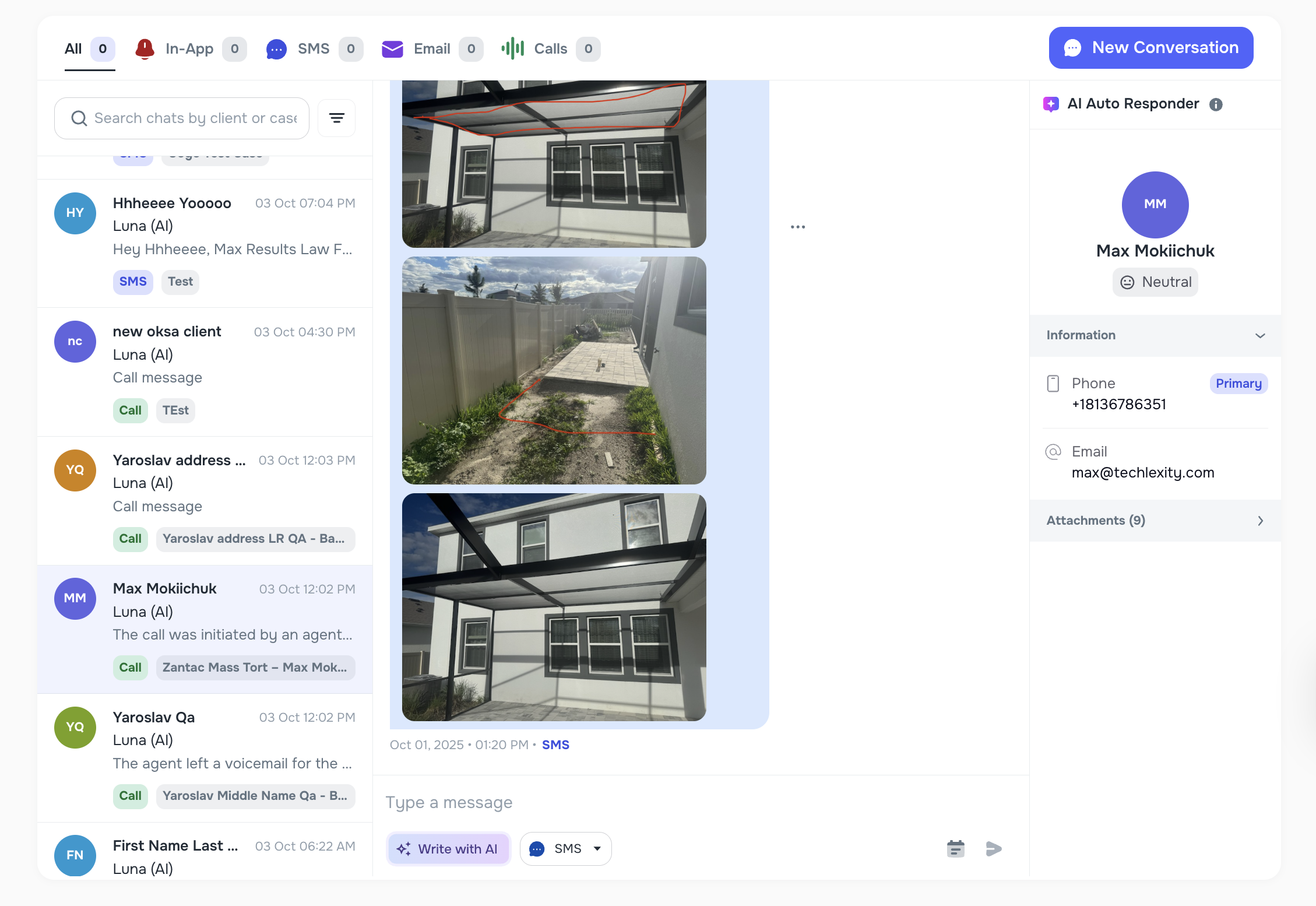
🖼 Messenger Image Support
Messenger now supports image attachments sent by clients.
- Images sent via SMS or email are displayed directly in Messenger.
- Ensures no important visual information is lost.
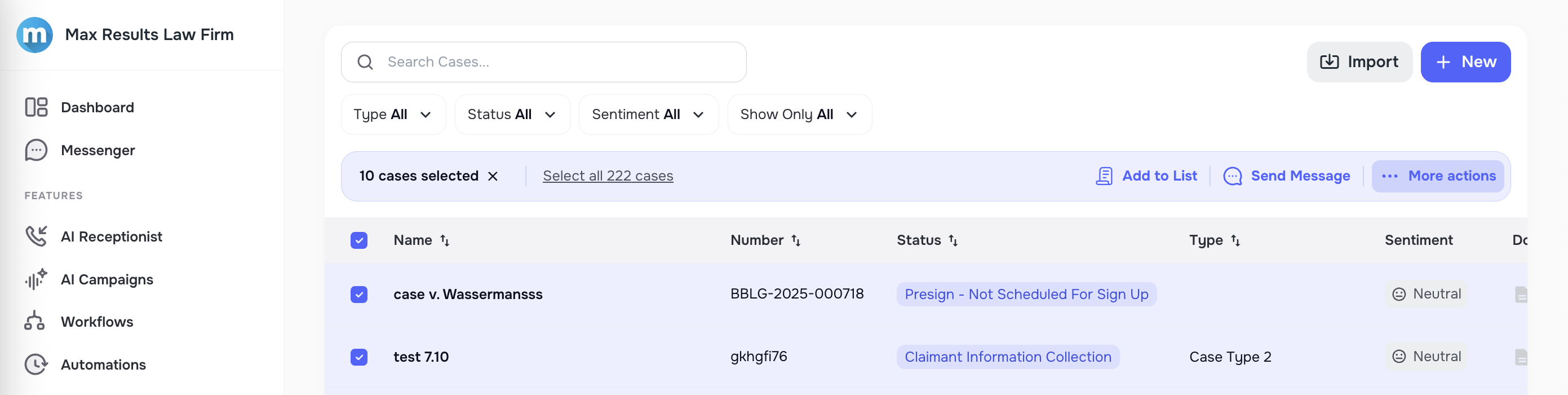
🗂 Bulk Action Buttons
We’ve improved the design of the Bulk Action buttons on the Cases page.
- Cleaner and more consistent look across the UI.
- Easier handling of bulk operations when selecting multiple cases.
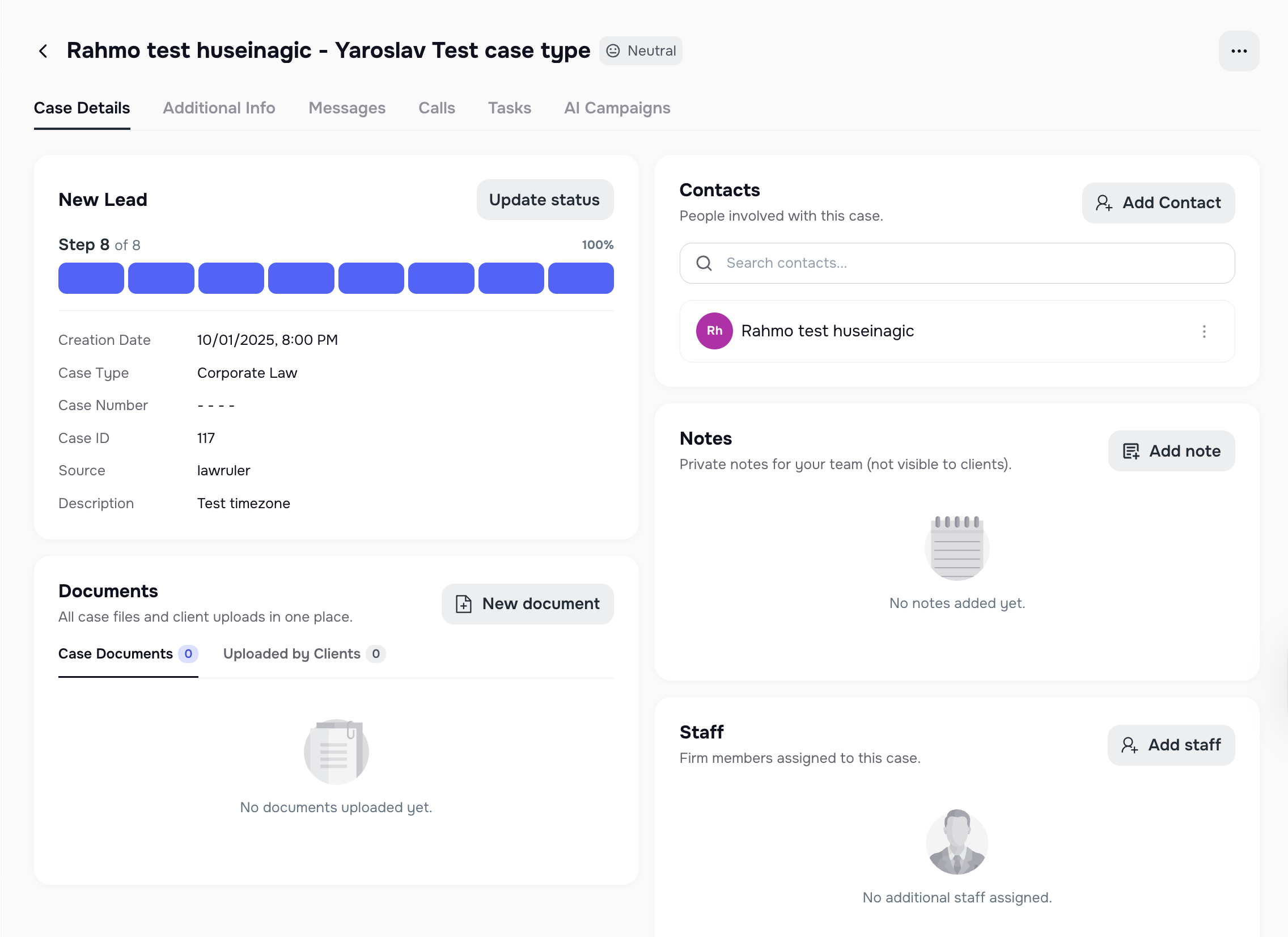
🗃 Case Details Page Redesign
The Case Details page has been updated for a modern, user-friendly experience.
- Reworked tabs and components for better navigation.
- Cleaner design helps you find case information faster.
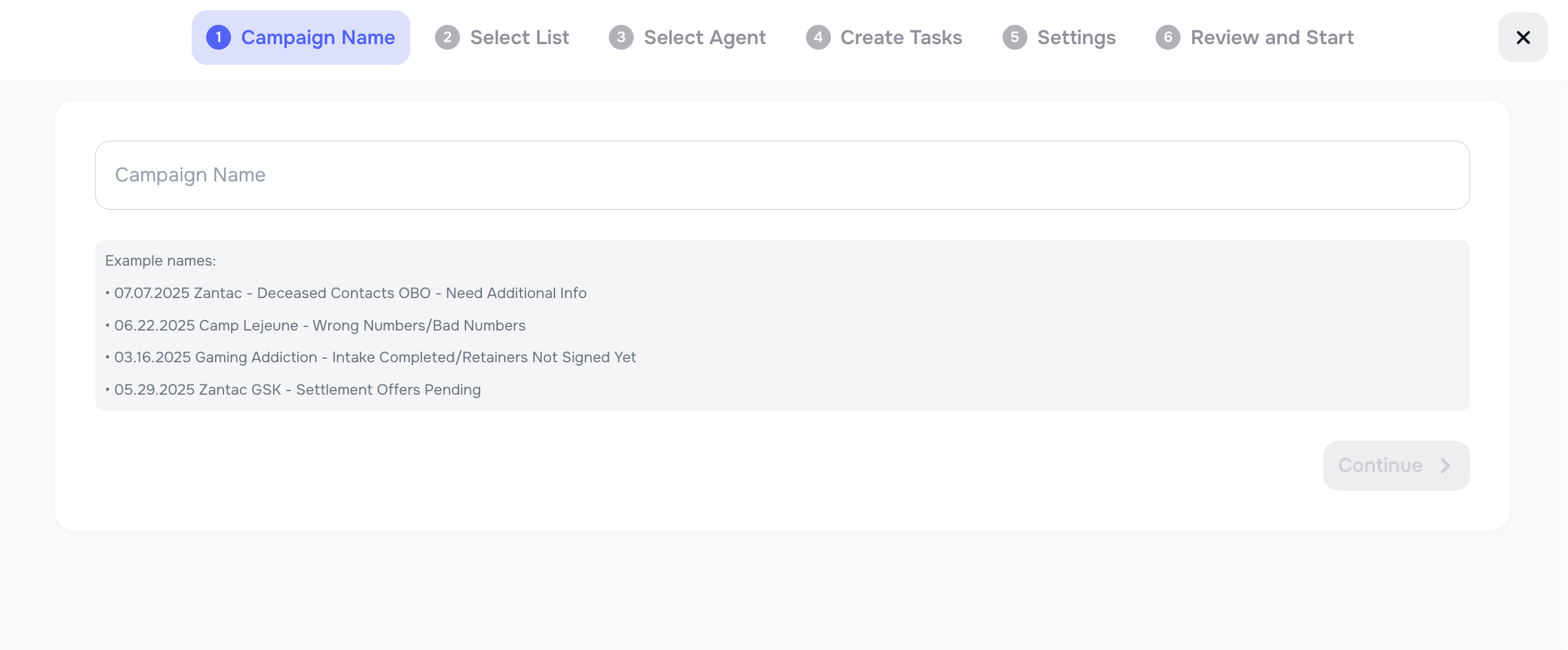
🤖 AI Campaign Creation Flow
Creating campaigns is now more intuitive with a redesigned step-by-step flow.
- Clearer navigation through each stage of campaign setup.
- Improved visuals for a smoother user experience.
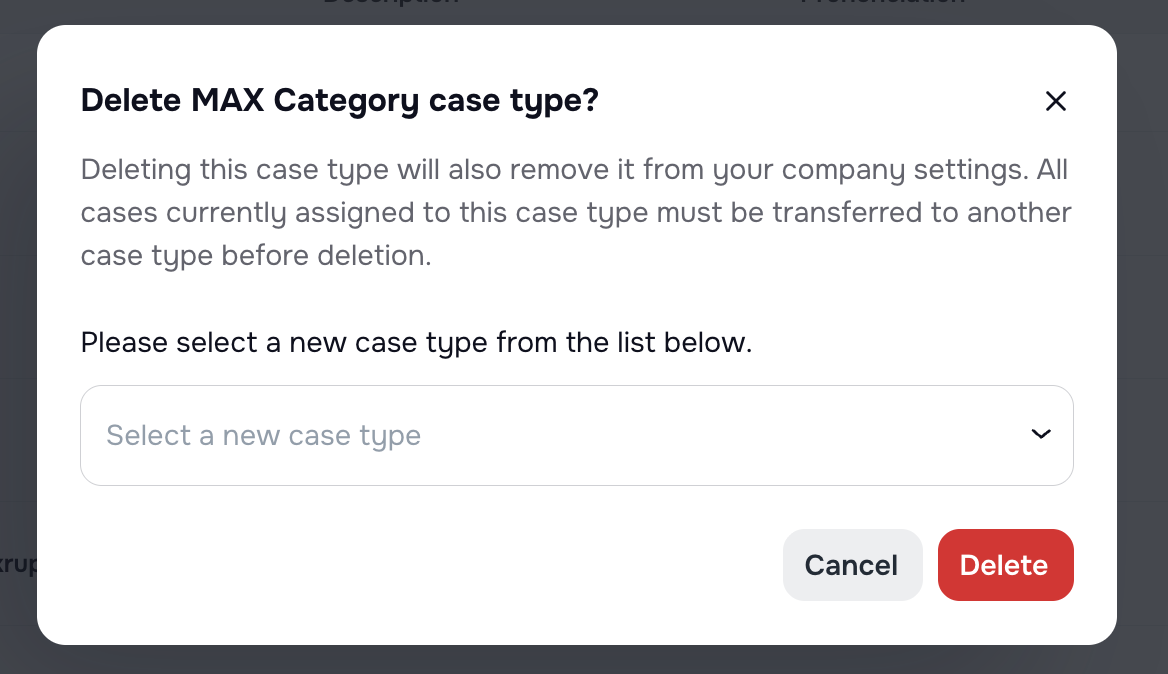
🏷 Case Type Deletion Handler
Deleting case types is now safer and more reliable.
- If a case type still has cases, you can reassign them to a new type.
- Prevents data loss and ensures smoother case type management.
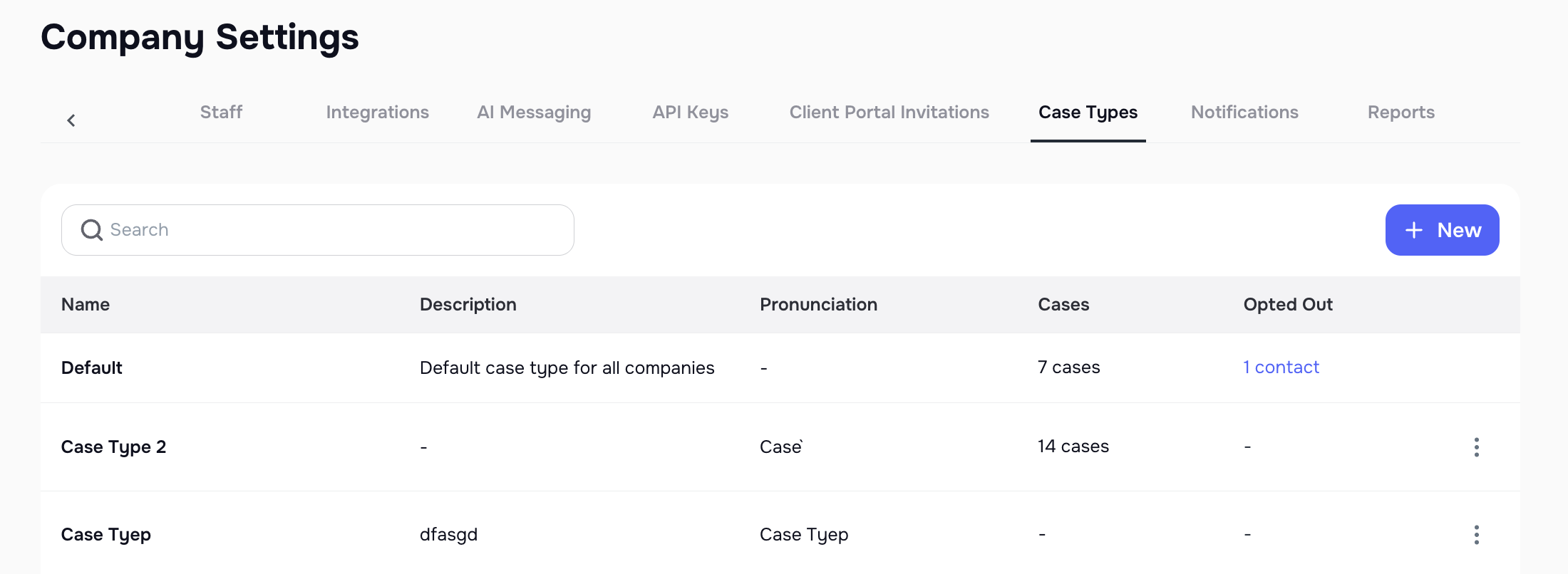
🔊 Pronunciation Field for Case Types
Voice AI Agents now pronounce case types correctly during calls.
- A new Pronunciation field is available when creating or editing case types.
- Helps ensure client-facing interactions sound professional.
📧 Improved Email Formatting
Email messages now look exactly the way you design them.
- HTML formatting (e.g., bold, italics) now renders properly in client inboxes.
- Messages maintain a professional look with consistent styling.
These updates bring more flexibility, better integrations, and an overall smoother workflow across Kayse. 🚀